Browse categories
Explore
Fiverr Pro
English
$
USD
OBS Studio Specialist for Professional Live Streaming
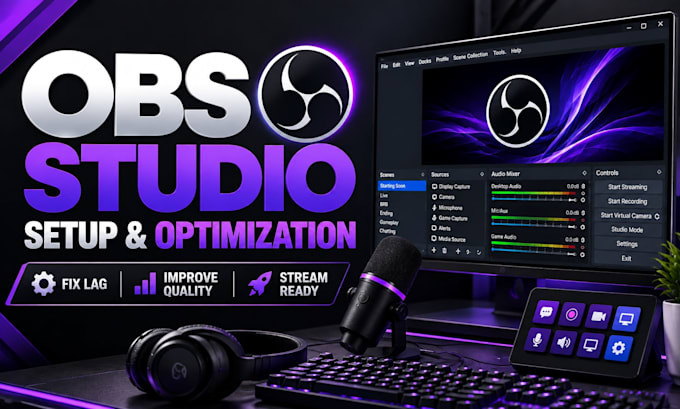
Are you struggling with OBS Studio settings, poor stream quality, lag, dropped frames, audio problems, or a setup that does not perform correctly? I will help you configure and optimize OBS Studio for a smooth, reliable, and professional streaming experience.
I specialize in OBS Studio setup and optimization for Twitch, YouTube Live, Kick, TikTok LIVE, Facebook Live, and other streaming platforms.
My service includes:
Whether you are starting your first stream or improving an existing setup, I will analyze your workflow and create an OBS configuration based on your hardware and goals.
I work with gaming streams, podcasts, webinars, live shows, and professional broadcasts. My focus is creating a stable OBS workflow that delivers better quality and a simpler streaming experience.
Share your setup details and lets optimize your stream.
Software:
OBS Studio
Purpose:
Gaming
•
Music
•
Lifestyle
•
Business
•
News
•
Streamshare
•
Webinar
1. What information do you need before starting my OBS setup?
I need details about your computer specifications, streaming platform, microphone, camera, capture card (if available), and your streaming goals. If you already have OBS installed, I will review your current settings and identify areas that need improvement before making changes.
2. Can you fix blurry streams, lag, and dropped frames in OBS?
Yes, I can diagnose common OBS performance problems including blurry output, encoder overload, dropped frames, unstable FPS, and incorrect bitrate settings. I will review your hardware, internet connection, and OBS configuration to apply suitable optimization changes.
3. Do you only work with Twitch or can you setup other platforms?
I can configure OBS Studio for multiple platforms including Twitch, YouTube Live, Kick, TikTok LIVE, Facebook Live, and other streaming services. The setup will be adjusted based on your chosen platform requirements and the type of content you create.
4. Can you setup my webcam, microphone, and audio inside OBS?
Yes, I can configure cameras, microphones, audio sources, filters, and monitoring settings inside OBS. I can also help organize your audio workflow so your voice, game sound, music, and other sources work correctly during your stream.
5. Do you provide overlays and graphics with this gig?
This gig focuses mainly on OBS Studio configuration and optimization. If you already have overlays or graphics, I can help integrate them into your scenes. Custom overlay design can be discussed separately depending on your requirements.
6. Can you optimize OBS for my specific PC hardware?
Yes. Every setup is different, so I adjust OBS settings based on your CPU, GPU, RAM, internet speed, capture devices, and streaming goals to achieve the best possible balance between quality and performance.
7. Will you teach me how to use the OBS setup after completion?
Yes, I can explain the important parts of your OBS workflow after configuration. I will help you understand your scenes, sources, settings, and the steps needed to confidently manage your stream going forward.
