Browse categories
Explore
Fiverr Pro
English
$
USD

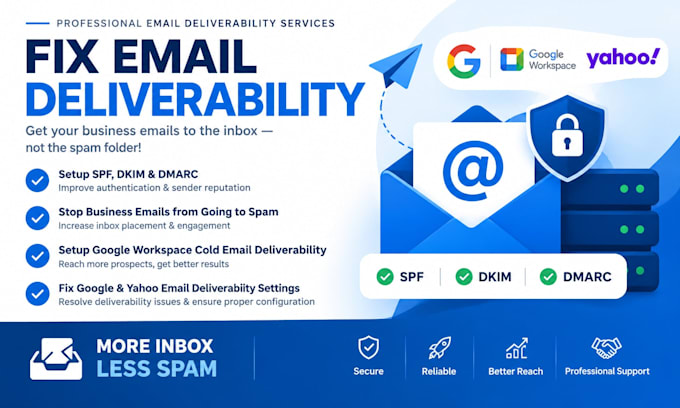
Are you losing sales and leads because your business emails, newsletters, or pitches are going straight to the SPAM folder? You are wasting time and money on dead campaigns.
I fix the technical errors causing mail providers to flag your domain as untrusted. I will repair your domain reputation and optimize your inbox delivery rates to match the latest compliance guidelines.
What I will do for you:
Supported Platforms: Google Workspace, Office 365, Klaviyo, Mailchimp, ActiveCampaign, HubSpot, and all custom SMTP servers.
Don't let bad technical plumbing kill your business growth. Let me fix your spam issues right now!
Fix Deliverability Reach the Inbox
Languages
What do you need to start the project?
Your domain URL, domain host (e.g., GoDaddy), and email provider (e.g., Google). Temporary login credentials allow for the fastest fix. Alternatively, I can generate the records for you to copy and paste yourself.
Will this guarantee 100% inbox delivery?
This fixes the critical technical setup required by Gmail/Yahoo to stop instant blocking. Long-term delivery also depends on your email copy, list hygiene, and daily sending volume.
How long does it take for the fix to work?
I configure the records immediately. Global internet servers usually take anywhere from 15 minutes to 24 hours to update and show passing status worldwide.
What is the difference between SPF, DKIM, and DMARC?
SPF is your approved sender guest list. DKIM is your tamper-proof digital signature. DMARC is the rule book telling servers to block or spam mail that fails SPF/DKIM checks.
