Browse categories
Explore
Fiverr Pro
English
$
USD
I help with custom domain, email setup, DNS, Cloudflare, and email deliverabilit
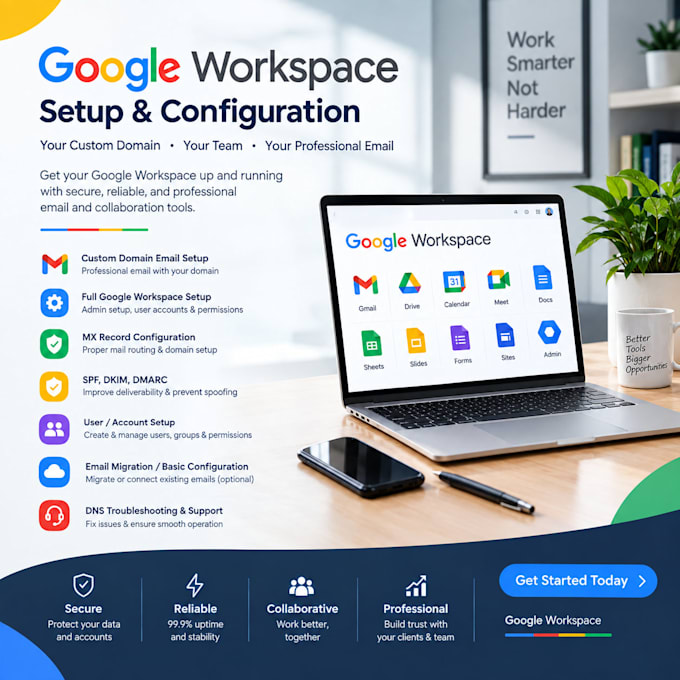
Welcome to my Google Workspace (G Suite) Setup & Configuration service!
I will professionally set up your Google Workspace with your custom domain and configure strict DNS security records to ensure 100% email deliverability to the inbox (no spam).
️What I Will Do:
Why Choose Me?
Message me if you have any questions, or place your order to get started today! Best regards!


Email Provider:
Gmail
•
Webmail
•
Other
Expertise:
Security
•
Setup
•
Configuration
•
Other
Will setting up SPF, DKIM, and DMARC stop my emails from going to Spam?
Yes! Proper authentication via SPF, DKIM, and DMARC builds domain trust with Gmail, Yahoo, and Outlook, ensuring your emails reach the primary inbox.
Do I need to provide login access to my domain and Google account?
Yes, I will need temporary access to your domain manager (to configure DNS records) and Google Workspace account. Alternatively, we can do it via a screen-sharing session if preferred.
How long will it take to complete the setup and for DNS to reflect?
The full setup takes less than a day. However, DNS record propagation (MX, SPF, DKIM) can take anywhere from a few minutes up to 24-48 hours to fully update worldwide.
Will this setup fix my emails going to the spam/junk folder?
Yes! Properly configuring SPF, DKIM, and DMARC records builds trust with mail servers (Gmail, Yahoo, Outlook) and significantly increases your inbox deliverability rate.
Can you add multiple domain names or domain aliases to my Google Workspace?
Yes, I can add secondary domains or domain aliases to your Google Workspace account so you can send and receive emails from multiple domains under one inbox.
Is my domain and login information safe with you?
Absolutely! Your credentials and business data are 100% safe and secure. You can change your temporary passwords immediately after the project is completed.