Browse categories
English
$
USD
Connect to your AI
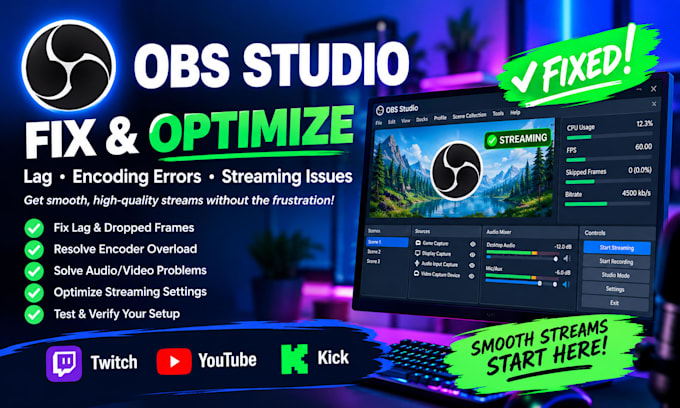
Are you experiencing OBS Studio lag, dropped frames, encoder errors, or streaming problems? I will help you troubleshoot and optimize OBS Studio for smooth, reliable streaming.
I can help fix common OBS issues, improve streaming performance, configure encoder settings, troubleshoot audio/video problems, and optimize your settings for platforms like Twitch, YouTube, and Kick.
My Services:
Why Choose Me?
Whether you're a beginner or an experienced streamer, I'll work to help you get OBS running smoothly.
Before ordering: Please tell me your issue, PC specifications, streaming platform, and any error messages you receive. This helps me understand your problem and choose the right package.
Let's improve your OBS streaming experience!
Software:
OBS Studio
Platform:
•
Twitch
•
YouTube
•
Kick
Purpose:
Gaming
•
Music
•
Lifestyle
•
Business
•
News
•
Streamshare
•
Webinar
1. What OBS Studio issues can you fix?
I can troubleshoot OBS lag, dropped frames, encoder overload, encoding errors, audio/video problems, and common streaming configuration issues.
2. Can you fix OBS lag and dropped frames?
Yes. I'll check your OBS settings and help identify possible causes, including encoder settings, network issues, and system performance.
3. Do you fix OBS encoder overload and encoding errors?
Yes. I can review your encoder configuration and recommend suitable settings based on your hardware, resolution, frame rate, and streaming needs.
4. Which streaming platforms do you support?
I can help configure OBS for Twitch, YouTube, Kick, and other platforms compatible with OBS Studio.
5. What information do you need before starting?
Please provide your OBS issue, computer specifications, operating system, streaming platform, and any error messages or screenshots that can help diagnose the problem.
6. Do I need to install OBS Studio before ordering?
Yes, preferably. Please install OBS Studio and ensure it opens correctly. If you need help with installation, contact me before ordering to confirm what's included.
7. Can you guarantee that every OBS issue will be fixed?
I'll carefully investigate the reported issue and work toward the best solution. Some problems depend on hardware, internet connectivity, or third-party software, so a guaranteed fix isn't always possible.