Browse categories
Explore
Fiverr Pro
English
$
USD


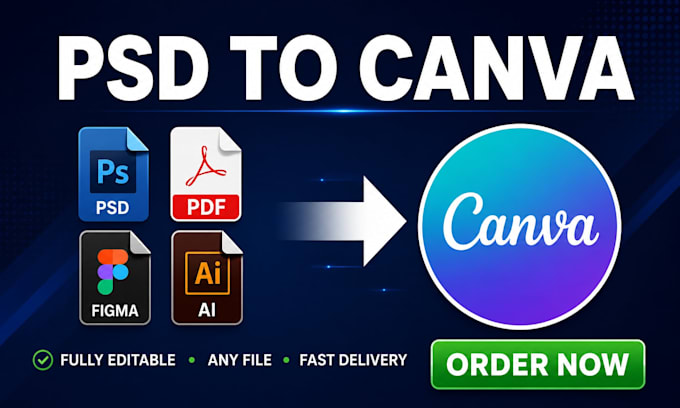
Stuck with a PSD, PDF, Figma or AI file you can't edit?
I'll convert any design file into a fully editable Canva template so you can update it yourself anytime no designer needed.
WHAT I CONVERT:
WHAT YOU GET:
PERFECT FOR:
MESSAGE ME before ordering if you have multiple files or a custom request.
Let's make your designs easy to edit!
Please inform the freelancer of any preferences or concerns regarding the use of AI tools in the completion and/or delivery of your order.
Turning ideas into scroll stopping designs fast
Languages
What file types can you convert to Canva?
I can convert PSD, PDF, Figma, AI, PNG, JPG, Word, and PowerPoint files into fully editable Canva templates.
Will the design look exactly the same in Canva?
Yes. I match the fonts, colors, layout, and spacing as closely as possible to your original design.
How will I receive the Canva template?
You'll receive a Canva share link that gives you full editing access to the template directly in your Canva account.
Do I need a paid Canva account to use the template?
No. Most templates work with a free Canva account. I'll let you know if any element requires Canva Pro.
Can you convert multiple pages or slides?
Yes. Message me with your page count and I'll give you a custom offer based on your needs.