Browse categories
Explore
Fiverr Pro
English
$
USD
Is your stream lagging, looking unprofessional, or producing poor-quality audio?
A properly configured OBS setup can make streaming smoother, clearer, and more reliablewhether you're going live, recording content, or building a professional broadcast.
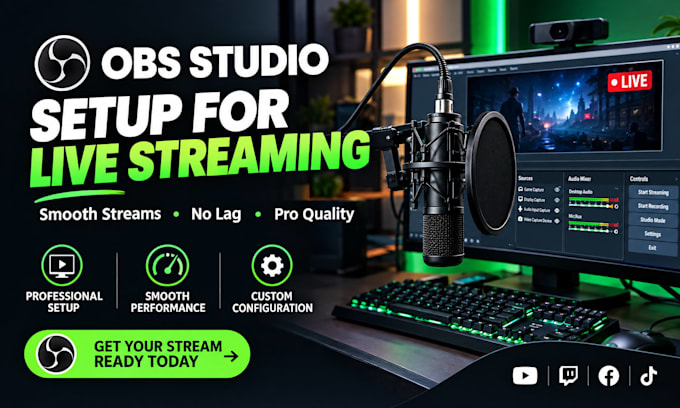
Get a clean OBS Studio setup tailored to your streaming needs, with the right scenes, sources, capture settings, overlays, audio configuration, and streaming settings for better quality and smoother performance.
What you get:
OBS Studio setup and configuration
Stream setup for live streaming or recording
Window and screen capture configuration
Overlay integration
Audio and microphone setup
Chat setup where required
Essential plugin configuration
Streaming optimization and troubleshooting
Support is available for Twitch, YouTube, Whatnot, Kick, TikTok, and other compatible streaming platforms.
The goal is simple: a stable, professional-looking stream with cleaner audio, smoother performance, and a better viewing experience.
Message before ordering if your setup has specific requirements or technical issues.

Software:
OBS Studio
Platform:
•
Twitch
•
YouTube
•
Bigo Live
•
Kick
Purpose:
Gaming
•
Music
•
Lifestyle
•
Business
•
News
•
Streamshare
•
Webinar
What do I need before you start my OBS setup?
You’ll need OBS Studio installed, your computer ready for remote setup if required, and your streaming platform/account details. Specific requirements can be discussed before ordering.
Can you set up OBS for Twitch, YouTube, Whatnot, Kick, or TikTok?
Yes. OBS can be configured for supported streaming platforms, including Twitch, YouTube, Whatnot, Kick, and TikTok, depending on your platform’s current streaming requirements.
Can you fix an existing OBS setup instead of starting from scratch?
Yes. Existing OBS configurations can be reviewed and corrected for issues such as incorrect settings, capture problems, audio issues, or unstable streaming performance.
Can you configure my microphone and stream audio?
Yes. Microphone input, audio sources, levels, filters, and basic audio routing can be configured for clearer and more consistent stream audio.
Can you add my existing stream overlay?
Yes. Existing overlays, alerts, graphics, scenes, and other provided assets can be integrated into your OBS setup. Custom graphic design is not included unless specifically purchased.
Can you set up OBS for recording as well as live streaming?
Yes. OBS can be configured for recording, including suitable resolution, encoder, audio, and recording settings for your content workflow.
Do I need to know how to use OBS?
No. The setup is designed to leave you with an organized and easier-to-use OBS workspace. Basic guidance can also be provided so you understand the essential controls.
Can you troubleshoot OBS if I’m experiencing lag, dropped frames, or other issues?
Yes. OBS troubleshooting can cover common configuration-related issues, including dropped frames, incorrect sources, audio problems, encoding settings, and performance bottlenecks.
