Browse categories
Explore
Fiverr Pro
English
$
USD
Android Developer, Kotlin and Jetpack Compose, Google Play Publishing
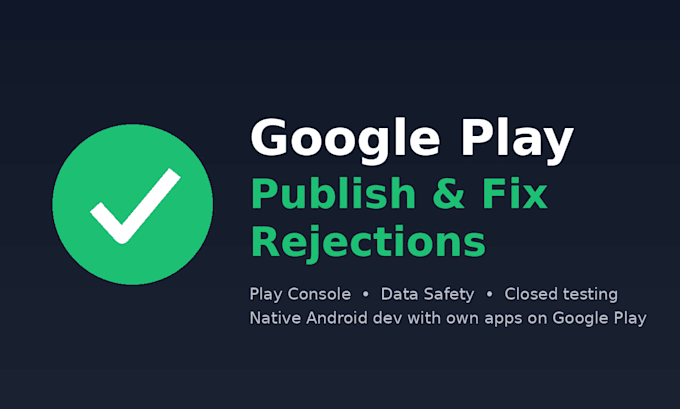
Built an app but stuck on Google Play? Rejected for policy violation, confused by Data Safety, or blocked by the closed-testing requirement? I will get your app live.
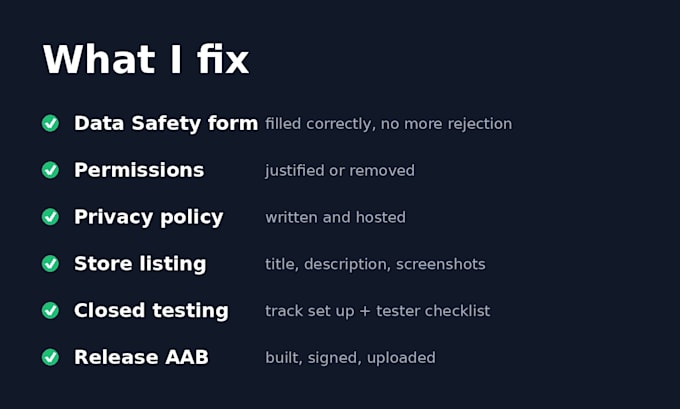
What I do:
Why me: I publish and maintain my own apps on Google Play, so I deal with Play policies and Console quirks regularly - not from tutorials, but from my own releases.
What I need: source code (Git or archive), access to your Play Console as a developer, and the rejection email if you have one.
Not included: fake reviews, buying installs, or providing testers. I only help with legitimate compliance.
Message me before ordering with your rejection reason and I will tell you which package fits.


Do I need my own Google Play developer account?
Yes. The app must be published under your account (Google charges a one-time $25 fee). I work as an invited developer on your Play Console.
Can you provide 12 testers for closed testing?
No. I set up the closed testing track correctly and give you a checklist to recruit testers legitimately. Buying testers violates Google Play policy.
My app was rejected several times. Can you still help?
Yes. Send me the rejection emails before ordering and I will tell you what needs to change and which package fits.
Do you work with Flutter or React Native apps?
Native Android (Kotlin/Java) is my main focus. For Flutter or React Native builds, message me first so I can confirm I can handle your setup.
Will you need my signing keystore?
Only to sign the release AAB. If you prefer, enable Play App Signing and keep the upload key yourself - I can guide you through it.