Browse categories
English
$
USD
Connect to your AI
Airtable Expert , Content Calendars and Agency Workflows
The client has signed. Now your team is chasing the brief, collecting brand files and copying answers into different tools.
Give every new client a clear starting point.
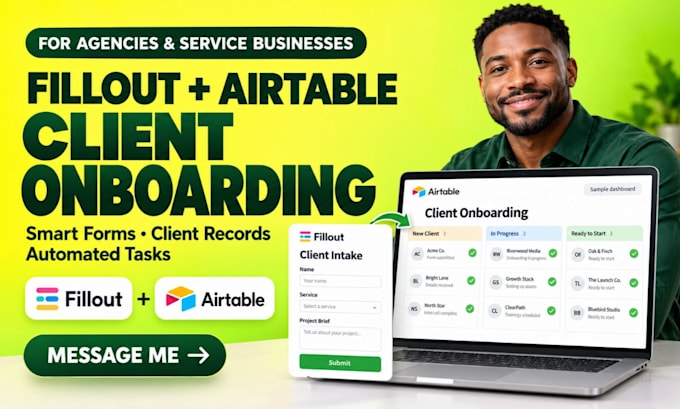
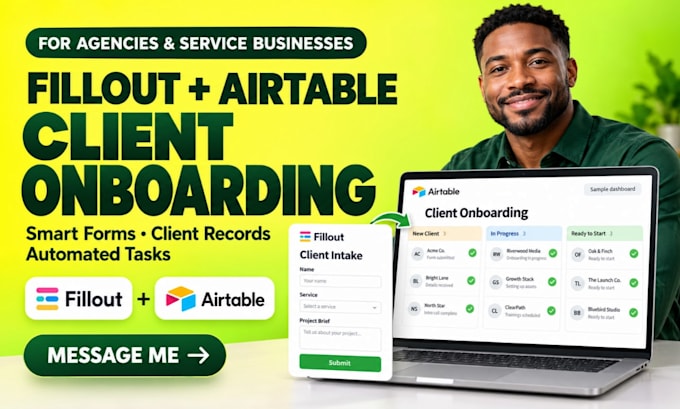
I will build Fillout forms connected to Airtable and automate the onboarding steps your team repeats.
Your setup can include:
For agencies offering several services, the form can show relevant questions based on what the client purchased.
Choose a form connection or a larger onboarding setup. Each package includes submission testing and handover instructions.
Software subscriptions, private client portals, payment processing and extensive data cleanup are separate.
Send your current intake questions and explain what your team does after a client submits them. Ill turn those steps into a defined workflow.



Database type:
Relational database
Platform:
Airtable
Expertise:
Data structure
•
Design
Can you connect a form to my existing Airtable base?
Yes. I can map your Fillout fields to an existing Airtable table. Basic covers one existing table. Structural changes or a larger database rebuild require additional scope.
Can different clients see different questions?
Yes. Conditional logic can show questions based on the selected service or earlier answers. Please provide the questions and rules you need so we can confirm the package.
Can the form collect files and brand assets?
Yes. We can include file-upload fields or collect links to existing folders. File sizes, storage and available features depend on your subscriptions.
What can happen after someone submits the form?
Depending on your package, submissions can create Airtable records, generate onboarding tasks, notify your team, send a welcome email or start an agreed follow-up workflow.
Can clients update information they already submitted?
Yes, where appropriately configured. Updating existing records requires an agreed record-matching and access approach. Private client accounts and portals are separate from the listed packages.
Do I need Make or Zapier?
A direct Fillout-to-Airtable connection may be enough for a simple form. More involved workflows may use Airtable automations or Make. I’ll confirm the required tools before starting.
Can you repair an existing form or automation?
Yes. Send screenshots, the expected result and an example of what goes wrong. I’ll assess the issue and confirm a suitable package or custom offer before you order.
Are software subscriptions included?
No. Fillout, Airtable, Make and any other paid services are purchased separately. We’ll check your current plans against the agreed requirements before work begins.
How will you test the setup?
I’ll submit sample records through the agreed form paths, check field mapping and conditional questions, and verify the included notifications and task workflows. Duplicate handling is tested where included in scope.