Browse categories
Explore
Fiverr Pro
English
$
USD
OBS Studio and Live Stream Expert
OBS should be the part of your stream you never have to worry about.
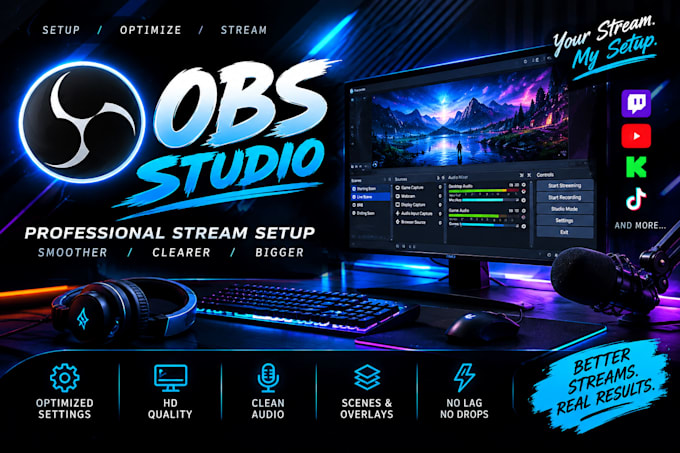
Your content, gameplay and personality deserve a setup that can keep up with them. If you are dealing with blurry output, unstable streams, bad audio, dropped frames, encoding issues, black screens, or settings that simply do not feel right, I will turn that messy setup into a properly configured streaming environment.
I configure OBS around YOUR PC, internet connection, hardware, platform and streaming goals. Every important part is checked, optimized and tested so your setup is built to perform rather than just look configured.
I work on
Whether you are starting from zero or your current setup needs serious improvement, I will get your OBS environment properly configured and ready for real use.
You focus on the stream.


Software:
OBS Studio
Platform:
•
Twitch
•
YouTube
•
Kick
•
Other
Purpose:
Gaming
•
Music
•
Lifestyle
•
Business
•
News
•
Streamshare
1. Are you able to set up OBS from scratch?
Yes. I can configure a completely fresh OBS Studio installation from the basic settings to a fully tested streaming or recording setup.
2. Can you optimize OBS for my PC and internet connection?
Yes. I configure OBS based on your hardware, GPU/CPU, upload speed, resolution, FPS, encoder and streaming goals.
3. Can you fix OBS lag, dropped frames, black screens or other errors?
Yes. I can diagnose and troubleshoot common and advanced OBS issues, including dropped frames, encoding problems, game capture issues, audio problems and black screens.
4. Do you set up scenes, alerts, overlays and audio?
Yes. I can configure scenes, sources, alerts, browser widgets, microphones, desktop audio, filters, overlays and other OBS elements.
5. How do you access my computer for remote setup?
I can use TeamViewer for remote OBS configuration and troubleshooting. You can stay with me during the entire setup if preferred.
6. Is OBS setup available for Twitch, YouTube, Kick and other platforms?
Yes. I can configure OBS for Twitch, YouTube, Kick, TikTok and other supported streaming platforms.
7. What do I need before placing an order?
Please have OBS installed or ready to install, your streaming platform details, and access to the PC you want configured. I will guide you through anything else required
8. Will you test the setup before completing the order?
Yes. I test the important settings and make adjustments to help ensure your OBS setup is stable, properly configured and ready for real use.