Browse categories
English
$
USD
Connect to your AI

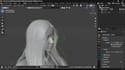
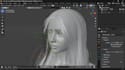
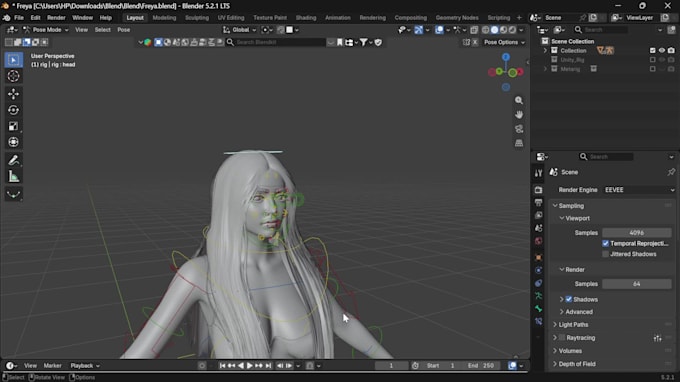
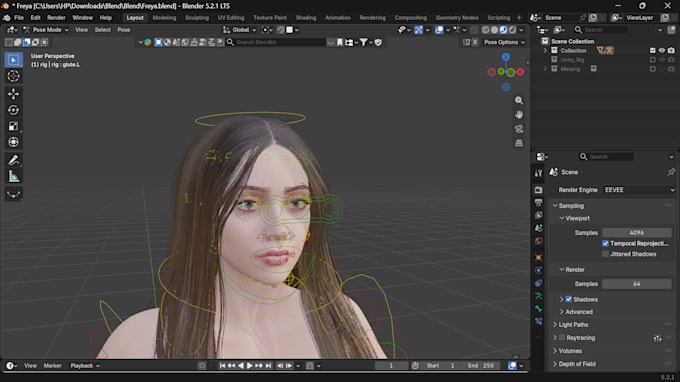
Face capture only looks right when every blendshape matches the ARKit spec. I build facial rigs with clean shape keys, named and shaped so iPhone capture apps, Unreal, and Unity map them correctly.
What you get:
How it works:
Message me first if your mesh is very dense or has accessories like hats or hair cards, so I can plan cleanup.
3D Rigging, Vehicle Setup and 3D Scene Creation, 3d freak
Languages
What are the 52 ARKit blendshapes?
The standard set of face shapes Apple’s ARKit tracks, like jawOpen and eyeBlinkLeft, used by most iPhone capture apps.
Are shape keys the same as blendshapes?
Yes. Blender calls them shape keys, most engines call them blendshapes.
Can you add a facial rig to my existing model?
Yes, if the face topology supports it. I’ll check first.
Will it work with Live Link Face or Unreal?
Yes, the names follow the ARKit spec those tools expect
Do you do facial animation too?
A short preview is included in Premium. Longer animation is quoted separately.