Browse categories
Explore
Fiverr Pro
English
$
USD
Professional OBS Studio and Dual PC Setup Expert
Struggling with laggy streams, poor audio quality, or a messy OBS dual PC setup that kills your viewer experience?
Bad audio sync, frame drops, and unstable streaming setups can lower viewer retention and make your stream look unprofessional costing you growth and income.
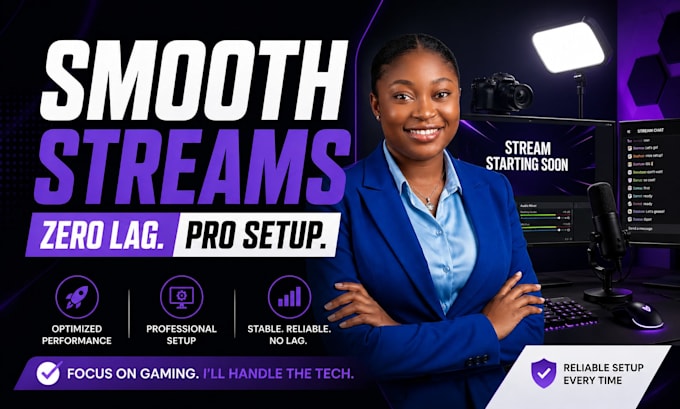
A properly optimized OBS studio setup with dual PC streaming, clean audio routing, and capture card configuration can dramatically improve stream quality, stability, and audience engagement.
Expect smoother performance, crystal-clear audio, and a broadcast-ready setup built for Twitch, YouTube, Kick, or Facebook Gaming.
What You Get:
Designed for gamers, streamers, and content creators who want a prolevel streaming system that runs smooth, looks clean, and performs reliably under pressure.
Get a setup that helps you stream like a pro without technical headaches.

Software:
OBS Studio
Platform:
•
Twitch
•
Kick
Purpose:
Gaming
•
Music
•
Lifestyle
1. What do I need to get started?
You will need basic access to your OBS Studio, your PC setup details, and any hardware you are using (capture card, mic, GoXLR, or Voicemeeter if available). If you are unsure, guidance will be provided so everything is set up correctly from the start.
2. How long does the setup usually take?
Most standard OBS dual PC setups are completed within 24–48 hours depending on complexity. More advanced setups (audio routing, capture cards, Stream Deck integration) may take slightly longer to ensure perfect optimization.
3. Will my stream quality actually improve?
Yes , the setup is focused on reducing lag, fixing audio sync issues, and improving overall stream stability. The result is smoother gameplay, clearer audio, and a more professional broadcast experience that helps increase viewer retention.
4. Do you fix existing OBS or audio issues?
Yes, existing problems like lag, echo, desync, or poor audio routing can be fully diagnosed and fixed. This also includes optimization for Voicemeeter, GoXLR, or capture card setups if already installed.
5. Do you support Twitch, YouTube, and Kick?
Yes, full multi-platform support is included. Your OBS setup can be optimized for Twitch, YouTube, Kick, or Facebook Gaming depending on your streaming goals.
6. Can I request revisions if something is not perfect?
Yes, revisions are included to ensure everything works smoothly. The goal is a stable, professional setup that performs reliably under real streaming conditions.
7. Can my setup be upgraded later?
Absolutely. You can later upgrade to advanced optimization like custom overlays, Stream Deck automation, pro audio tuning, or full branding for a more professional streaming identity.
