FAQs
How can Subscriptions help my business?
Build off your existing relationships with buyers and help new ones find you. Offering Subscriptions gives you more exposure for your Gigs, allowing you to generate new revenue, get more repeat business, and increase your Repeat Business Score.
┄
When will I get paid?
After every delivery.
┄
Who can offer Subscriptions?
Only select sellers who meet pre-established criteria (based on both external and internal metrics for business and quality will have the option of offering Subscriptions on their Gigs.
┄
Can I offer Subscriptions for all my Gigs?
If you are or will be one of the select sellers, you can offer Subscriptions on any new Gig, existing Gig, or Custom Offer priced at more than $10. We recommend adding Subscriptions to your existing Gigs for faster success since new Gigs will take time to get exposure.
┄
How will I know if I’ve been selected?
Selected sellers will be notified via email and will also be able to see the option in their managed Gigs.
┄
What is the minimum/maximum duration for Subscriptions?
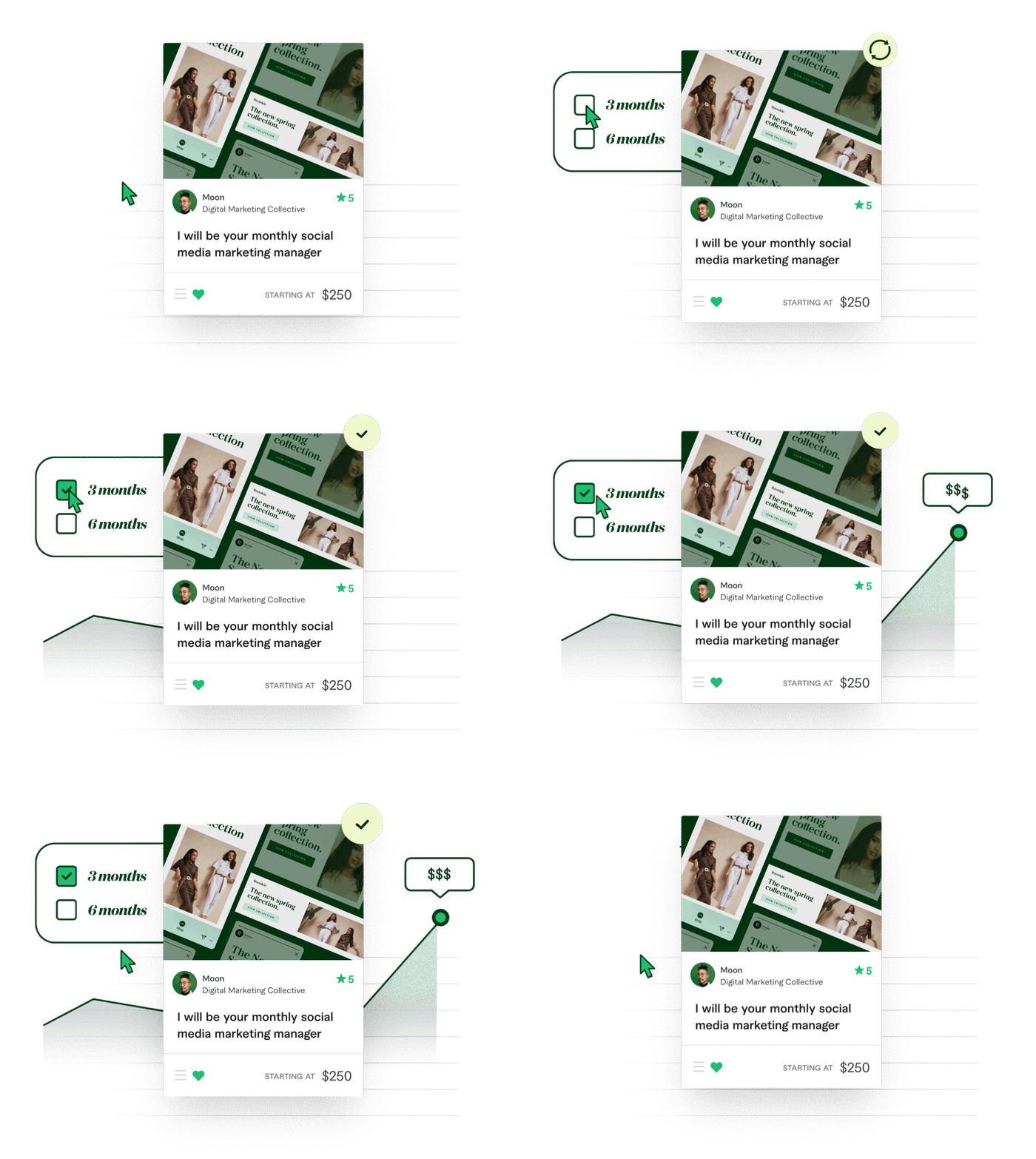
You can now add a three- or six-month Subscription to your Gig, or send a Custom Offer for up to six months.
┄
What is the cadence of Subscriptions deliveries?
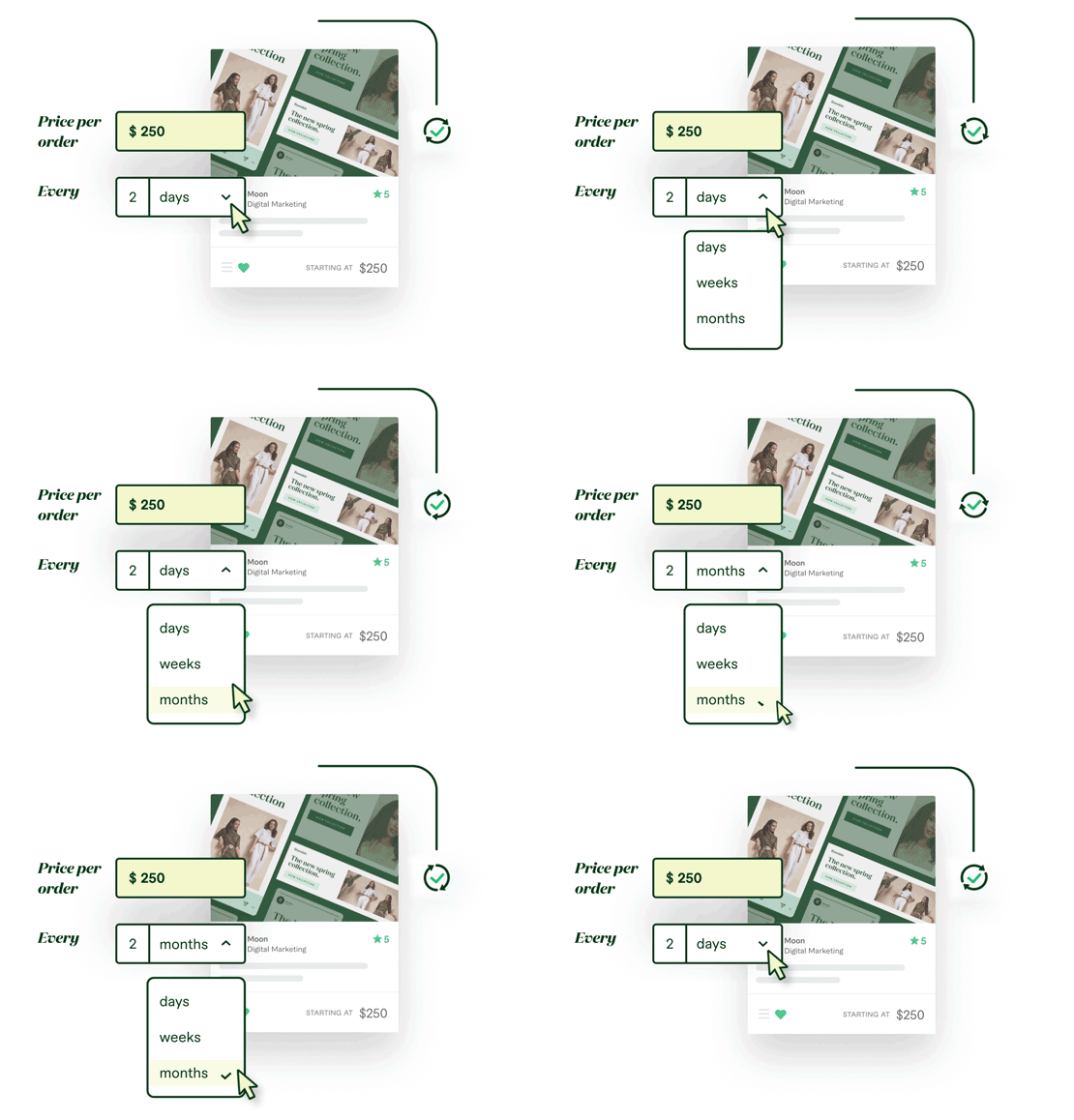
Subscriptions for a new or existing Gig will be on a monthly basis, while Custom Offers allow a daily, weekly, or monthly cadence.
Daily: Min - 5, Max - 29
Weekly: Min - 1, Max - 7
Monthly: Min - 1, Max - 2
┄
Can I disable my Subscriptions?
Yes, you can add and remove Subscriptions to/from your Gigs at any time.
┄
How will buyers know I offer Subscriptions?
Once we launch to buyers, they will be able to see a Subscriptions badge on your Gig card from the listings page and filter Subscriptions Gigs. Once on your Gig page, they’ll be able to see the Subscription option at the bottom of each package description they select, or at the bottom of the table when clicking on “Compare Packages”.
┄
What if my Buyer has different requirements for each order?
Buyers can communicate any new requirements as needed from the Order page.
┄
Can I offer a discount?
When adding Subscription to your Gig, you can choose to offer a 5%, 10%, 15% or 20% discount which will be applied from the second month’s order. In Custom Offers, you can set the order price to include the discount.
┄
Can I cancel Subscriptions?
Both buyer and seller can cancel Subscriptions. You can cancel a Subscription without it affecting your seller metrics by using the Subscription tab in the order page on web.
┄
Can I create a custom Subscription without adding it to my Gig?
Yes, selected sellers can create a Custom Offer with the Subscription option without enabling Subscriptions to a Gig.
┄
Can I offer it on mobile?
You can only create a custom Subscription from desktop or mobile web, but buyers can accept and pay from mobile.
┄
Where can I learn more about Subscriptions?