Browse categories
Explore
Fiverr Pro
English
$
USD
Fillable PDF Form Specialist ! Adobe Acrobat ! Graphic Design
Level 1
Has met certain performance criteria and shows strong potential in the marketplace.
Highly Responsive
Known for exceptionally quick replies
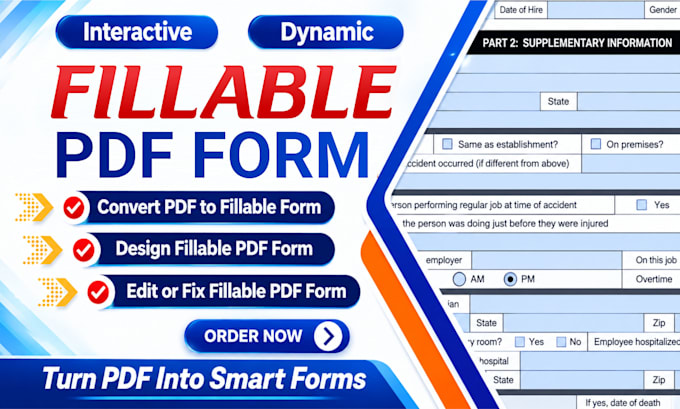
Looking for a professional to design fillable PDF forms or convert PDF to fillable form? You're in the right place!
I'm a professional Fillable Form Designer with over 15 years of experience. I specialize in creating interactive, and user-friendly fillable forms using Adobe Acrobat Pro. I can transform your Word documents, and jpg files into clean, well-organized fillable forms.
Services I Offer
Features of Fillable Form
Why Choose Me
Professional Tools:
Let's turn your static PDF into a smart, professional, and easy-to-use fillable form!
Thank you!



Convert from:
Convert to:
1. What types of documents can you convert into fillable PDF forms?
I can convert Word documents, Excel spreadsheets, scanned forms, images, and existing PDF files into professional fillable PDF forms.
2. What interactive features can you add to my PDF form?
I can add text fields, checkboxes, radio buttons, dropdown menus, signature fields, automatic calculations, data validation, picture upload fields, and action buttons.
3. Will the Fillable PDF form work on mobile devices?
Yes, all fillable PDFs are designed to be fully compatible with desktop, mobile, and tablet devices.
4. Can you convert my Word or Excel file into a fillable & editable PDF?
Yes, I can convert Word, Excel, or even scanned documents into fully interactive fillable PDF forms.
5. Can you edit or fix an existing fillable PDF form?
Absolutely. I can correct field alignment, tab order, calculation errors, formatting issues, and other problems to ensure your form works properly.
6. How many revisions do you offer
I offer unlimited revisions to ensure your final design meets your exact requirements and expectations.
7. What is the project delivery timeline?
The delivery time depends on the complexity of the project, but typically I deliver within 24–48 hours for standard PDF form design projects.