Browse categories
Explore
Fiverr Pro
English
$
USD
data analysis
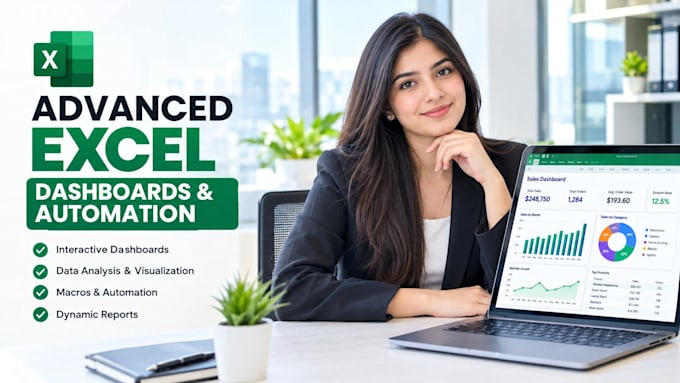
Still updating Excel reports by hand every week? I turn your spreadsheets into automated, interactive Excel dashboards and tools that save hours of work.
What I do:
- Interactive Excel dashboards with charts and slicers
- Pivot tables and pivot charts
- Advanced formulas: XLOOKUP, INDEX-MATCH, SUMIFS, dynamic arrays, nested IF
- Power Query to clean and combine data automatically
- VBA macros to automate repetitive tasks
- Sales, inventory, finance, budget, HR and KPI trackers
- Fixing broken formulas and slow workbooks
Also available in Google Sheets.
You get:
- A clean, well-structured workbook
- Dashboards that update with one refresh
- Locked formulas so nothing breaks by mistake
- Simple instructions for using the file
Why me: I combine Advanced Excel with Python and Power BI skills, so I can handle large and messy data that normal Excel work cannot.
Message me with a sample of your file and what you want automated.



Technology:
Excel
•
Google Sheets
Data type:
Numeric
•
String
•
Date
•
Currency
Which Excel version do I need?
Excel 2016 or newer, ideally Microsoft 365. Tell me your version before ordering and I will only use formulas and features that work on it
Can you work in Google Sheets instead of Excel?
Yes. I can build the same formulas, dashboards and automation in Google Sheets, using Apps Script where macros are needed.
Will my dashboard update automatically with new data?
Yes. Paste or load new data and click Refresh. With Power Query, the file can pull data from a folder or source automatically.
Can you handle large files?
Yes. I work with files of 100,000+ rows. For very large data I use Power Query or Python so the workbook stays fast.
Do I need Excel skills to use the file?
No. I build the file to be simple to use, with clear buttons and instructions. I can also record a short walkthrough video.
Can you fix errors in my existing spreadsheet?
Yes. I fix #N/A, #REF and #VALUE errors, broken links, slow formulas and messy layouts. Share the file for a free review first.
Are macro files safe?
Yes. All VBA code is clean, commented and only does what we agree on. You will get a .xlsm file and I will explain how to enable it.
Is my data confidential?
Yes. Your files are only used for your project and never shared. You can also send a sample with dummy data.