Browse categories
English
$
USD
Connect to your AI



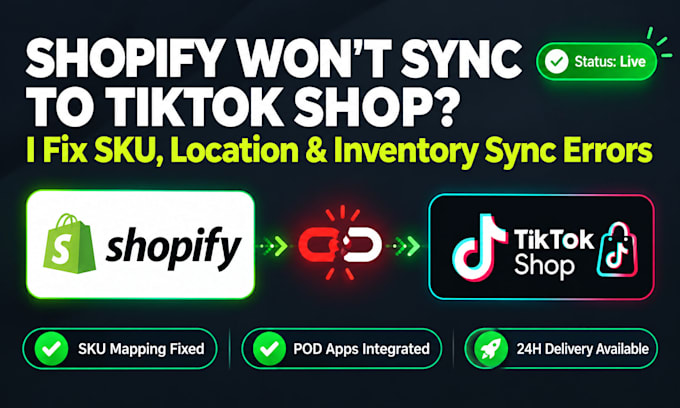
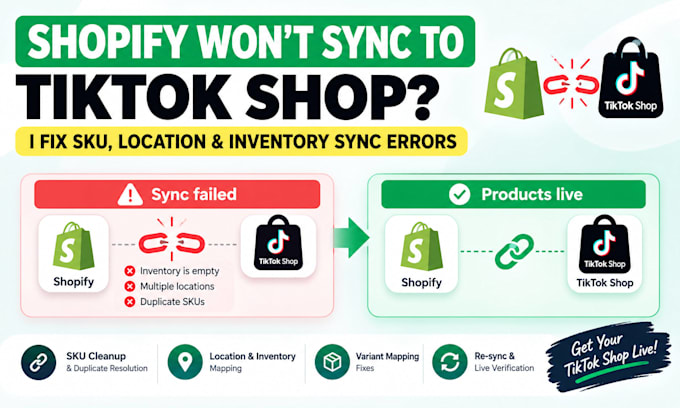
Are your Shopify products failing to sync to TikTok Shop?
Are you stuck staring at frustrating errors like "inventory is empty," "multiple locations," or duplicate SKUs stopping your TikTok launch?
If you sell Print-on-Demand (Printify/Printful), this is incredibly common. Your POD app can accidentally add a secondary location, leaving your product SKUs blank or duplicated. Even though your items look fine on Shopify, TikTok's system completely rejects the catalog. This means your entire launch is blocked and ad spend is stalled.
I am a Shopify developer specializing in inventory and backend catalog debugging. I fix the architecture gaps so your products push through cleanly.
What I Fix:
PLEASE MESSAGE ME BEFORE ORDERING with a screenshot of your sync error!
I repair Shopify POD stores, lost ad attribution, sync errors, broken orders
Languages
Why does my Print-on-Demand inventory say 'empty' or fail to sync?
Print-on-Demand apps create separate virtual warehouse locations in Shopify. TikTok Shop requires your inventory to map to a single default shipping warehouse. I fix this structural mapping behind the scenes.
Will I lose my current product reviews or listings on Shopify?
No. I perform database backups of your active Shopify product files before running any bulk SKU or variant script modifications. Your live storefront remain perfectly safe.
Do you support other Print-on-Demand apps besides Printify?
Yes! While Printify is the most common app with this issue, I can fix sync feeds connected to Printful, Gelato, ShineOn, Customily, and any custom API warehouse feeds.
What do you need from me to start working on the sync errors?
Once you place an order, you will need to provide your Shopify store URL, the exact error text you are seeing, and screenshots of your TikTok Shop sync screen. I will also need temporary Shopify staff/collaborator access to fix the data.