Browse categories
English
$
USD
Connect to your AI


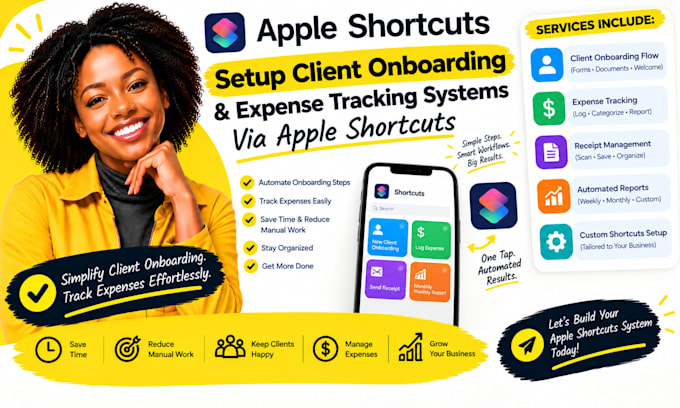
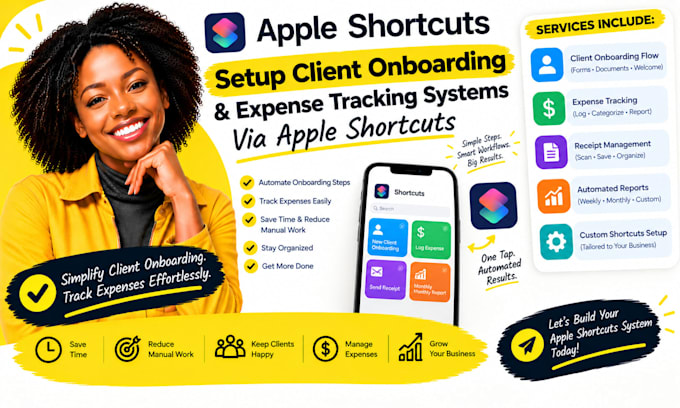
New client setup and expense capture often involve the same details being entered in several places. I create Apple Shortcuts that guide intake, collect agreed information, prepare client folders or reminders, capture expense details, and format records for review.
Depending on your apps, the workflow can include required field prompts, category choices, date and amount checks, and a review step before records are saved.
Heres what my service includes:
Platforms I work with:
Apple Shortcuts · iPhone · iPad · Mac · Files · Numbers · Notes · Reminders · Calendar · Contacts · Mail · Safari · iCloud Drive · Google Sheets ·
Microsoft Excel · Airtable · Dropbox · Google Drive · QuickBooks · Wave · Xero
SELECT A PACKAGE OR MESSAGE ME FOR A CUSTOM QUOTE.
Apple Shortcuts Automation for Business Workflows
Languages
Can onboarding answers create a client checklist?
Yes, if the selected destination supports the needed actions. I can collect approved fields, check required answers, and create a checklist or reminders. We’ll agree which details are stored, where they go, and which steps need your confirmation
Can the expense shortcut capture receipt photos?
A shortcut can prompt for or receive a receipt image when the device and chosen actions support it. I can prepare vendor, date, amount, and category fields, but reliable text extraction depends on the image and available recognition actions
Will expense entries go straight into my accounting software?
Only if your software offers a supported route for the required data. I’ll verify the exact app and account setup first. If direct writing is unavailable, the shortcut can prepare a structured record for review or import instead
How do you prevent incorrect expense records?
We can add required-field prompts, category selection, amount confirmation, and a review step before saving. I can also define a duplicate-check approach where supported; the shortcut should not silently invent missing transaction details
Can the same shortcut serve different client types?
It can offer menu choices and branch into different steps, as long as the workflow remains manageable. I’ll map each client type, its required information, and destination actions, then test every branch