Browse categories
Explore
Fiverr Pro
English
$
USD


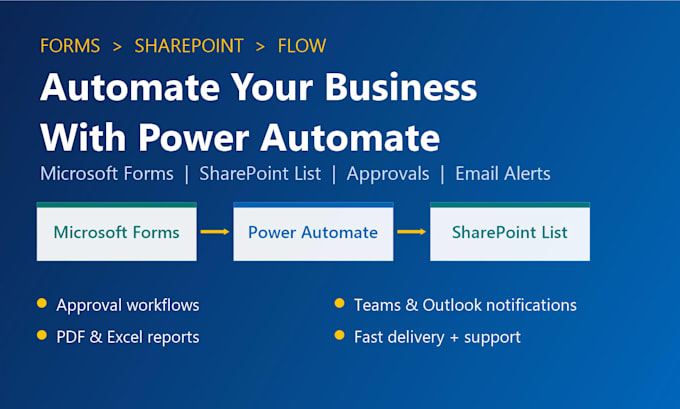
Still copying Microsoft Forms responses by hand? I will build a complete, ready-to-use automation that connects Microsoft Forms, SharePoint List and Power Automate, so your data is saved, approved and shared automatically.
What I can build for you:
Why work with me:
Please message me before ordering with your process details so I can suggest the right package.
Power Automate, SharePoint and Microsoft Forms Expert, WordPress Developer
Languages
Do I need a Microsoft 365 license?
Yes. You need a Microsoft 365 business or education account with Forms, SharePoint and Power Automate. Standard connectors are enough for most projects. I will tell you in advance if a premium license is needed.
How will you access my Microsoft 365 environment?
You can add me as a guest or temporary user, or we can work together over a screen-sharing session through Fiverr. I can also build it in my tenant and export the flow package for you to import.
Can you fix or update my existing flow?
Yes. I can troubleshoot failed runs, fix errors, improve performance and add new steps to your current Power Automate flows, Forms or SharePoint lists.
What will I receive at delivery?
A fully tested, working solution in your tenant, plus a short walkthrough video and simple documentation so your team can use and maintain the flow easily.