> Low-End PC
- Limited budget suitable for students or casual users
- Light usage such as browsing, watching videos, typing, and light office tasks
- Energy-efficient and portable usually smaller and quieter
Examples :
Microsoft Office, Zoom, YouTube, Google Chrome, e-learning
> Mid-End PC
- Balance between performance and price great for users who want smooth performance in light to medium gaming, light editing, and multitasking
- Longer lifespan can last several years without major upgrades
- Upgrade-friendly generally uses modular components that are easy to upgrade
Examples :
1080p gaming, Adobe Photoshop, coding, multitasking with many browser tabs
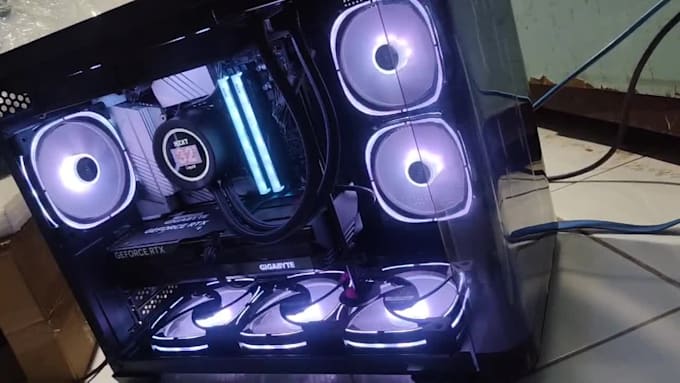
> High-End PC
- Maximum performance for heavy tasks such as 4K gaming, professional video editing, 3D animation, streaming, or AI/ML workloads
- Long-term investment although expensive, it stays powerful for years
- Complete and fast features fast loading, stable temperatures, and stylish design
Examples :
AAA games, 3D rendering, 4K video editing, architecture, data science, heavy simulations
NOTE :
low-end PC if you only need basic functions
mid-end if you want flexibility and durability
high-end PC if you need top-tier performance