Browse categories
Explore
Fiverr Pro
English
$
USD
Java and Android Engineer, Play Store Launch Specialist
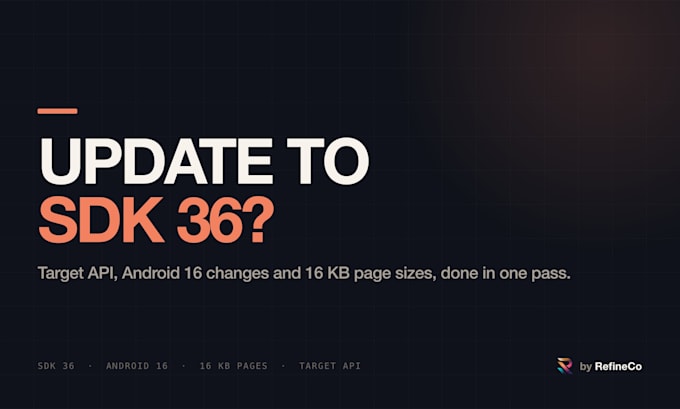
Google Play raises the required target API level every year, and apps that fall behind cannot publish updates. Moving to SDK 36 (Android 16) often brings a second problem: apps must also support 16 KB memory page sizes, and Play Console blocks the upload until every native library is aligned.
This is not a one-line change. It means bumping compileSdk and targetSdk, handling Android 16 behaviour changes, upgrading AGP and the NDK, and updating the dependencies that ship native libraries.
What I do:
Build your app on SDK 36 and list every error and behaviour change that affects you.
Check every native library for 16 KB alignment and name the dependency behind each failure.
Upgrade SDK, AGP, NDK and dependencies, then fix the code until it builds.
Verify on a 16 KB page size emulator and attach the check output.
On Premium, migrate deprecated APIs and push the release.
What I will not do is tell you a fix exists when it does not. If a vendor SDK has no compatible build yet, you hear that on day one.
I am a working engineer with 20 years in Java and Android, and I publish my own app on Google Play. Not sure which package fits? Message me your build setup first.


How do I know if my app is affected?
Play Console shows a warning like "This app must support 16 KB memory page sizes". If your app uses Flutter, Unity, React Native, ads, maps, ML or analytics SDKs it almost certainly ships native libraries and is affected. Send me the AAB before you order and I will check.
What if the problem is in a third-party SDK I do not control?
Then it cannot be fixed in your code, and I will say so before taking the order rather than after. You get the SDK name, the version that adds 16 KB support, and its release status, so you know exactly what you are waiting for.
Do you need my source code?
For the audit, no. The AAB or APK is enough. For the fix I need the project, or a branch with the Gradle and dependency setup. I work on a copy and hand back a branch or a patch, never a mystery zip.