 October 7, 2026
 10 minute reading
The concept of vibe coding has moved well beyond hype. Developers, founders, and even non-technical builders are shipping real products using AI-assisted development workflows, and the tools powering those workflows have never been more capable. But with dozens of platforms now claiming to be the 'best' vibe coding tool, choosing the right one for your project can feel overwhelming.
This guide cuts through the noise. Whether you're an experienced engineer looking to move faster, a startup founder prototyping your first product, or someone exploring AI-assisted development for the first time, the right tool changes everything.
If you are still looking for a deep dive into the philosophy behind this movement, read our full guide on what is vibe coding. If you are ready to build, this guide breaks down the essential 2026 tech stack, from agent-native IDEs to autonomous browser builders.
At a glance: The best vibe coding tools in 2026
- Vibe coding tools fall into three categories: AI-augmented IDEs, terminal agents, and browser-based app builders. Picking the wrong category is the usual reason results disappoint.
- Cursor and Windsurf suit developers who write code daily and want deep codebase context; Windsurf starts lower at $20 per month against Cursor's credit-based Pro tiers.
- Claude Code is the terminal-first option, strongest on large codebase refactors, and requires an existing Claude subscription rather than offering a standalone free tier.
- Lovable, Bolt.new, Replit, and v0 run entirely in the browser and generate working apps from a prompt, making them the accessible entry points for non-developers.
- Tool choice matters less than prompt literacy: the quality of AI output tracks directly with how precisely you describe what you want.
- Fiverr connects businesses with AI developers, prompt engineers, and full-stack developers who work fluently with these tools, including reviewing AI-generated code before production.
What Types of Vibe Coding Tools Exist?
Before diving into specific tools, it's worth understanding that vibe coding tools fall into three distinct categories, and picking the wrong category is usually the reason people feel disappointed with their results.
Category 1: AI-Augmented IDEs & Code Editors
These tools live inside your development environment. They understand your codebase, suggest completions, handle multi-file edits, and increasingly operate as autonomous agents that can plan and execute tasks on your behalf. Examples include Cursor, Windsurf, and VS Code with GitHub Copilot.
Best for: Developers who write code regularly and want AI to dramatically accelerate their existing workflow.
Category 2: CLI & Terminal Agents
Terminal-native tools like Claude Code and OpenCode operate from the command line. They're ideal for developers who prefer keyboard-driven workflows and need an AI that can reason deeply across large codebases without opening a separate interface.
Best for: Experienced, terminal-first developers tackling complex, multi-step refactors and feature builds.
Category 3: Browser-Based App Builders
Platforms like Lovable, Bolt.new, Replit, and v0 by Vercel live entirely in the browser. You describe what you want, and the tool generates a working application, frontend, backend, and often deployment, with little to no manual coding required.
Best for: Non-technical founders, designers building prototypes, and anyone who wants to ship something functional without writing code from scratch.
Which type of vibe coding tool fits your work
AI-augmented IDEs
Terminal agents
Browser app builders
Examples
Cursor, Windsurf, Copilot
Claude Code, OpenCode
Lovable, Bolt, Replit, v0
Runs in
Your code editor
Command line
Browser only
Built for
Daily coders
Terminal-first devs
Non-developers
Coding needed
Yes
Yes
No
Deployment
Separate
Separate
Built in
Hire AI Experts
Bring smarter workflows and smarter products to life with trusted AI talent from Fiverr.
The Best Vibe Coding Tools in 2026
1. Cursor: Most Popular AI IDE
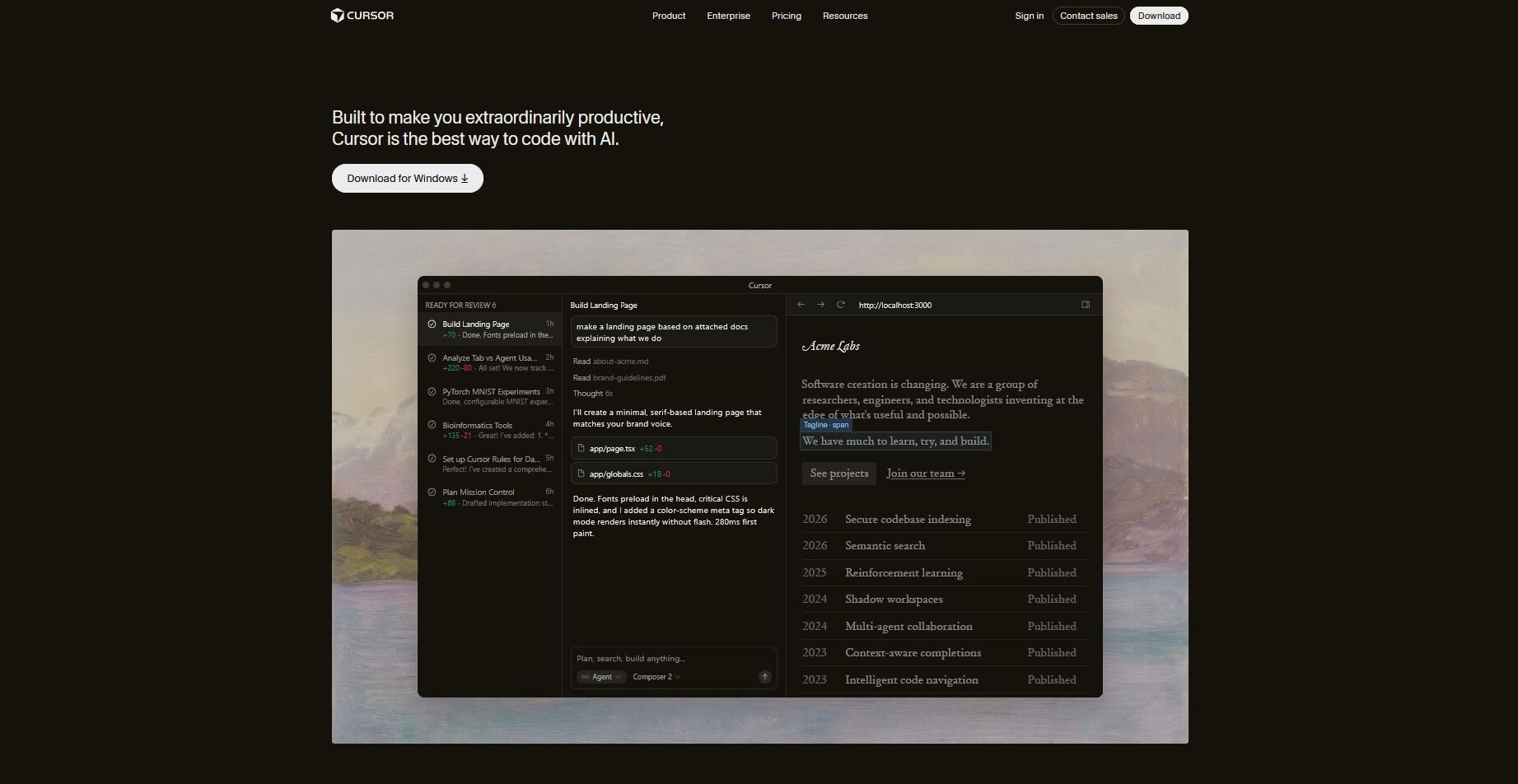
Cursor is an AI-native code editor built on top of VS Code. It brings deep codebase awareness, a powerful chat interface, and an Agent/Composer mode capable of planning and executing multi-file changes across an entire repository. Independent reviewers consistently rank it as one of the most advanced AI coding experiences available.
Best for:
Active developers who write code daily and need an AI that understands their entire project, not just the file they have open.
Pros:
- Deep codebase context, Cursor indexes entire repositories, not just open files
- Composer / Agent mode for multi-file edits and autonomous task execution
- Supports multiple frontier models with model switching
- Familiar VS Code interface, minimal learning curve for existing VS Code users
- Strong community with extensive documentation and .cursorrules customization
Cons:
- Pricing changed in June 2025 to a credit-based system, heavy users of premium models can see costs exceed the base subscription
- Background Agents and Max Mode add cost on top of the monthly plan
- Not designed for non-developers, assumes foundational coding knowledge
- Customer frustration with billing predictability has been documented on Reddit and G2
Pricing:
Cursor has a free tier with limitations. At just 20$ you can access cursor's Pro plan which gives you access to frontier models, MCP servers and extended limits. With Pro+ at $60/month, you get 3x usage with OpenAI, Claude and Gemini models. Paid plans include a credit pool equal to the subscription price; overages billed at API rates.
2. GitHub Copilot
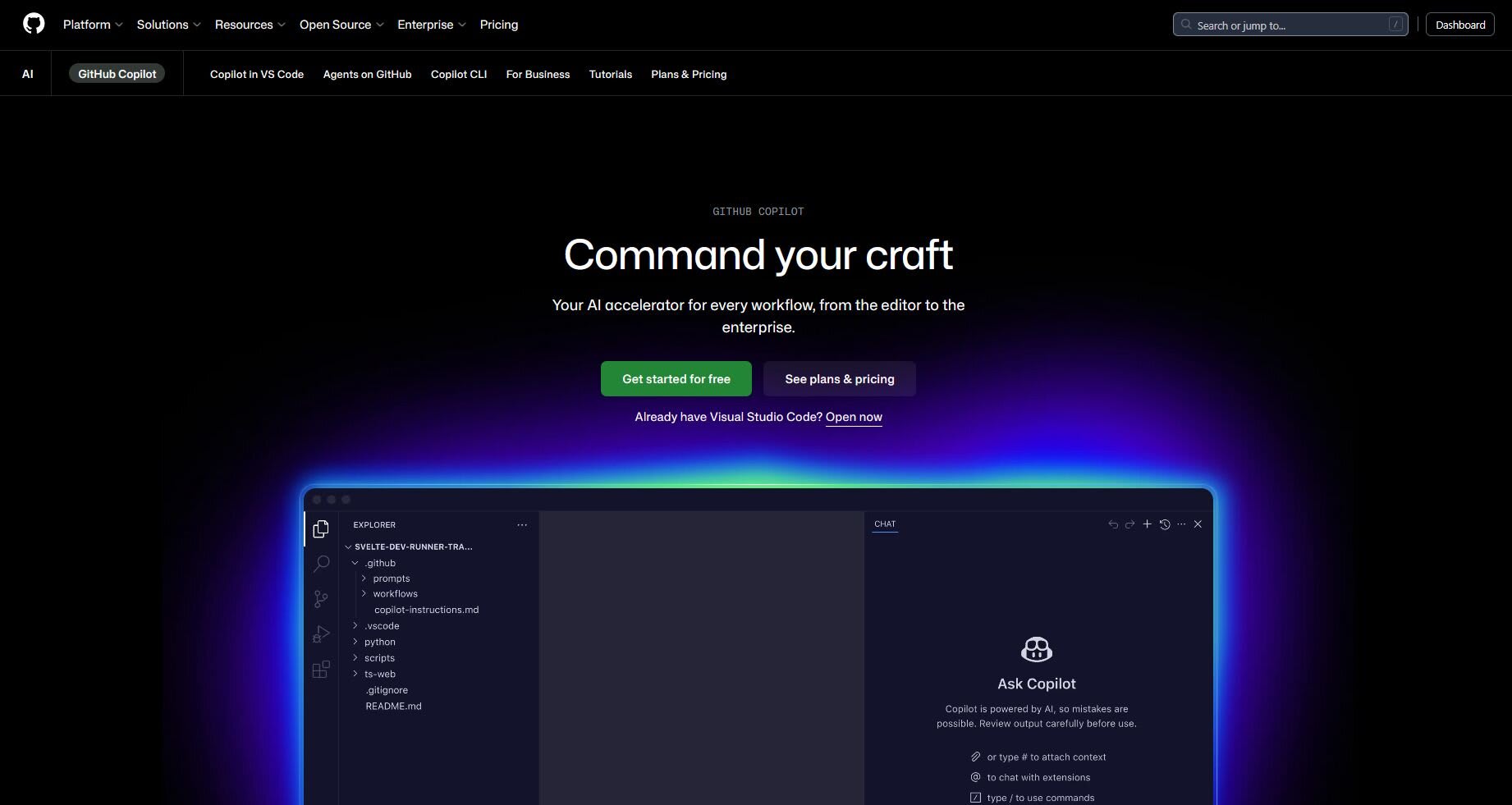
GitHub Copilot is the most widely used AI coding assistant, integrating directly into VS Code, JetBrains IDEs, and Visual Studio. It started as an inline completion engine and has since expanded into Agent Mode, capable of picking up a GitHub issue, writing code, running tests, and opening a pull request autonomously.
Best for:
Teams already on GitHub, developers learning to code, and budget-conscious builders who want solid AI completions without switching editors.
Pros:
- Lowest entry price on the market at $10/month for individuals
- Free tier offers 2,000 completions per month, enough to evaluate AI coding
- Works inside your existing editor, zero friction onboarding
- Access to multiple frontier models including Claude 3.7 Sonnet and Gemini 2.0 Flash
- Agent Mode handles multi-step autonomous tasks within GitHub workflows
Cons:
- Inline completion is strong, but multi-file reasoning and agentic depth trail Cursor and Windsurf
- Agent Mode feels more cautious and constrained than competitors in full vibe-coding workflows
- Less codebase-aware than Cursor's Composer for complex refactors
Pricing:
Github Copilot's free tier offers 2,000 auto completions per month, and 50 premium model requests per month. Individual Pro is at $10 per month, and offers 300 premium model requests per month, including access to SOTA models and much more. The Pro+ plan extends everything at 39$ a month.
3. Windsurf
Windsurf (formerly from Codeium, later acquired by OpenAI) is an AI-enhanced IDE built around an autonomous agent called Cascade. Unlike tools that wait for your prompts, Cascade actively pulls context from your codebase and executes multi-step tasks. It topped LogRocket's March 2026 AI dev tool rankings.
Best for:
Developers who want an agentic experience with a lower cost of entry than Cursor's premium tiers, and teams looking for live preview capabilities.
Pros:
- Cascade agent operates proactively, understands full project context without micromanagement
- Live preview / hot reload built in, see changes instantly
- Competitive pricing starts at $15/month, cheaper than Cursor Pro
- Collaborative editing and voice input supported
- Consistently rated as more approachable than Cursor for developers newer to AI-native IDEs
Cons:
- Newer entrant, ecosystem, documentation, and community patterns are still maturing
- Acquisition by OpenAI raises open questions about long-term pricing and roadmap
- Credit-based system with 500 credits at entry tier, heavy agent usage can deplete quickly
Pricing:
Windsurf's free tier is available with unlimited inline edits and completions, though model choice is limited. Their Pro plan is at $20 per month and includes access to SOTA models with increased quotas. They introduced a 200$ a month MAX plan which includes significantly higher quotas.
4. Claude Code: Best Terminal Agent
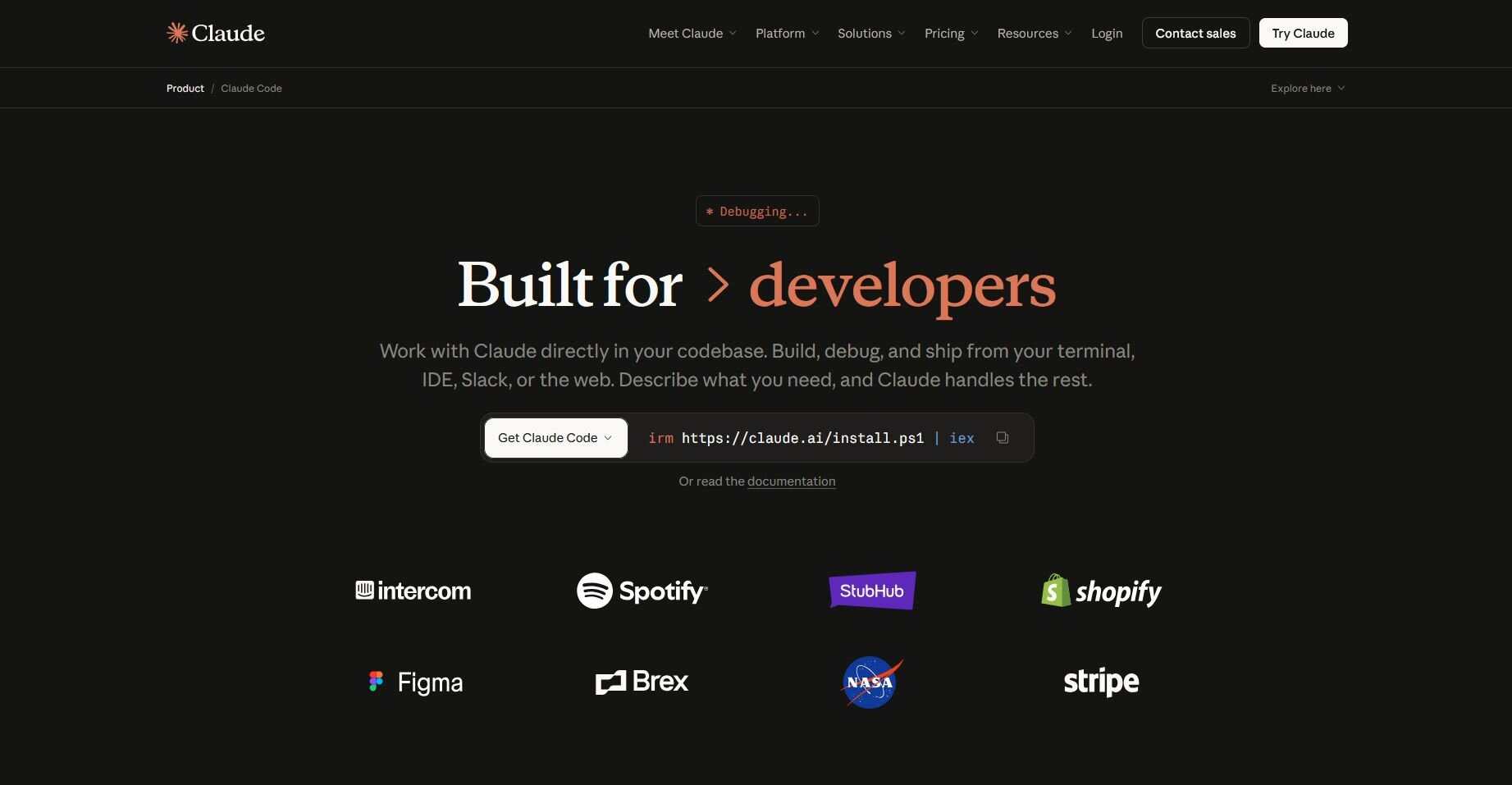
Claude Code is Anthropic's command-line coding agent. It runs entirely in your terminal, integrates with your existing editor, and is designed for developers who want to delegate complex, multi-step coding tasks through natural language without opening a separate IDE. It reportedly handles codebases over 50,000 lines of code successfully ~75% of the time.
Best for:
Terminal-first developers, those working on large existing codebases, and engineers at organizations using Claude for other AI tasks.
Pros:
- Deep reasoning across large, complex codebases, particularly strong on refactoring
- Keeps your existing editor, no workflow disruption
- Strong multi-step task delegation through natural language
- Useful for system administration, CLI tool development, and workflow automation
Cons:
- Requires a Claude paid subscription ($20–$200/month) no standalone free tier
- Terminal-only, not suitable for non-developers or those wanting a visual interface
- Token-based pricing can surprise heavy users, especially on complex codebases
- No live preview or built-in deployment capabilities
Pricing:
To use Claude Code you need Claude Pro ($20/month) or Max ($100–200/month) subscription. Higher tiers unlock greater usage limits and access to Opus models.
5. Lovable
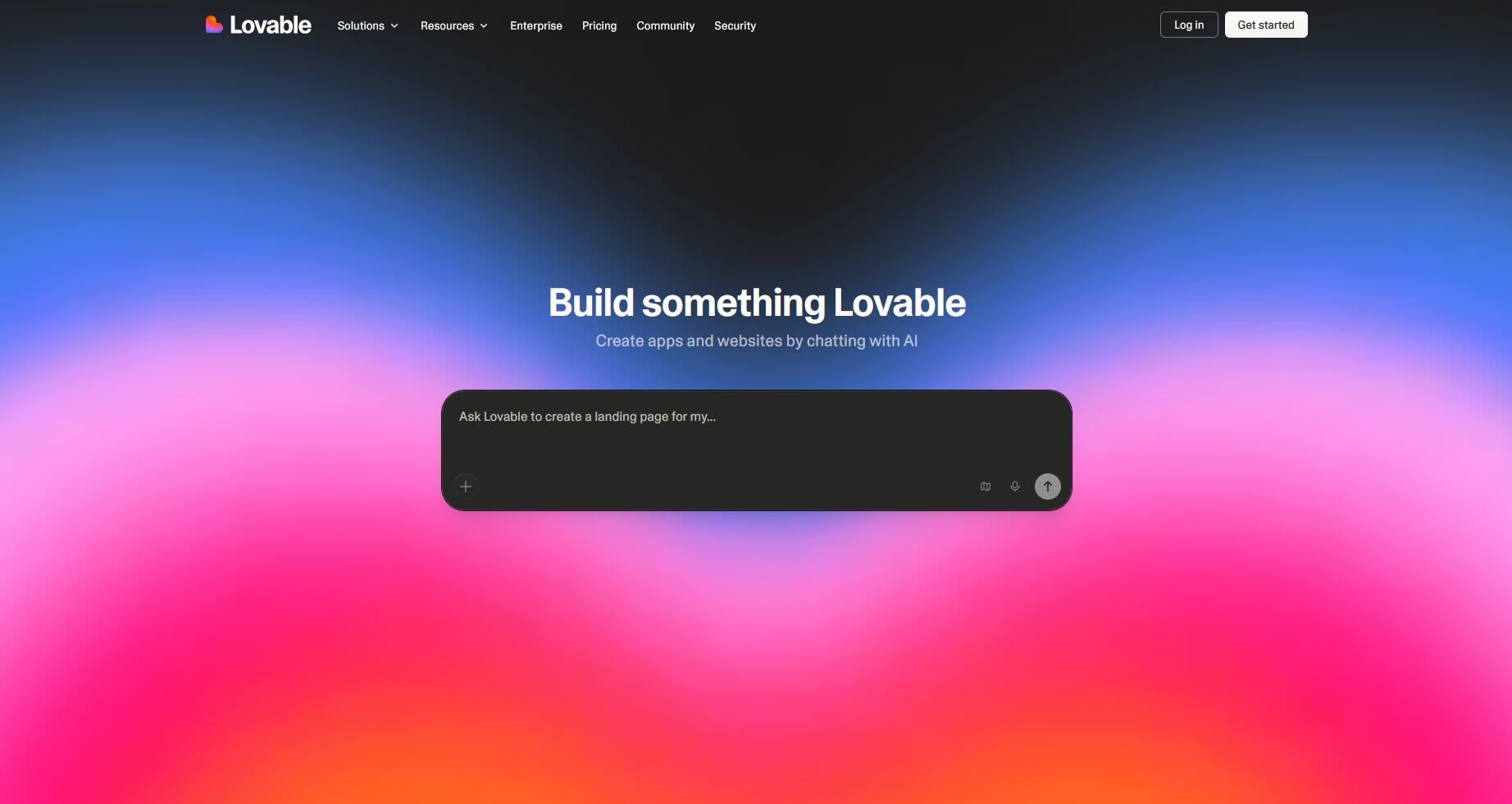
Lovable is a browser-based, design-first full-stack app builder. Describe your app in plain English, and Lovable generates a polished UI and wires it up to a real backend via Supabase, covering authentication, data storage, and edge functions. It's powered by Google Gemini models primarily, but other models exist too.
Best for:
Non-technical founders, designers wanting working prototypes, and anyone who needs to validate an idea quickly without a development team.
Pros:
- Generates polished, production-ready UI from a single prompt
- Full-stack capabilities via Lovable Cloud + Supabase integration
- Built-in deployment, live URL included, no server setup required
- Allows embedding AI functionality (chatbots, image generation) directly into built apps
- Credit rollover on paid plans reduces waste
Cons:
- Primarily browser-based, limited ability to manage complex local development setups
- Credit system means active builders will hit paid tiers quickly
- Less suitable for projects requiring custom backend logic or complex infrastructure
- AI-generated code may require a developer's review before production deployment
Pricing:
Lovable's free tier comes with 5 daily credits (up to 30 per month), only 5 lovable.app domains. Their Pro tier starts at 25$ per month with 100 monthly credits by default (can increase), on-demand credit top-ups, custom domains and no watermark.
6. Bolt.new
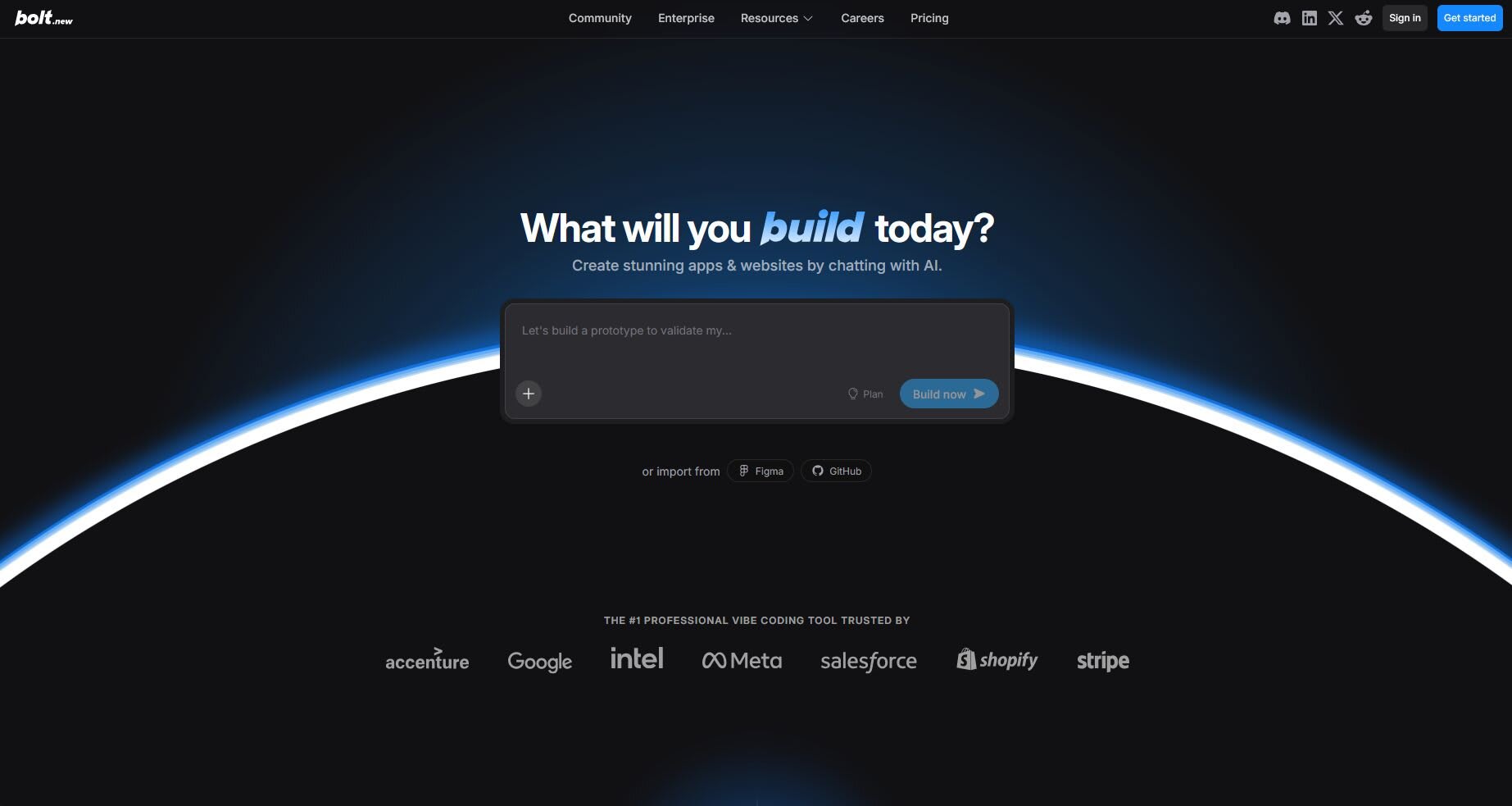
Bolt.new is a browser-based vibe coding platform optimized for speed. Enter a single natural language prompt and Bolt generates a working full-stack application, frontend and backend, in minutes. Its generous free tier (1 million tokens/month) makes it accessible for experimentation.
Best for:
Hackathon participants, developers testing new ideas, and anyone who needs a throwaway prototype fast.
Pros:
- Among the fastest full-stack generation from a single prompt on the market
- 1M free tokens per month, meaningful for prototyping without spending anything
- Strong frontend code quality with modern UI output
- Template library to further accelerate project starts
Cons:
- Token-based model can deplete quickly due to full file rewrites on every edit
- Less suited to ongoing development beyond the initial prototype stage
- Scaling and maintaining Bolt-generated code in production requires manual developer input
- Not designed for large, complex, multi-phase projects
Pricing:
Bolt.new has a free tier that offers 1M tokens per month where you can spend 300K per day, they do have a watermark however, unlimited databases and hosting, 10MB file upload limit. Their paid Pro plan starts from 25$ per month and has no daily limit, and starts with 10M tokens per month, you can also share sites privately.
7. Replit Agent
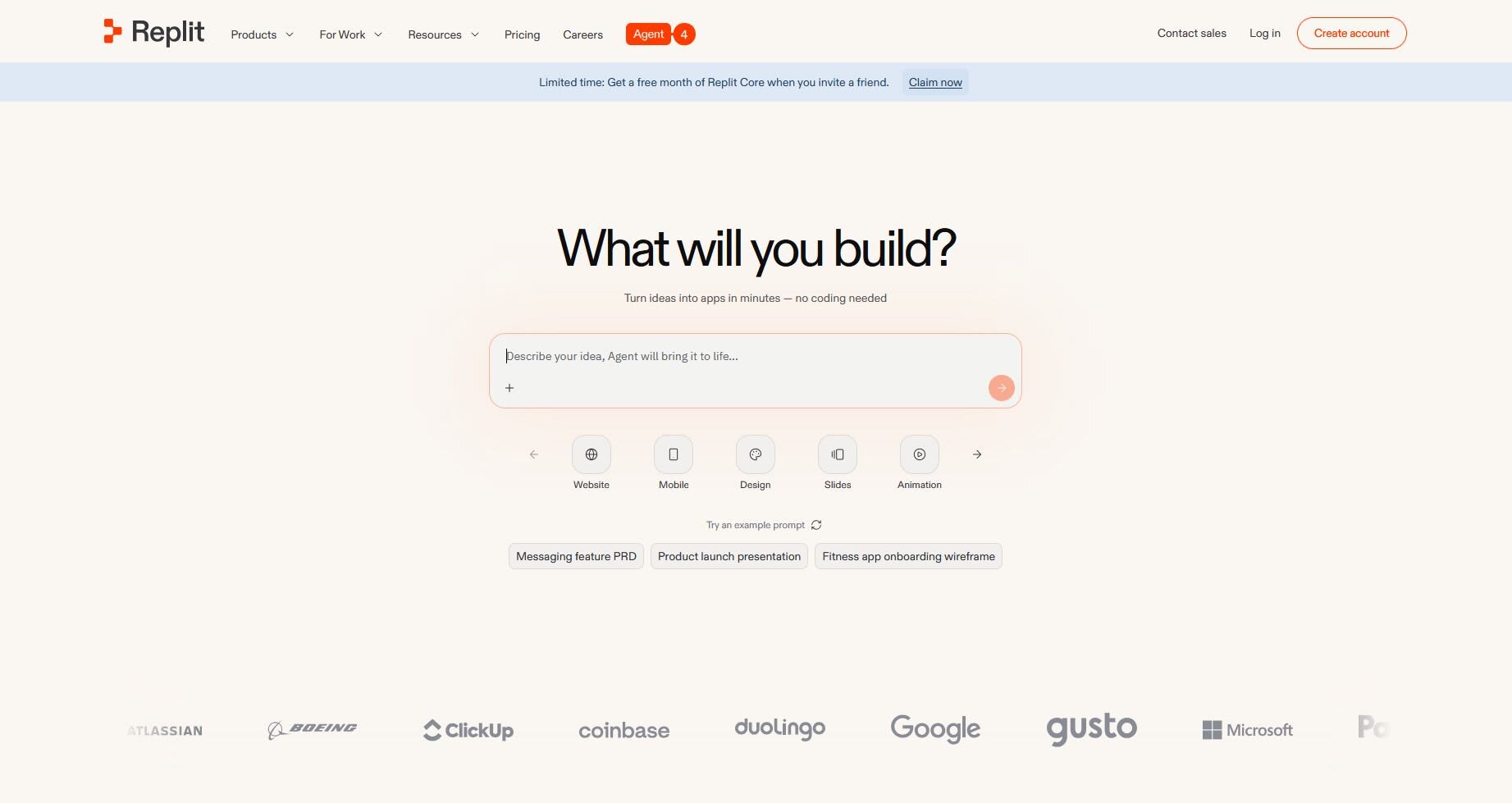
Replit is a browser-based development environment with built-in AI agents, real-time preview, and one-click deployment. It's an all-in-one workspace that lets you write, test, and ship code without any local setup. Its AI agent can generate boilerplate code and full application scaffolds from natural language prompts.
Best for:
Learners, students, teams that need to collaborate in real-time without environment setup costs, and projects where built-in hosting is a priority.
Pros:
- Zero local setup, everything runs in the browser
- Built-in deployment and hosting, share a working link instantly
- Real-time collaboration and live preview
- Strong for onboarding developers and educational use cases
Cons:
- Pricing and credits system can be confusing for new users
- AI agent capabilities, while improving, trail Cursor and Windsurf for advanced use cases
Pricing:
Replit's free tier offers daily credits with limited agent intelligence. At 20$ you can get Replit Core which offers 20$ worth of monthly credits, collaboration, unlimited workspaces and no watermark. Replit Pro starts at 100$ per month, and it includes premium support, more collaborators, private deployments and more.
8. v0 by Vercel
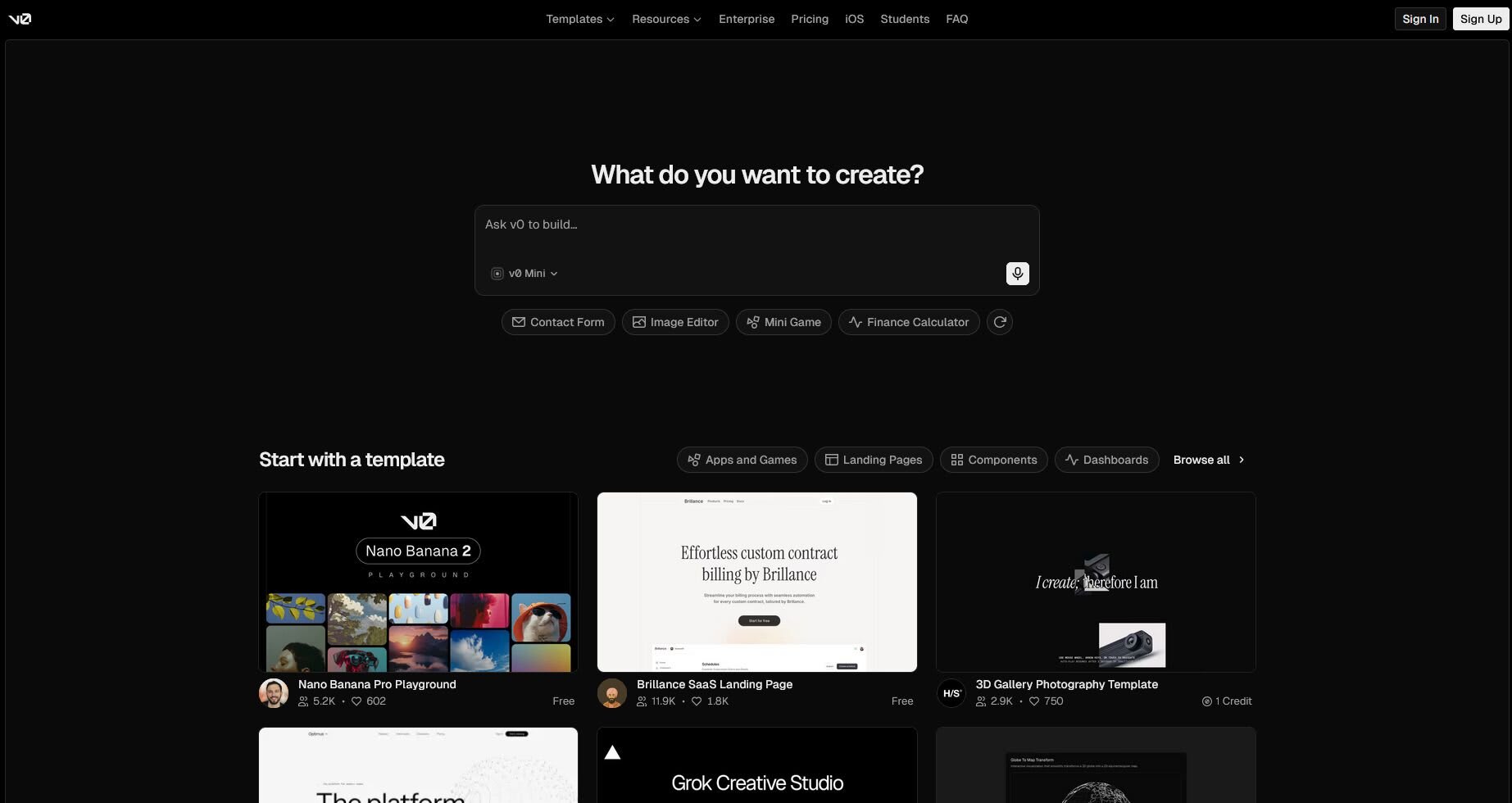
v0 is Vercel's AI assistant for generating modern, responsive full-stack web apps courtesy of their marketplace. You can start by prototyping first with the front-end, then ask the agent to slowly implement the back-end for you.
Best for:
Anyone looking to prototype web apps, or just front-ends.
Pros:
- Generates modern, responsive, stylish UI components out of the box
- Seamless Vercel integration for instant deployment
- Clean chat-driven interface, extremely easy to use
- Great starting point for UI work before handing off to a full-stack developer
Cons:
- 7 messages/day on the free tier limits serious use without a paid plan
- Requires Tailwind CSS knowledge for meaningful customization
Pricing:
V0's free tier is quite limited with only 7 messages per day. Their Team plan is 30$ per user and it enables collaboration, includes 30$ worth of monthly credits, and 2$ of free daily credits per user upon login.
Vibe coding tools compared at a glance
Tool
Type
Best for
Entry paid price
Free tier
Cursor
AI IDE
Daily developers
$20/mo Pro
Yes, limited
GitHub Copilot
AI IDE
GitHub teams, learners
$10/mo Pro
2,000 completions/mo
Windsurf
AI IDE
Agentic work, lower cost
$20/mo Pro
Yes, limited models
Claude Code
Terminal agent
Large codebase refactors
$20/mo via Claude Pro
No
Lovable
App builder
Non-technical founders
$25/mo Pro
5 daily credits
Bolt.new
App builder
Fast throwaway prototypes
$25/mo Pro
1M tokens/mo
Replit Agent
App builder
Learners, collaboration
$20/mo Core
Yes, daily credits
v0 by Vercel
App builder
UI and front-end prototyping
$30/user Team
7 messages/day
What You Actually Need to Get Started with Vibe Coding
1. The Right Tool
Your tool choice determines your entire vibe coding workflow. If you're new, start with Lovable, Bolt, or GitHub Copilot, they offer the most accessible entry points. If you have coding experience, Cursor or Windsurf will give you the most control and capability.
2. A Development Environment (IDE or Browser)
Most AI-augmented IDEs like Cursor and Windsurf are built on VS Code, so if you're already using it, you're halfway there. Browser-based tools like Lovable, Bolt, and Replit require nothing beyond a modern browser and an account. For terminal tools like Claude Code, a working terminal and a supported OS are sufficient.
3. Prompt Literacy, The Core Skill of Vibe Coding
The quality of your AI output is directly proportional to the quality of your prompts. Vibe coding does not require writing code, but it does require the ability to describe what you want precisely, iterate on AI output, and catch when something is going wrong. Technical background helps, but clear thinking and good communication skills are what actually move the needle.
Finding Vibe Coding Experts
Vibe coding tools accelerate development and can get you 80% of the way there alone, but knowing which tools to combine, how to structure prompts for complex systems, and how to review AI-generated code for quality and security takes real expertise, Fiverr can fill that last 20% for you.
Fiverr connects businesses with specialized AI developers, prompt engineers, and full-stack developers who work fluently with vibe coding tools. Whether you need someone to build a working prototype from scratch, integrate an AI coding workflow into your existing development pipeline, or review and audit AI-generated code before it goes to production, you'll find professionals with the specific experience your project requires.
For businesses working on complex, multi-phase projects, Fiverr Pro offers access to manually vetted developers reviewed by industry experts, with structured hiring support, expert shortlisting, and a satisfaction guarantee on eligible orders.
Hire AI Experts
Bring smarter workflows and smarter products to life with trusted AI talent from Fiverr.

FAQs
For complete beginners with no coding background, Lovable and Bolt.new are the most accessible starting points. Both tools generate working applications from a plain English description, include built-in deployment, and require no local setup. GitHub Copilot is the better choice if you're actively learning to code, it integrates with VS Code, provides explanations as it completes code, and has a free tier that's genuinely useful for education. The key is matching the tool to your technical comfort level: app builders are the fastest path to something working, but IDE assistants are where long-term coding skill is built.
Related Guides



About the author
Ofri DavidAI SEO Specialist
AI SEO specialist at Fiverr who works at the intersection of automation, coding, and GEO to build high-impact, scalable solutions
