Browse categories
Explore
Fiverr Pro
English
$
USD

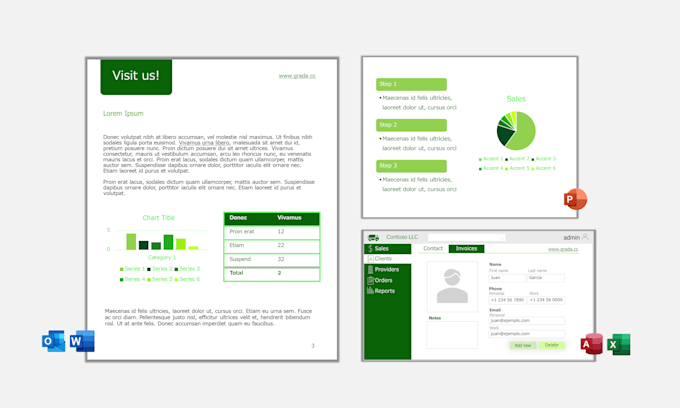
Updating old documents with new corporate colors and fonts is usually a tedious, manual task. This project provides you with a with a technical solution that injects your official brand identity directly into the Microsoft Office internal engine.
Instead of manually picking colors for every text box or chart, this tool allows you to update your legacy files using native Office features, like if you were using a "Smart Paint".
Key Benefits
Please inform the freelancer of any preferences or concerns regarding the use of AI tools in the completion and/or delivery of your order.
Microsoft Office Specialist
Languages
How it works - System setup
I provide a lightweight installer that places your official Brand Theme (.thmx) and assets into the specific system folders where Office looks for "Master Rules."
How it works - Manual Update
To rebrand an old file, you simply open the document, go to the "Design" or "Page Layout" tab in the Office Ribbon, and select your new Brand Theme.
Technical Limitations - Overview
This tool does not scan your hard drive to fix files automatically. You must open each legacy file and apply the theme manually to see the changes. Depending on how the document was created, there are two types and they will be handled a bit differently
Technical Limitations - "Vandalized files"
If a document has colors or fonts that were "forced" manually (hardcoded) instead of using Office Styles, those specific elements will not change automatically. You will need to re-select them using the new brand palette provided by the tool.
"Vandalized" files - Remediation service
Elements forced manually (hardcoded colors/fonts instead of styles) may require manual adjustments. I offer a separate Document Remediation hourly service to manually fix the files that don't react to the "Smart Paint".
Theme-Compliant Files - Notice
If your old documents were created using Office Standards (Theme Colors/Fonts), they will update instantly.
