Browse categories
English
$
USD
Connect to your AI
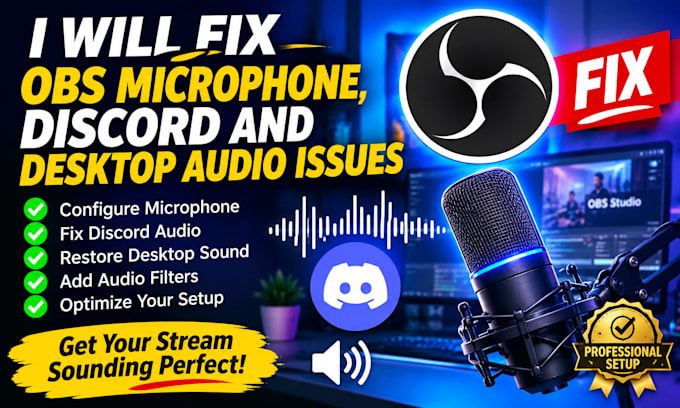
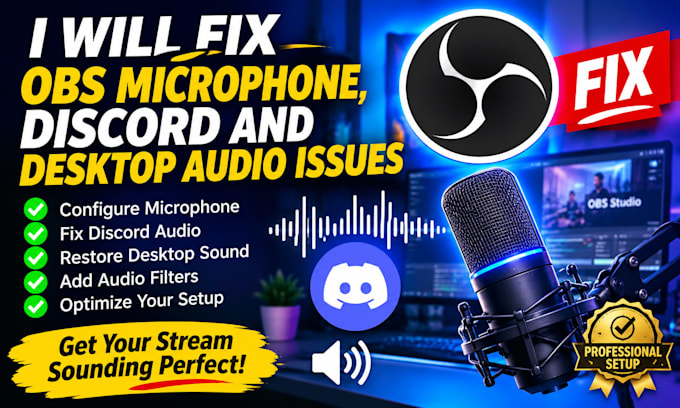
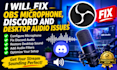
Are you experiencing microphone problems, missing desktop sound or Discord audio issues in OBS Studio?
I can help configure and troubleshoot your OBS audio settings to ensure your microphone, desktop sound and Discord audio work properly during your livestreams or recordings.
My services include:
I focus on providing reliable solutions based on your streaming setup and requirements.
Your satisfaction is my priority, and I will make sure your audio setup is properly tested before delivery.
Contact me before ordering for customized audio solutions.
Software:
OBS Studio
Platform:
•
Twitch
•
YouTube
•
Kick
Purpose:
Gaming
•
Music
•
Lifestyle
•
Business
•
News
•
Streamshare
•
Webinar
Can you fix OBS microphone audio that is not working?
Yes. I can help troubleshoot microphone detection, audio settings, muted sources and other common OBS microphone issues.
Can you configure Discord audio in OBS Studio?
Yes. I can help configure Discord audio so your voice conversations can be captured correctly during your livestream or recording.
Can you fix desktop audio that is not being captured in OBS?
Yes. I can troubleshoot desktop audio sources and help restore proper sound capture.
Do you support Elgato Wave Link and Voicemeeter?
Yes. I can assist with supported Wave Link and Voicemeeter configurations, depending on your existing setup and requirements.
What do you need from me to fix my OBS audio?
I will need information about your microphone, audio devices, current OBS settings and the specific problem you are experiencing.