Browse categories
English
$
USD
Connect to your AI
Lag, blurry video, poor audio, black screens or confusing OBS settings can make streaming difficult.
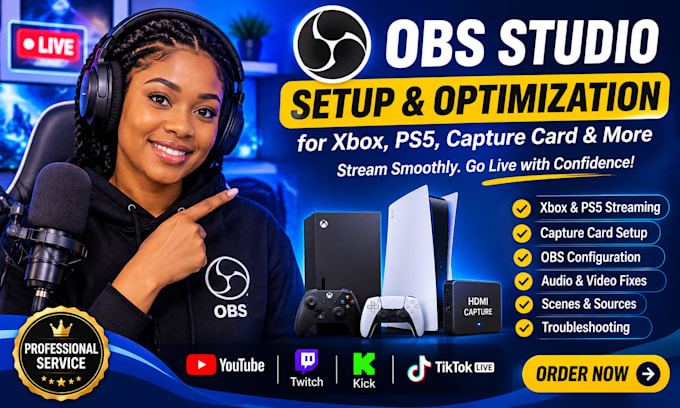
I help gamers, streamers and content creators set up and configure their OBS Studio streaming workflow using their Xbox, PS5 and capture cards.
Your setup can include:
My goal is to help you achieve smooth streaming, clear audio, better video quality and a reliable setup based on your equipment.
Whether you are setting up your first console stream or improving your existing setup, I can help you get everything configured properly.
I can help prepare your streaming setup for YouTube, Twitch, Kick and TikTok LIVE.
Please contact me before placing an order so we can discuss your console, capture card and streaming requirements.
Let's get your gaming stream ready!
Software:
OBS Studio
Platform:
•
Twitch
•
YouTube
•
Kick
Purpose:
Gaming
•
Music
•
Lifestyle
•
Business
•
News
•
Streamshare
Can you set up OBS Studio for Xbox and PS5 streaming?
Yes, I can help connect your Xbox or PS5 to OBS Studio using a compatible capture card and configure your streaming settings.
Do I need a capture card for console streaming?
In most cases, a capture card is needed to connect your console gameplay to OBS through a computer. I can help you check compatibility before ordering.
Which streaming platforms do you support?
I can configure your OBS streaming setup for YouTube, Twitch, Kick and TikTok LIVE, depending on platform requirements.
Can you fix capture card or OBS black screen issues?
Yes! I can troubleshoot common capture card connection problems, black screens, audio issues and display problems.
What do you need from me before starting?
I will need to know your console model, capture card model, computer specifications and preferred streaming platform.
