Browse categories
Explore
Fiverr Pro
English
$
USD
United States
Remote IT Support: Cybersecurity, Systems, Administration, and Networking
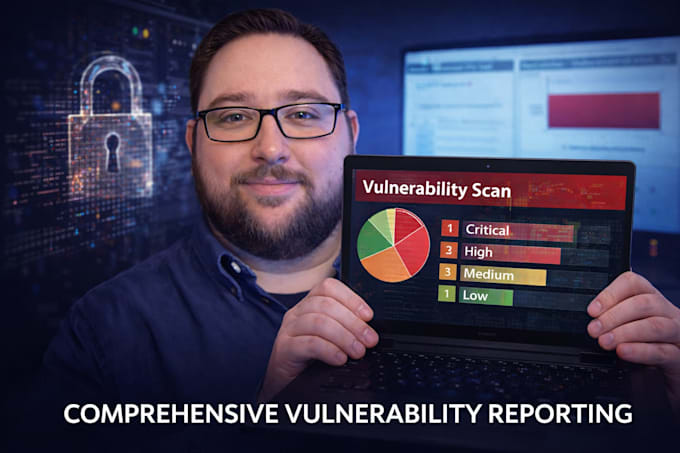
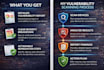
I will perform a thorough deep scan of your device to identify bugs, viruses, vulnerabilities, and security weaknesses. This includes:
The goal is to provide a complete security overview so you can address risks proactively and ensure your system is secure and compliant.
We perform deep scans and maintenance on Windows 7, Windows 10, Windows 11, Windows Servers, iOS PCs, iOS Phones, iOS Pads, Android Devices, Ubuntu Linux, Debian Linux, & Linux Servers.
Simply ask about more services.


Device:
Desktop
•
Laptop
•
Server
•
Mobile
•
Tablet
Operating system:
Windows
•
Linux
•
IOS
•
Android
•
Ubuntu
What preparation is required before the scan?
This gig includes a step-by-step preparation PDF. For convenience, an optional add-on is available where I complete the preparation on your behalf using secure TeamViewer remote access.
Is my data safe during scanning?
Yes. All connections are secure, and I do not access or store personal files. The scan focuses only on security vulnerabilities and system configurations.
Is this scanning compliant with privacy laws?
Yes. All scans are performed professionally, respecting privacy, and focus only on security issues. No personal or confidential data is collected or stored.
What types of systems do you support?
I support Windows, iOS, & Linux operating systems, including desktops, laptops, and servers. Custom setups can be accommodated with pre-scan preparation.
How often should I have a scan performed?
Regular scans are recommended at least quarterly or after major software updates to stay ahead of new vulnerabilities and threats.
How do you connect to my device?
For scanning, I connect securely via WireGuard and use a suite of professional cybersecurity tools to perform the analysis and generate your final report. If you choose pre-device setup, I connect via TeamViewer to temporarily access your desktop and prepare your system for a thorough scan.
Do I need to install anything on my device?
For most scans, you will only need to install WireGuard for a secure remote connection between our devices. I always ensure secure remote connections and use of certified professional tools. Optional pre-setup may require temporary access via TeamViewer.
Do you need administrative access to my device?
No, but it is required that you are able to be signed into your device as an administrator for me to perform a full security scan, check configurations, and assess vulnerabilities.