Browse categories
English
$
USD
Connect to your AI
Excel Data Entry And MS Word Expert , Data Cleaning Specialist
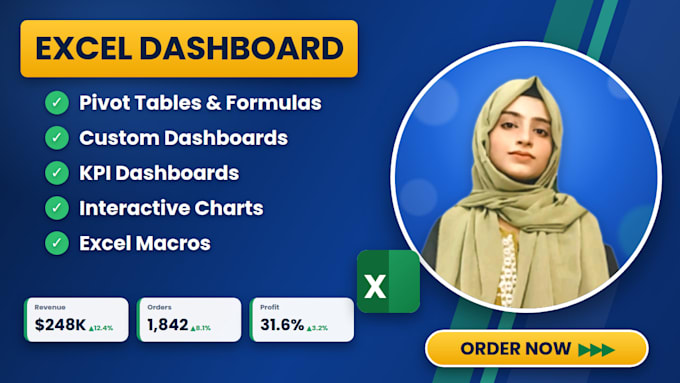
Need a professional Excel dashboard to turn raw data into clear, actionable insights?
With 1+ year of experience in Microsoft Excel, I create interactive dashboards, dynamic reports, and customized spreadsheet solutions.
My Services:
Why Choose Me?
Whether you need a sales dashboard, business performance report, budget tracker, or Excel automation, I'm here to help!
Have a specific project in mind? Please message me before placing your order to discuss your requirements and ensure the right solution for your needs.
Let's turn your data into meaningful insights!

Platform:
Excel
•
VBA
•
Microsoft Office
Development technology:
VBA
•
Excel
•
VLOOKUP
Expertise:
Formatting
•
Pivot tables
•
Formulas
•
Dashboard
•
Charts
What types of Excel dashboards can you create?
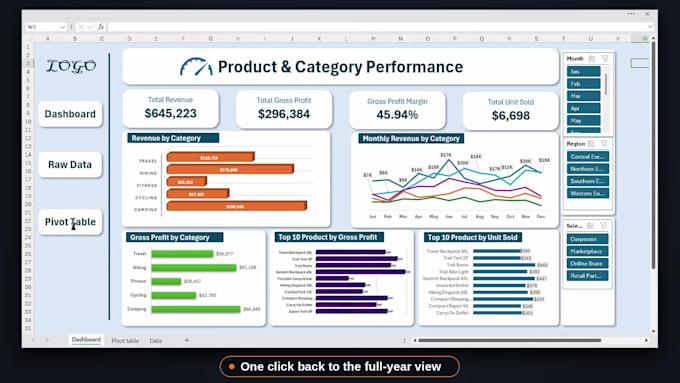
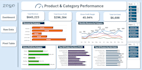
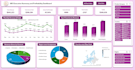
I can create professional Excel dashboards for sales analysis, revenue and profit tracking, business performance, and other reporting needs. My dashboards can include KPI cards, charts, Pivot Tables, Pivot Charts, slicers, and timelines, depending on your selected package and project requirements.
What information do you need to create an Excel dashboard?
I typically need your Excel data file, the KPIs or metrics you want to track, and your preferred dashboard requirements. If you have a sample dashboard or preferred design, you can share it too. If you're unsure about the layout, I can help organize the information into a clear and professional dash
Will my Excel dashboard be interactive?
Yes! Depending on your selected package, I can create interactive Excel dashboards using Pivot Tables, Pivot Charts, slicers, and timeline filters. These features allow you to filter your data and explore business performance more easily.
Can you create a dashboard that updates when I add new data?
Yes, I can configure your Excel dashboard to work with an appropriately structured data source. Depending on the setup, you may need to refresh the Pivot Tables and charts after adding new records. Please share your data structure so the suitable solution can be determined.
Do you have experience creating Excel dashboards?
Yes! I have over 1 year of experience working with Microsoft Excel. I focus on creating organized, visually appealing, and user-friendly spreadsheets and dashboards that help turn raw data into meaningful insights.
Can you customize the dashboard to match my business requirements?
Absolutely! I can customize the dashboard layout, charts, KPI cards, colors, and data presentation according to your requirements and selected package. Please provide your preferred design or explain the information you want to monitor.