Browse categories
English
$
USD
Connect to your AI
OBS EXPERT
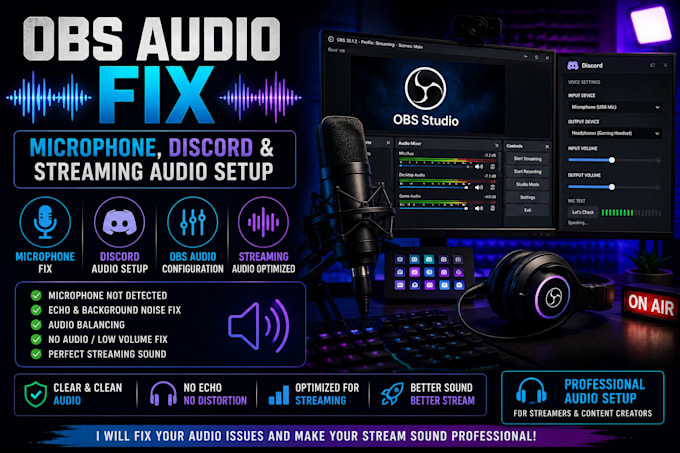
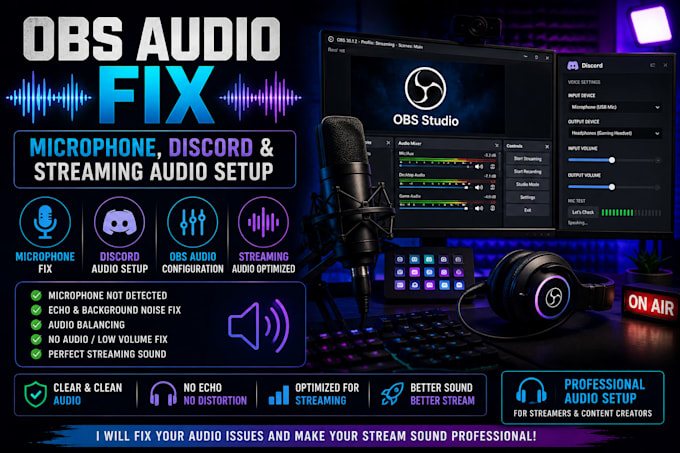
Are you experiencing microphone problems, echo, low audio, or sound issues while streaming or using Discord?
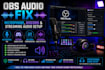
I will help troubleshoot and configure your OBS Studio, microphone, Discord, and streaming audio settings for clear and balanced sound.
MY SERVICES INCLUDE:
Whether you're a gamer, streamer, podcaster, or content creator, I'll help you achieve a clean and reliable audio setup.
CONTACT ME BEFORE ORDERING so we can discuss your microphone, software, and audio issues.
Software:
OBS Studio
Platform:
•
Twitch
•
YouTube
•
Kick
Purpose:
Gaming
•
Music
•
Lifestyle
•
Business
•
News
•
Streamshare
•
Webinar
1. Can you fix my microphone if OBS is not detecting it?
Yes! I can troubleshoot microphone detection problems and configure the correct audio input device.
2. Can you fix echo and background noise?
Yes. I can configure appropriate OBS audio filters to help reduce unwanted noise and echo.
3. Can you configure Discord and OBS together?
Yes! I can help configure Discord input/output devices and OBS audio sources for a better streaming experience.
4. Can you balance my microphone and game audio?
Yes. I can help balance microphone, desktop, and game audio levels.
5. Can you configure my audio for Twitch and YouTube?
Yes! I can configure your audio settings for your preferred streaming platform.