Browse categories
Explore
Fiverr Pro
English
$
USD
Flawless Livestream Systems Built for Reliability and Performance
Poor audio quality can ruin an amazing livestream. Background noise, echo, microphone issues, audio delays, and incorrect OBS settings can make viewers lose interest.
I will optimize your streaming audio setup to deliver clean, balanced, and professional-quality sound from the moment you go live.
Whether you stream with OBS Studio, Streamlabs, Twitch, YouTube, Kick, or Whatnot, I will help configure your audio for smooth, reliable, and broadcast level performance.
What You Get:
Perfect for streamers, content creators, podcasters, and live sellers who want professional sound without complicated technical problems.
Improve your stream quality, keep viewers engaged, and deliver audio your audience can enjoy.
Order today and upgrade your livestream with professional broadcast quality audio.
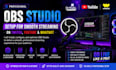
Software:
OBS Studio
Platform:
•
Twitch
•
YouTube
•
Mixer
•
DLive
•
Kick
Purpose:
Gaming
•
Music
•
Lifestyle
•
Business
•
News
•
Streamshare
•
Webinar
1. What platforms can you set up OBS Studio for?
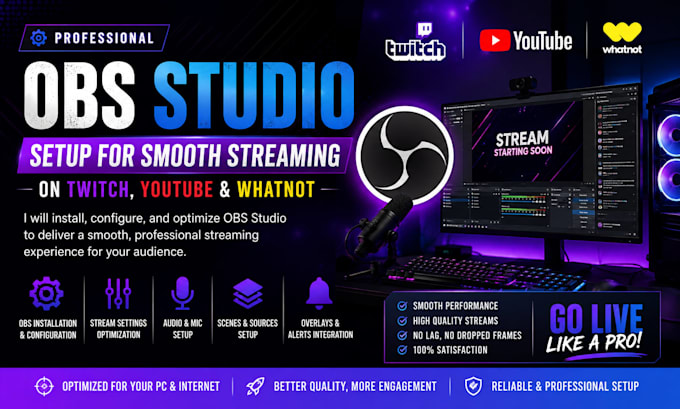
I can configure OBS Studio for Twitch, YouTube, Whatnot, and other supported streaming platforms
2. Can you set up OBS from scratch?
Yes. I can install, configure, and optimize OBS Studio based on your PC, internet connection, and streaming needs.
3. Can you fix lag and dropped frames?
Yes. I can troubleshoot common streaming issues and optimize your OBS settings for smoother performance.
4. Can you set up my microphone and webcam?
Yes. I can configure your microphone, webcam, audio sources, and other essential streaming equipment.
5. Can you add my overlays and alerts?
Yes. I can help set up scenes, sources, overlays, alerts, and other stream elements you provide
6. What information do you need from me?
I may need your PC specifications, internet speed, streaming platform, and details about your current setup.
7. Can you help if I already have OBS installed?
Absolutely. I can review your existing setup, troubleshoot issues, and optimize your current OBS configuration.
8. Will my stream quality improve after the setup?
I will optimize OBS according to your hardware and internet connection to help achieve the best stable streaming quality possible.