Browse categories
Explore
Fiverr Pro
English
$
USD
Turn your Whatnot live show into a professional, smooth, and reliable streaming setup.
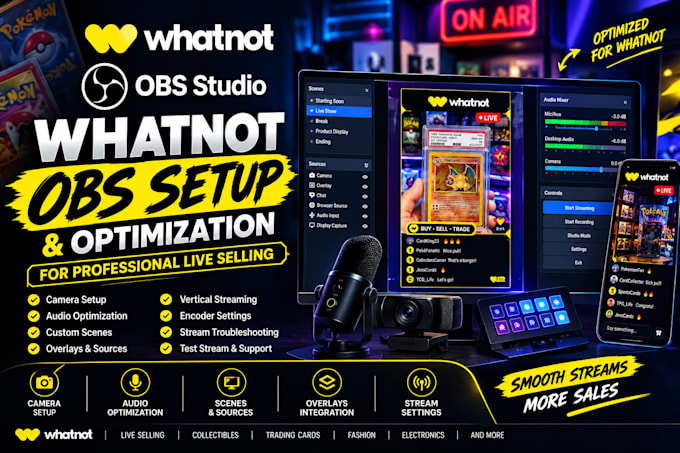
I will setup and optimize OBS Studio for Whatnot live selling, including your camera, microphone, scenes, overlays, sources, audio, resolution, FPS, and streaming settings.
Whether you are starting your first Whatnot show or already selling live and experiencing streaming problems, I can help configure your OBS setup for a cleaner and more professional broadcast.
What I can help with:
I can also help optimize your setup based on your computer hardware and streaming equipment to reduce unnecessary lag, audio problems, dropped frames, and other common OBS issues.
Why choose my service?
Software:
OBS Studio
Platform:
•
Twitch
•
YouTube
Purpose:
Gaming
Can you set up OBS specifically for Whatnot?
Yes. I can configure OBS around your Whatnot live-selling workflow, including your vertical layout, camera, microphone, scenes, overlays, and streaming settings.
Can you set up my camera and microphone?
Yes. I can configure your camera/webcam and microphone and optimize your audio and video settings.
Can you add my Whatnot overlays?
Yes. If you already have overlays or graphics, I can integrate them into your OBS scenes.
Can you fix OBS lag and dropped frames?
Yes. I can troubleshoot common OBS performance problems and optimize settings based on your computer and streaming equipment.
