Browse categories
Explore
Fiverr Pro
English
$
USD
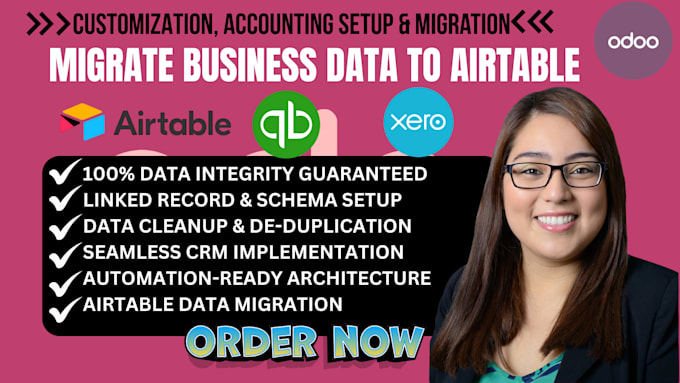
Data Migration Made Easy Odoo Zoho QuickBooks and HubSpot
Stop fighting with messy spreadsheets and upgrade to a high-performance Airtable CRM.
Moving data from Excel or Google Sheets into a relational database isn't just about "copy and paste." To unlock Airtable's full potential, your data needs to be cleaned, structured into linked records, and optimized for automation. I specialize in seamless data migrations that transform flat files into a multi-dimensional business engine.
Whether you're moving thousands of rows or complex project trackers, I provide the technical precision to ensure your new Airtable base is ready for action on Day 1.
What This Airtable Migration Suite Includes:
Lets turn your spreadsheets into a powerful, automated Airtable system. Message me today to discuss!
Software:
Other
Can you keep my Google Sheets and Airtable in sync?
Yes. I can set up a live sync or automated triggers so that updates in your source sheet are reflected in your Airtable base in real-time.
Will my formulas from Excel work in Airtable?
Airtable uses its own formula syntax. I will recreate your essential Excel logic using Airtable's native formula fields during the migration.
Do you handle very large datasets?
Absolutely. I can manage migrations of tens of thousands of records while ensuring you stay within Airtable's record limits by optimizing your base architecture.