Browse categories
English
$
USD
Connect to your AI
Remote IT Support and Windows Troubleshooting
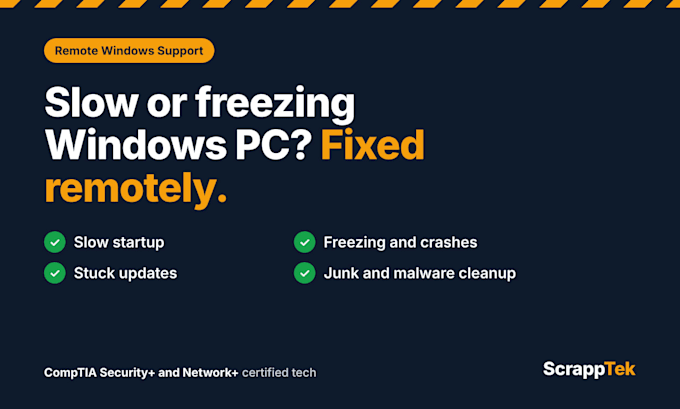
Is your Windows PC slow, freezing, or acting strange? I'll fix it remotely while you watch, so you can see every step.
I'm a CompTIA Security+ and Network+ certified tech with hands-on experience in PC troubleshooting and Windows administration.
What I can help with:
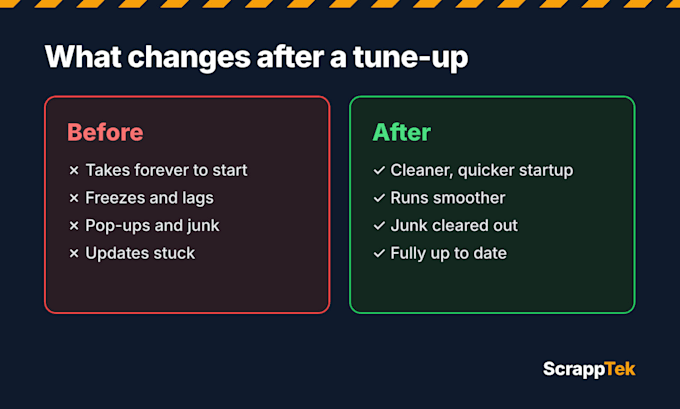
- Slow startup and sluggish performance
- Freezing, crashing, or error messages
- Too many startup apps and background programs
- Windows updates that are stuck or failing
- Junk files and low disk space
- Basic malware and browser cleanup
How it works:
1. Place your order and tell me what's going on
2. We schedule a time through Fiverr messages
3. I connect securely with Windows Quick Assist while you watch
4. I fix the problem and explain what I did in plain English
Before we start, please make sure:
- You're on Windows 10 or 11 with a stable internet connection
- You've backed up important files (always a good habit)
If I find a hardware problem, like a failing hard drive, I'll tell you exactly what to replace.
Message me before ordering if you're not sure which package fits.



Device:
Desktop
•
Laptop
Operating system:
Windows
Is it safe to let you connect to my computer?
Yes. I use Windows Quick Assist, which is built into Windows. You approve the connection, watch everything I do, and can end the session anytime.
What do I need before we start?
A Windows 10 or 11 PC, a stable internet connection, and 1–3 hours of your time depending on the package. Please back up important files first.
Which package should I choose?
Quick Fix is for one specific problem. PC Tune Up is for a slow computer overall. Full PC Refresh is the most complete cleanup. Message me if you're not sure.
What if the problem is hardware?
I’ll diagnose it and tell you exactly what part needs replacing and why. Remote work can’t fix physical damage, but you’ll know what to do next.
Do you work on Mac computers or Linux OS?
Not at the moment. This service is for Windows PCs only.