Browse categories
Explore
Fiverr Pro
English
$
USD





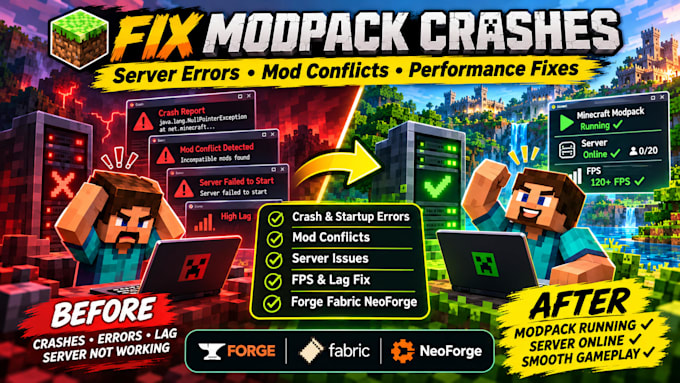
Is your Minecraft modpack crashing, refusing to launch, or showing errors after an update?
Maybe your server won't start, two mods are conflicting, or your game keeps disconnecting when you join a world.
I help Minecraft players and server owners diagnose and fix modpack crashes, mod conflicts, and server issues. Whether you're using Forge, Fabric, or NeoForge, I'll check what's causing the problem and work on getting your setup running properly.
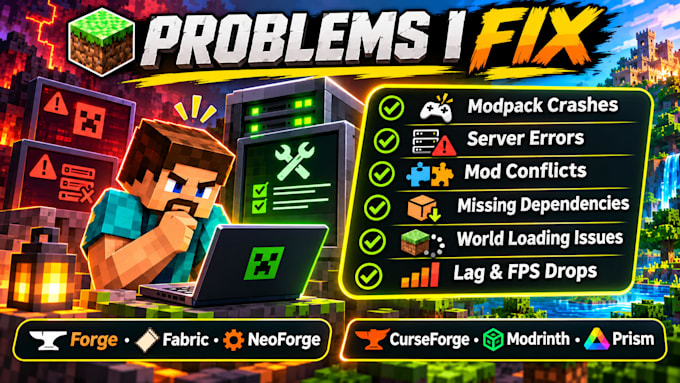
WHAT I CAN HELP YOU WITH:
I'll review your crash logs, mod versions, and configurations, diagnose the issue, and explain what was fixed.
Message me with your Minecraft version, mod loader, and error details before ordering.
Minecraft Modpack Server Specialist
Languages
Can you fix my Minecraft modpack if it keeps crashing?
Yes. Send me your crash report or latest log along with your mod list. I'll diagnose the issue, identify what's causing the crash, and work on fixing it.
Can you fix a Minecraft server that won't start?
Yes. I can diagnose server startup errors, check configuration files, and identify mod compatibility problems. Send me your server logs so I can see what needs attention.
My modpack stopped working after updating some mods. Can you help?
Yes. Mod updates can sometimes break compatibility. I'll check the updated versions, identify conflicting mods, and make the necessary changes where possible.
Will I lose my Minecraft world or need to remove my mods?
'll work to preserve your existing setup. I recommend backing up your world and files before changes. If a mod needs to be removed or replaced, I'll discuss it with you first.