Browse categories
Explore
Fiverr Pro
English
$
USD
setup and optimize obs studio for streaming and recording
Highly Responsive
Known for exceptionally quick replies
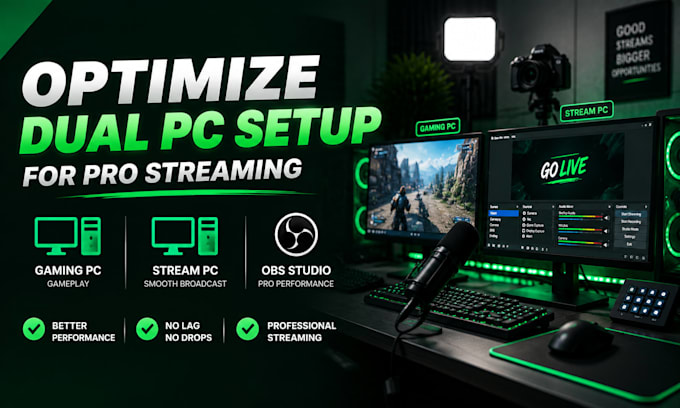
Are you struggling with stream lag, dropped frames, audio delays, or a complicated dual PC setup?
I will help you optimize and configure your dual PC streaming workflow for a smooth, reliable, and professional broadcast experience.
Whether you are gaming, streaming on Twitch, YouTube, Kick, or creating live content, I can help connect and fine-tune your system for better performance.
Services include:
Stop wasting time dealing with confusing settings and technical issues. Get a clean dual PC workflow designed around your hardware and streaming goals.
Message me before ordering so I can understand your setup and recommend the best solution.
Software:
OBS Studio
Platform:
•
Twitch
•
YouTube
•
Kick
•
Other
Purpose:
Gaming
•
Music
•
Lifestyle
•
Business
•
News
•
Streamshare
•
Webinar
Q1: What do you need to get started?
Access to both PCs, capture card, OBS setup, and your streaming platform.
Q2: Can you fix lag and dropped frames?
Yes. Lag, frame drops, and sync issues are optimized for smooth streaming.
Q3: Do I need a capture card?
Yes for most dual PC setups. I can guide or configure based on your setup.
Q4: Will my stream quality improve?
Yes. Expect smoother performance, better visuals, and stable output.
Q5: Can you setup audio routing?
Yes. Clean routing using OBS or Voicemeeter for professional sound.
Q6: How long does it take?
Usually 24–48 hours depending on complexity.
Q7: Do you offer advanced setups?
Yes. Premium includes full optimization and troubleshooting.
