Browse categories
Explore
Fiverr Pro
English
$
USD
Professional Streaming Systems That Just Work
Struggling with laggy OBS setup, broken audio, or low-quality live streaming that loses viewers?
Get a fully optimized OBS Studio setup built for smooth, high-quality streaming across Twitch, YouTube, TikTok, Kick, and Whatnot.
Fix issues like stream crashes, audio delay, sync problems, and poor video quality while boosting performance, stability, and viewer retention.
Professional configuration for OBS Studio, Streamlabs OBS, and complete stream setup including stream overlay, stream optimization, audio mixing, stream audio balance, microphone tuning, RTMP setup, and troubleshooting for all streaming errors.
What you get:
Clear, stable, and professional streaming setup designed to improve quality, reduce lag, and increase viewer engagement.
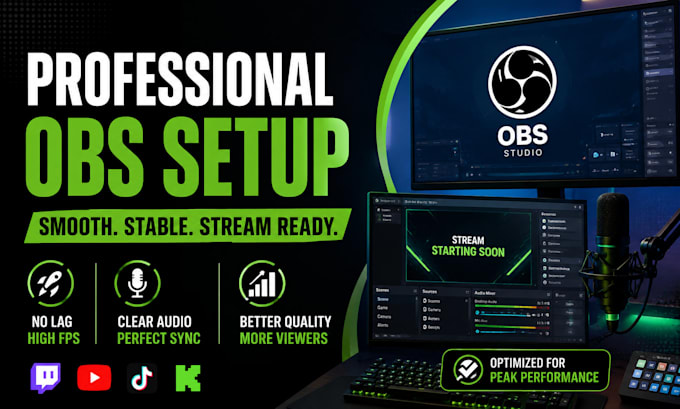

Software:
OBS Studio
Platform:
•
Twitch
•
YouTube
•
Mixer
•
Kick
Purpose:
Gaming
•
Music
•
Lifestyle
•
Business
•
News
What do I need to get started with the OBS setup?
Just your streaming goals and platform (Twitch, YouTube, TikTok, Kick, Whatnot). If available, existing overlays, logos, or branding help create a more professional setup faster and more aligned with your content style.
Can you fix lag, audio delay, or stream crashes?
Yes. The setup is optimized for smooth performance, including stream stability, audio sync, bitrate tuning, and overall OBS Studio configuration to reduce lag and improve stream quality.
Do you support Streamlabs OBS and different streaming platforms?
Absolutely. Setup works with OBS Studio and Streamlabs OBS across Twitch, YouTube Live, TikTok Live, Kick, and Whatnot streaming with platform-specific optimization.
Will my stream look more professional after setup?
Yes. Scenes, stream overlays, audio balancing, and visual structure are configured to improve viewer experience, retention, and overall stream quality for a more engaging broadcast.
Can you help if I already have a setup but it’s not working properly?
Yes. Existing OBS or Streamlabs setups can be fixed, optimized, and rebuilt to improve performance, audio clarity, and stream stability without starting from scratch if not needed.
Do you offer advanced customization like stream overlays or branding?
Yes. Advanced stream design, animated overlays, and full branding setups are available for a more professional and unique streaming identity when needed.
Will I be able to manage everything after setup?
Yes. Everything is configured in a clean, user-friendly way, and guidance can be included so you can easily manage scenes, audio, and streaming settings going forward.
