Browse categories
Explore
Fiverr Pro
English
$
USD

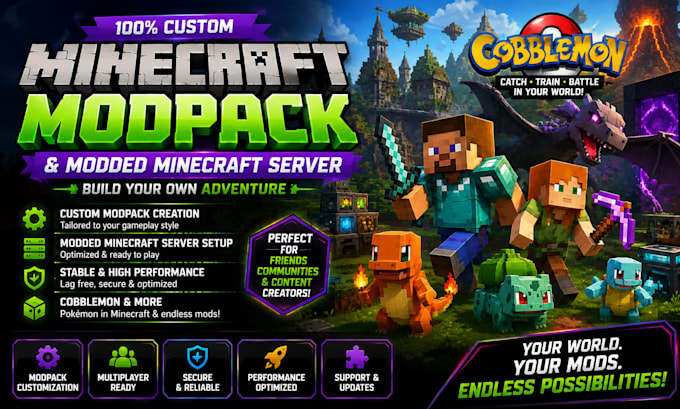

Hello great buyer
Tired of constant crash logs, unplayable lag, conflicting keybinds, and broken server files?
Building a stable Minecraft modpack isn't just about dropping .jar files into a folderit requires clean configuration, dependency resolution, performance tuning, and conflict management.
Whether you're a content creator planning your next 100-Days series, a server owner launching a community SMP, or just playing with friends, I will craft a polished, balanced, and 100% crash-free custom modpack tailored exactly to your vision.
What i offer
Why choose me
Please message me before placing an order so we can verify mod availability for your desired game version!
Full Stack AI App Developer, Lovable AI, Supabase, MAKE COM, ROBLOX GAME DEV PRO
Languages
What do my friends need to do to install the modpack?
A: No complicated folder dragging required! I provide a standard 1-click import profile (compatible with CurseForge, Modrinth, or Prism Launcher). Your friends simply click Import, and the launcher handles downloading all mods, configs, and assets automatically.
Q: Will this modpack work on a multiplayer server?
A: Yes! For Standard and Premium packages, I provide a separate, clean Server Folder. I strip out all client-only mods (like minimaps, custom GUIs, and shaders) to ensure your server launches seamlessly without crashing.
Q: What are the minimum PC hardware requirements?
It depends on your package size: Light / Vanilla+ (20–40 mods): Requires 4 GB allocated RAM. Medium Pack (50–90 mods): Requires 6 GB allocated RAM. Heavy / Mega Pack (100+ mods)
Q: What Minecraft versions and mod loaders do you support?
A: I support Forge, NeoForge, and Fabric across all major modding versions—including 1.20.x, 1.19.x, 1.18.2, 1.16.5, and 1.12.2.
Q: Which server host do you recommend?
A: Any host running standard Java (e.g., BisectHosting, Apex, Shockbyte, Bloom.host, PebbleHost) or a self-hosted VPS. Make sure your server plan has at least 4–8 GB of RAM depending on your chosen mod count and expected player count.
Q: Can I add more mods after you deliver the pack?
A: You can, but adding large content mods post-delivery might create new conflicts or crashes. If you have essential mods in mind, please include them in your initial list so they are balanced and tested together during development.
Q: What if the modpack crashes or encounters a bug after delivery?
A: Every order comes with post-delivery testing support. If you run into a crash or bug related to the delivered configuration, send me your crash log (crash-reports/ or logs/latest.log) and I will patch it promptly.
Q: Do you unify duplicate ores and fix overlapping keybinds?
A: Yes. If your modpack includes multiple mods that generate the same materials (e.g., 3 different types of Copper or Silver), I unify them into a single type. I also remap conflicting default keys so you don't load into a wall of red error bindings.
