Browse categories
English
$
USD
Connect to your AI
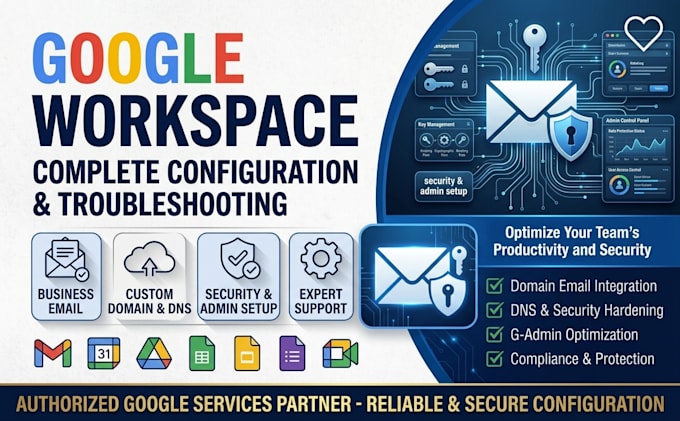
Fixed email delivery for 100+ business domains so messages land in inboxes, not spam. I handle Google Workspace setup, custom domain DNS, and email security so your business email works the first time and stays protected.
You get a working professional email, correct DNS records, and an admin console locked down against phishing.
Here's what my service includes:
Platforms I work with: Google Workspace · Gmail · Google Admin Console · Cloudflare · GoDaddy · Namecheap · Hostinger · Bluehost · SiteGround · Squarespace Domains · AWS Route 53 · Wix · WordPress · Shopify · Microsoft 365 · Outlook · Apple Mail · Thunderbird · MXToolbox · Mail-Tester · Google Postmaster Tools · Google Meet · Slack · Zoom · Zapier
SELECT A PACKAGE TO START IMMEDIATELY OR MESSAGE ME FOR A CUSTOM QUOTE.



Email Provider:
Gmail
•
Microsoft Outlook
•
Outlook
•
Zoho
•
Mailchimp
Expertise:
Security
•
Spam
•
IMAP
•
Setup
•
Configuration
Will I lose my existing emails?
No. In Premium I migrate your old mailbox, including folders and contacts, from Outlook, Microsoft 365, or another host before switching your MX records, so nothing is left behind.
Which domain registrars do you work with?
GoDaddy, Namecheap, Cloudflare, Hostinger, Bluehost, Squarespace, Route 53, and most others. If you can edit your DNS records, I can work with it.
How long until the email works?
Setup takes 1-2 days. DNS changes can take a few hours to propagate and occasionally up to 48 hours, so I test and confirm delivery once they go live.
My emails are going to spam. Can you fix that?
Usually yes. Missing or broken SPF, DKIM, and DMARC records are the most common cause, and I fix and verify them. Delivery also depends on your sending history and content, so I'll flag anything outside DNS.
What access do you need, and is it safe?
Admin access to your domain's DNS and your Workspace account. I recommend a temporary delegated or new admin login, and you can remove it the moment I'm done.