Browse categories
Explore
Fiverr Pro
English
$
USD




Are your Zoho apps not connecting properly with each other or with your external tools? Manual data entry, disconnected systems, and missed updates can make your workflow slow and difficult to manage.
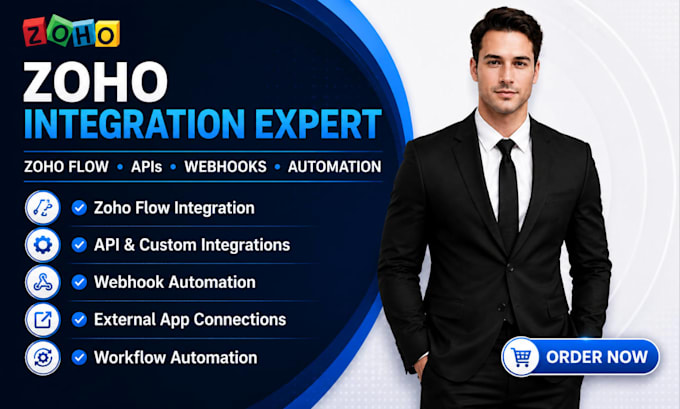
I will help you connect your Zoho apps with Zoho Flow, APIs, webhooks, and external applications so your data can move between systems smoothly. I can set up integrations, automate data transfer, connect third-party tools, and create workflows based on how your business operates.
What I Can Help With:
Why Choose Me?
Order Now and lets connect your Zoho apps and other tools into a smoother automated workflow.
ZOHO AND CRM AUTOMATION EXPERT
Languages
Can you connect different Zoho apps together?
Yes, I can connect Zoho apps using Zoho Flow, APIs, webhooks, and other integration methods.
Can you integrate Zoho with external applications?
Yes, I can connect Zoho with supported third-party applications to automate data and processes.
Can you set up Zoho Flow?
Yes, I can create and configure Zoho Flow workflows based on the actions you want to automate.
Can you work with APIs and webhooks?
Yes, I can set up API connections and webhooks to send and receive data between your applications.
Can you automate data between my apps?
Yes, I can automate data transfer and actions between Zoho and your connected applications.
Can you fix an existing Zoho integration?
Yes, I can troubleshoot existing integrations and help fix workflow, API, webhook, or connection issues.
Can you test the integration after setup?
Yes, I will test the connection and workflow to make sure the integration works as expected.