Browse categories
English
$
USD
Connect to your AI
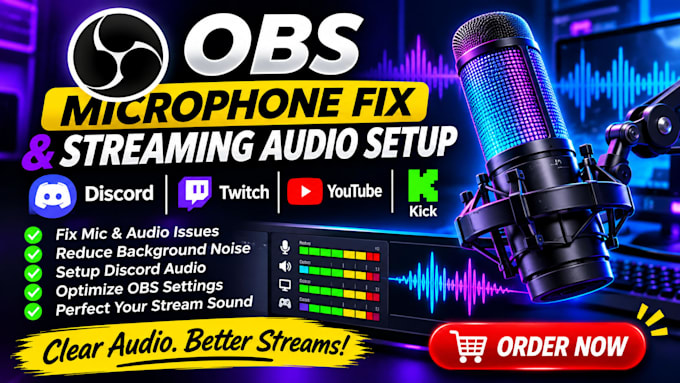
I will fix and optimize your OBS microphone, Discord and streaming audio setup to give you clear, balanced and professional sound.
MY SERVICES INCLUDE
WHY CHOOSE ME?
CONTACT ME TODAY and let's get your audio working smoothly!
Software:
OBS studio
Platform:
•
Twitch
•
YouTube
•
Kick
Purpose:
Gaming
•
Music
•
Lifestyle
•
Business
•
News
•
Streamshare
•
Webinar
1. What audio problems can you fix?
I can fix microphone issues, low volume, background noise, echo, audio delays and sound configuration problems.
2. Can you configure my OBS microphone?
Yes! I can configure your microphone, audio sources, filters and volume levels in OBS Studio.
3. Do you support Discord audio setup?
Yes! I can configure Discord input and output devices and troubleshoot voice chat issues.
4. Can you remove background noise?
Yes! I can apply suitable audio filters to reduce unwanted background noise.
5. Can you fix echo and double audio?
Yes! I can troubleshoot common causes of echo, feedback and duplicated audio sources.
6. Do you support gaming streamers?
Yes! I can configure microphone, Discord, desktop and game audio for gaming streams.
7. Do I need a professional microphone?
No. I can help configure most standard USB and compatible microphones.
8. Can you test my audio before delivery?
Yes! I will test your audio configuration to ensure everything works as expected.
9. What software do you work with?
I primarily work with OBS Studio and Discord, including compatible audio devices and plugins.
10. What do you need to get started?
I need your microphone model, software details and a description of the audio problem you're experiencing.