Browse categories
Explore
Fiverr Pro
English
$
USD

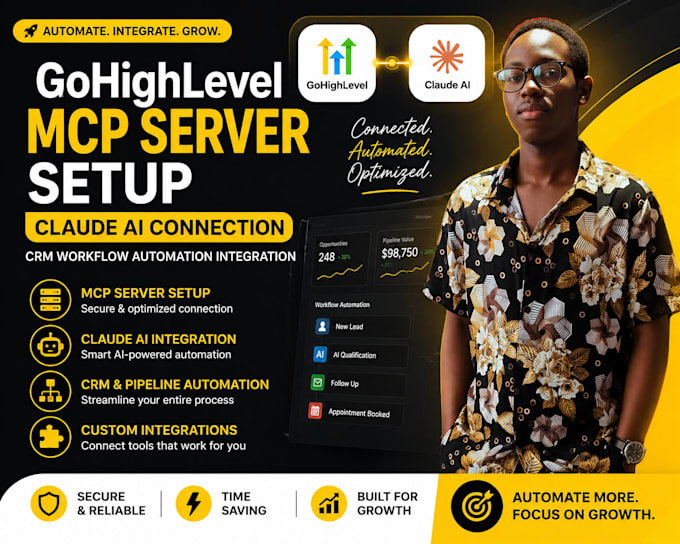

Struggling to get value from GoHighLevel because every lookup, update, or workflow trigger means clicking through dashboards manually? That slows your follow-up speed and costs you deals.
The fix: connect Claude AI directly to your GHL CRM through an MCP (Model Context Protocol) server, so you manage contacts, pipelines, and workflows just by chatting with AI.
I am a GoHighLevel specialist building this exact MCP + Claude AI integration for agencies ready to be early adopters of AI-powered CRM management, giving you an edge over competitors still doing everything manually.
What I deliver:
Ready to give your CRM an AI upgrade? Message me now with your GHL details and let us get it live this week.
CRM Integration Expert, GoHighLevel, HubSpot, Pipedrive, Zapier
Languages
Q: Does my GoHighLevel plan need anything special for this?
A: You'll need an active GHL account with API access enabled. I'll confirm compatibility before we begin.
Q: What can Claude actually do once connected?
A: Depending on setup, it can look up contacts, update pipeline stages, trigger workflows, and answer questions about your CRM data — all through chat instead of clicking through GHL.
Q: Is this an official GoHighLevel feature?
A: MCP is a protocol GHL has adopted for AI integrations. I set up and configure the connection for your account.
Q: How long does setup take?
A: Typically 2-4 days depending on scope and how many workflows/actions you want AI-accessible.
Q: Is my data safe with this setup?
A: Yes, I scope permissions so the AI only accesses what you approve — nothing is exposed beyond what's configured.
