Browse categories
Explore
Fiverr Pro
English
$
USD


Your app idea looks unclear to investors and developers until the screens feel real.
You are not alone. Many founders start coding too early and then pay twice to redesign everything.
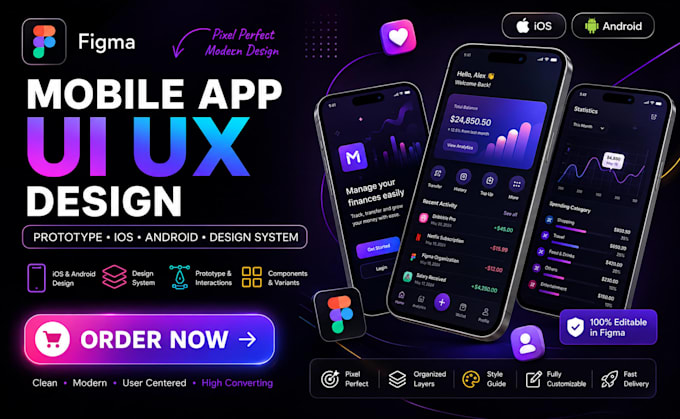
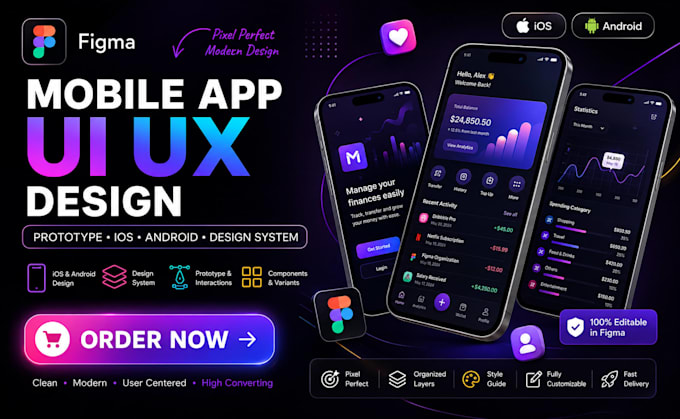
I design clean, modern mobile app UI in Figma so you can show a clickable prototype, gather feedback, and hand clear screens to any developer. Clients often use the prototype to close their first users or funding conversation.
What you get:
Tools I work with:
Figma, Auto Layout, Components, Variants, Prototyping, Design tokens
Message me with your idea or existing rough sketches. I will confirm scope and the right package before you order so there are no surprises.
Please inform the freelancer of any preferences or concerns regarding the use of AI tools in the completion and/or delivery of your order.
SOFTWARE DEVELOPER ,WEB APP, MOBILE APP ,SAAS APP ,BUBBLE MVP
Languages
Do you design for both iOS and Android?
Yes. I design mobile screens that follow both iOS and Android patterns. You get layouts that feel native on each platform while staying consistent in Figma so developers can build from one clear source of truth.
Will I get a clickable prototype?
Yes on Standard and Premium. You receive a Figma prototype link you can click through and share with your team, investors, or developers so everyone can experience the flow before coding starts.
Do you provide the full Figma source file?
Yes. You own the complete Figma file at delivery, including frames, components, and prototype connections. You can edit anything later or hand it straight to your developer.
Can you work from my existing rough ideas or sketches?
Yes. Send sketches, notes, competitor links, or a short brief. I turn them into clean user flows and high-fidelity screens so you do not need perfect inputs to get a professional result.
How many screens are included?
Basic covers flow and low-fi wireframes. Standard includes about 12 to 15 high-fidelity screens. Premium covers a fuller set of 18 to 25 screens plus a simple design system for consistency.
Do you create a design system?
Premium includes a practical design system with colours, typography, buttons, and reusable components. This keeps the UI consistent and makes future screens faster to add for you or your developer.
What if I need changes after delivery?
Each package includes revisions. Tell me what to adjust and I update the Figma file. Extra revision rounds can be added if your scope grows beyond the selected package.
Can developers use your file easily?
Yes. I organise layers cleanly, use Auto Layout where it helps, and prepare the file for handoff. Developers can inspect spacing, colours, and assets directly in Figma without confusion.
Do you design custom icons or illustrations?
Simple basic assets can appear in Basic. Full custom icons and stronger visual assets are included in Standard and Premium so the UI looks polished and ready for development.
How do we start?
Message me before ordering with your app idea, target users, and any references. I will confirm the right package and scope so you order with a clear plan and no surprises.