Browse categories
English
$
USD
Connect to your AI

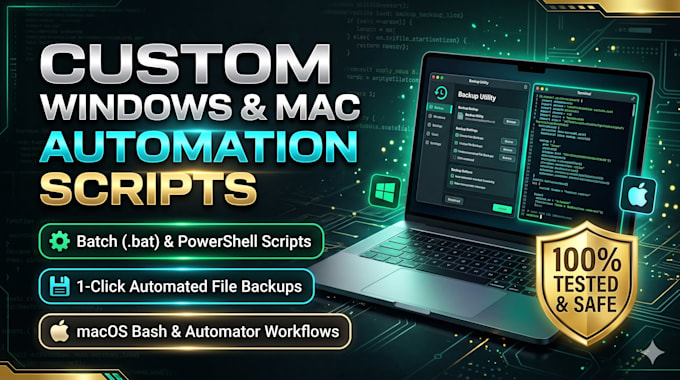
Tired of doing repetitive computer tasks, manual file backups, or folder cleanups every day?
I will build a safe, custom 1-click automation script for Windows (Batch .bat / PowerShell) or macOS (Bash / Zsh / AppleScript / Automator) that runs in seconds with zero third-party bloatware.
What I Can Automate for You:
Why Choose Me?
Message me with your task before ordering!
Remote IT Specialist, Windows, macOS, Network, Outlook Troubleshooting
Languages
Do I need to install extra software to run these scripts?
No! I build all scripts using native tools already built into Windows (Batch and PowerShell) and macOS (Bash, Zsh, and AppleScript), so they work out of the box with 1 click.
Is my data safe when running a backup or file-move script?
Yes, 100%. I never write silent auto-delete commands. My scripts include pre-backup confirmation prompts and safety checks so you always approve actions before any file is moved or overwritten.
Can you help me set up the script on my computer live?
Absolutely. Every package includes clear step-by-step instructions, and with the Premium package I can hop on AnyDesk, RustDesk, or Zoom to set it up for you live.
