Browse categories
Explore
Fiverr Pro
English
$
USD

Level 1

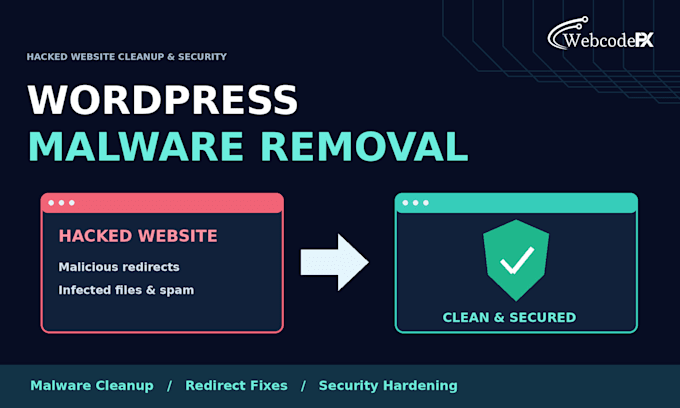
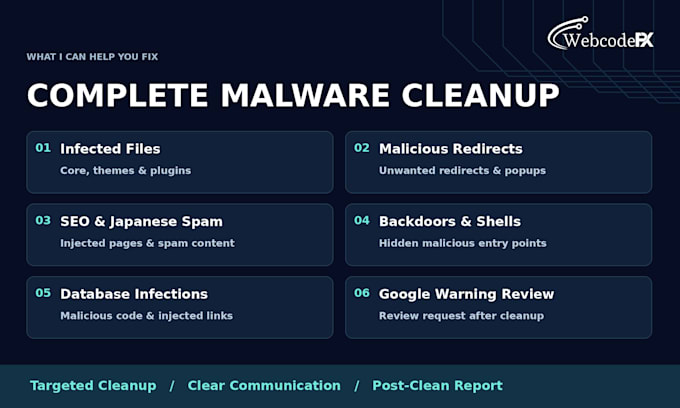
Is your WordPress site hacked, showing redirects, or blocked by Google with a malware warning? A hacked site destroys traffic and revenue. With 6+ years of experience, I fully clean malware, fix hacked sites, and harden security so it never happens again!
What I Will Do:
Why Choose Me?
Please be aware that it is against Fiverr's policies for sellers to include themes, templates, or any other elements that infringe third-party rights or applicable laws in the delivered work. Read more about in our Guide to Responsible Digital Creation.
Pixel Perfect WordPress, HTML and Figma UI Expert
Level 1
Languages
How quickly can you fix my hacked website?
Most malware infections, redirects, and hacked sites are fully cleaned and secured within 6 to 12 hours after receiving access.
Will you remove the Google red warning screen ("Deceptive Site Ahead")?
Yes! Once the website is 100% clean, I will submit a review request to Google Search Console to remove the warning banner and un-blacklist your site.
How do I prevent my website from getting hacked again?
Along with malware removal, I implement advanced firewall rules, change security keys (salts), block unauthorized admin access, and patch vulnerabilities to ensure long-term protection.
What credentials do you need to get started?
I will need your WordPress Admin Login details as well as your Hosting cPanel/FTP credentials (since core system files and databases often need manual cleaning).