Browse categories
Explore
Fiverr Pro
English
$
USD

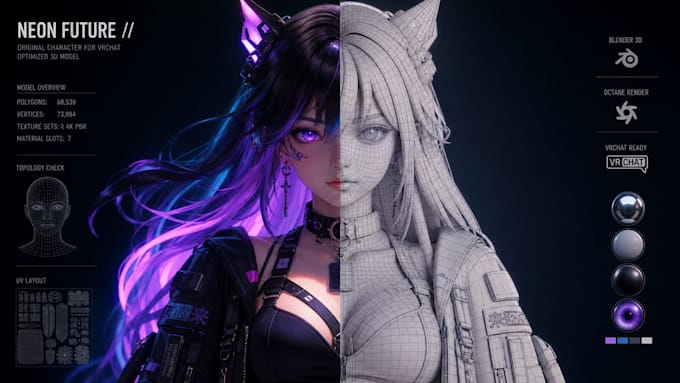

Is your VRChat avatar lagging in lobbies, poorly rigged, or completely invisible on Quest? I provide complete technical overhauls to make your avatar smooth, stable, and compliant with VRChat performance ranks.
Services Included:
Why Choose This Service?
Messy weights and unoptimized meshes ruin the VRC experience. I ensure your avatar retains sharp visual detail while maintaining top-tier performance ranks.
Send your model files today for an instant diagnostic and complete overhaul!
Please inform the freelancer of any preferences or concerns regarding the use of AI tools in the completion and/or delivery of your order.
High Performance 3D VRChat VTuber Avatar Creator Blender Unity Pro
Languages
Will my Quest version look identical to the PC version?
Quest uses mobile shaders without dynamic lighting, but I match colors and bake shadows to get as close as possible.
Can you fix avatar weight painting tears around the armpits or hips?
Yes, I clean up weight painting in Blender so clothes and skin bend naturally without tearing.
How do you reduce draw calls?
I combine materials and generate texture atlases, drastically lowering draw calls to improve game frame rates.
Can you convert dynamic bones to PhysBones?
Yes, I remove deprecated dynamic scripts and replace them with optimized VRChat PhysBones and colliders.
What files do I need to supply?
Please provide your Unity project folder or the model's .FBX file along with all associated textures.
