Browse categories
English
$
USD
Connect to your AI
Stream Architect and High Retention Video Editor
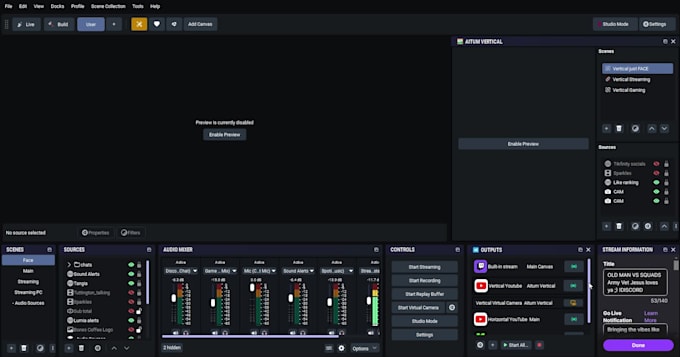
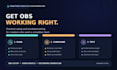
Remote OBS Studio installation and basic streaming setup. I will create one simple scene using the sources you choose, connect one streaming platform, check your microphone level, and run a short test. You control and enter your own account passwords. Remote access only happens with your permission. This package does not include overlays, advanced audio routing, multistreaming, or guaranteed hardware or internet fixes.
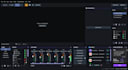
Software:
OBS Studio
Platform:
Twitch
Question: Is it safe to use TeamViewer or AnyDesk for this session?
Remote access is optional and only starts with your consent. You can watch, ask me to pause, or end the session anytime. Close private apps first and never share passwords—enter platform credentials yourself. I’ll use access only for the agreed OBS setup.
Question: Can you fix my stream lag if my PC hardware is old or outdated?
I can review OBS settings, encoder, resolution, and frame rate, then optimize within your PC’s limits. I can’t remove hardware or internet bottlenecks or guarantee a specific result. If your PC can’t handle the requested settings, I’ll explain realistic options before making changes.
Question: Will my stream audio layout protect me from copyright strikes (VOD tracks)?
No OBS audio setting can guarantee protection from copyright claims or strikes. I can set up separate live/VOD audio tracks where supported and test routing, but music rights and platform rules still apply. Use music you have permission to use and check the platform’s current VOD guidance.
What happens if something breaks or goes wrong after our session?
Premium includes 7 days of technical support for questions or minor tweaks related to this setup. For other packages, message me on Fiverr if an issue relates to my OBS changes. New features, unrelated hardware or internet issues, or work beyond your package may need a separate order.