Browse categories
Explore
Fiverr Pro
English
$
USD

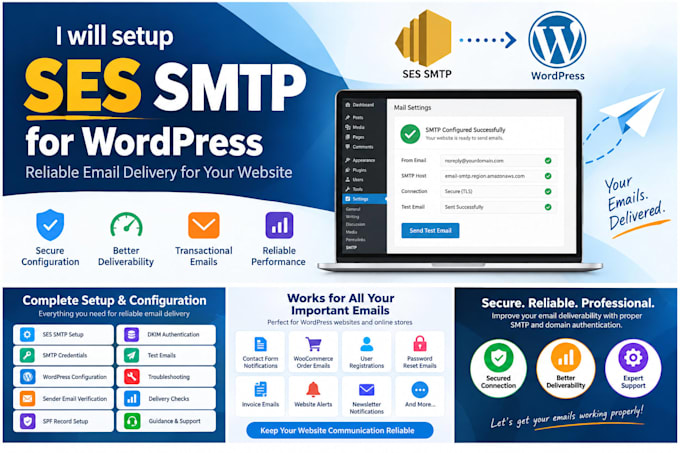

Is your WordPress website not sending emails reliably?
I will professionally configure SES SMTP with your WordPress website to improve the reliability of your website's transactional emails.
I can configure the SMTP connection, WordPress mail settings, sender verification, DNS authentication and perform complete email testing.
What I will configure
Perfect for
Please be aware that it is against Fiverr's policies for sellers to include themes, templates, or any other elements that infringe third-party rights or applicable laws in the delivered work. Read more about in our Guide to Responsible Digital Creation.
Experienced in WordPress Management, AWS Setup, Server Installations
Languages
Do you provide the Amazon AWS account?
No. The buyer should provide their own AWS account. I will configure SES within their account.
Can you configure SES for WooCommerce emails?
Yes. I can configure WordPress SMTP so WooCommerce transactional emails can be sent through Amazon SES.
Can you configure SPF and DKIM?
Yes, provided you have access to the domain's DNS settings.
Can you fix WordPress emails going to spam?
I can diagnose and improve the technical configuration, including SMTP, SPF, DKIM and related settings. However, inbox placement cannot be guaranteed.
Can you move my SES account out of sandbox mode?
I can guide you through the production-access request, but Amazon makes the final approval decision.
Do you need my AWS root password?
No. I recommend providing appropriate IAM access instead of sharing your AWS root credentials.
