Browse categories
Explore
Fiverr Pro
English
$
USD
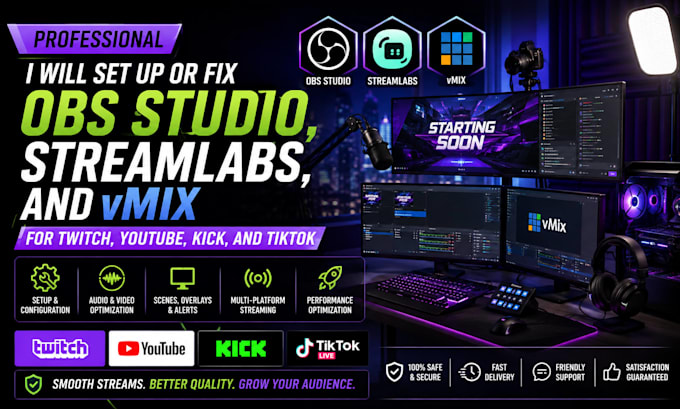
Are you having trouble setting up OBS Studio for professional streaming or recording?
I will configure OBS Studio to give you a smooth, reliable, and professional streaming or recording setup
My OBS services include:
Whether you are a beginner starting your first stream or an experienced creator who wants to improve your OBS setup, I can help you get everything configured correctly.
Why choose my service?
Send me a message before ordering if you are unsure which package you need.


Software:
OBS Studio
Purpose:
Gaming
•
Music
•
Lifestyle
•
Business
•
News
•
Streamshare
•
Webinar
What do you need from me to start the OBS setup?
I will need your streaming platform, computer specifications, OBS version, and details about what you want to stream or record.
What can you set up in OBS Studio?
I can configure streaming, recording, gaming, live broadcasts, audio, webcam, scenes, sources, and performance settings.
Can you optimize OBS for my PC?
Yes. I’ll adjust resolution, FPS, bitrate, encoder, and other settings based on your hardware and internet connection.
Can you set up OBS for gaming and live streaming?
Yes. I can configure game capture, microphone, webcam, scenes, overlays, and streaming settings for a smooth experience.
Can you troubleshoot OBS issues?
Yes. I can help resolve common issues such as lag, dropped frames, audio problems, black screens, and encoding errors.
5. What do you need from me to get started?
I’ll need your PC specifications, internet speed, preferred platform, and details about what you want to stream or record.