Browse categories
Explore
Fiverr Pro
English
$
USD
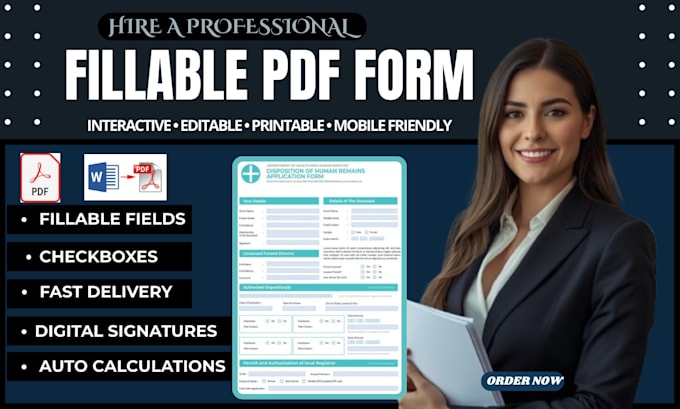
Need a professional fillable PDF form that actually works? You're in the right place!!
Stop struggling with messy forms! I create high-quality fillable PDF form, editable PDF, and interactive PDF designs in Adobe Acrobat perfectly aligned, fully functional & ready to use.
Whether you need to convert word to pdf, redesign an old document, or build a brand-new fillable pdf form with advanced features, I deliver clean, professional pdf form design that saves you time and impresses your clients.
Why Choose Me?
What You Will Get:
Let's build your perfect interactive pdf today!
Send me your file and I'll get your fillable PDF form ready to go. Place your order now or message me with a quick question I'll get back to you right away!


Convert from:
DOC, DOCX
Convert to:
Can you convert my Word document to a fillable PDF form?
Yes! I'll take your Word doc and convert it to a fillable PDF form in Adobe Acrobat. I'll add all the fields you need so your clients can type directly into it — no printing or handwriting required.
What types of fillable fields can you add to my PDF form?
I can add all interactive field types — text boxes, checkboxes, radio buttons, dropdown menus, date pickers, list boxes, digital signature fields, and submit/print/email buttons — making your PDF fully interactive and professional.
What's the difference between a fillable PDF and an editable PDF?
A fillable PDF form has specific fields (like text boxes, checkboxes, or dropdowns) people can complete. An editable PDF usually means they can change the actual text or layout. I create a fillable (and interactive) PDF form so your design stays intact while others can fill it out easily.
Will this form work on phones, tablets, and computers?
Yes. The fillable PDF form I deliver works in most PDF readers (Adobe Acrobat Reader, Apple Preview, Chrome, Safari, and most mobile PDF apps). Your clients can fill it out on any device and send it back.
Can you add a signature field to my form?
Absolutely. I can add a signature field anywhere you need it. It's included in the Premium package, or you can add it as a cheap gig extra if you're ordering Basic or Standard.
I only have a scanned PDF (or a paper form). Can you still make it fillable?
Yes. I can work from a scanned PDF too. For best results, I'll use the scan cleanup extra (or Premium) to straighten/clean it up first, then add all the form fields so it looks sharp and works properly.
Can you fix my existing PDF form if it's broken or misaligned?
Yes. If your current Acrobat form has overlapping fields, a weird tab order, or just doesn't work, I can fix it. That's included in Premium, or you can order the "Fix broken form" extra for Basic/Standard.
Will my fillable PDF be editable later if I need changes?
Yes! Upon request, I provide the editable source file, so you can update text, fields, or design anytime in the future without starting from scratch.