Browse categories
Explore
Fiverr Pro
English
$
USD
Python Automation Developer, PDF, Excel and Document Processing
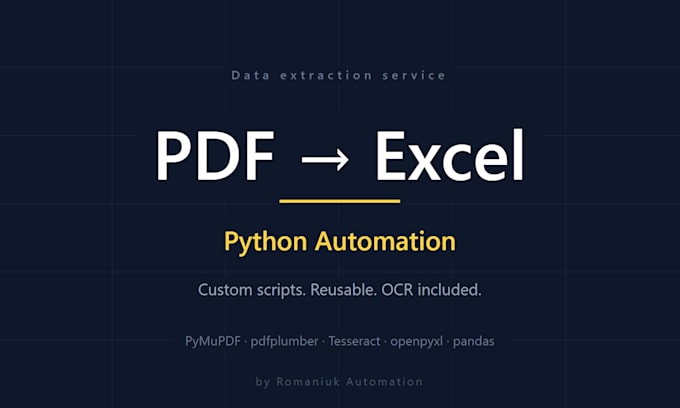
Tired of copying data from PDFs into Excel by hand? I build custom Python scripts that do it for you fast, accurate, at any scale.
Whether you have one big document or many files in identical format, my script extracts your data into clean, structured Excel in minutes.
What you get:
- PDF data extraction (text, tables, multi-column layouts)
- OCR for scanned files via Tesseract
- Multi-sheet Excel output with formatting
- Custom Excel schemas with formulas and validation
- Automatic anomaly flagging (outliers highlighted)
- Optional: reusable Python script + README
Recent project: 13,000+ data points extracted from a 453-page engineering PDF into a color-coded Excel report with anomaly flagging. Two weeks of manual work 10 minutes.
Why me: I'm an engineer first, developer second. Years processing technical documents in construction means I understand the data, not just the parsing. Your output won't be just "extracted" it'll be structured the way an analyst actually uses it.
What I need: a sample PDF, a brief description of the data you need, and your preferred Excel layout.
Message me before ordering I'll review your file and confirm the right package.


Convert from:
Convert to:
XLS, XLSX
Will the script work on any PDF I have?
Each script is custom-built for the specific document format you provide. It works reliably on any document with the same structure (e.g., recurring monthly reports, invoices in the same layout). For different formats, a new script is needed.
How is my data kept confidential?
Your files are processed locally on my machine and deleted after delivery. No cloud uploads, no third-party AI services unless you specifically request them. NDAs available on request for sensitive documents.
Can you handle scanned PDFs and image-based files?
Yes — scanned PDFs are supported in Standard and Premium packages via Tesseract OCR. Best results come from scans at 300 DPI or higher. Handwritten content is not supported, only printed text.
What's the difference between a one-time conversion and getting the Python script?
A one-time conversion gives you the Excel file. Adding the Python script (included in Premium or as an extra) lets you rerun the extraction yourself anytime new files come in — no need to reorder. Best for recurring documents.
My PDF has complex layouts — merged cells, multi-column tables. Can you handle it?
Yes. Complex layouts, merged cells, multi-column tables, and tables spanning multiple pages are supported in Premium. For Basic or Standard, message me first with a sample so I can confirm feasibility.
Do you support output formats besides Excel?
Default output is Excel (.xlsx). I also deliver CSV, JSON, or Google Sheets format on request at no extra cost — just specify your preference in the order requirements.
Can you work with non-English documents?
Yes. The script extracts data regardless of language (Ukrainian, Russian, German, French, etc.). Column headers in your Excel output can be in any language you specify.