Browse categories
Explore
Fiverr Pro
English
$
USD
Stop guessing and start growing with accurate data!
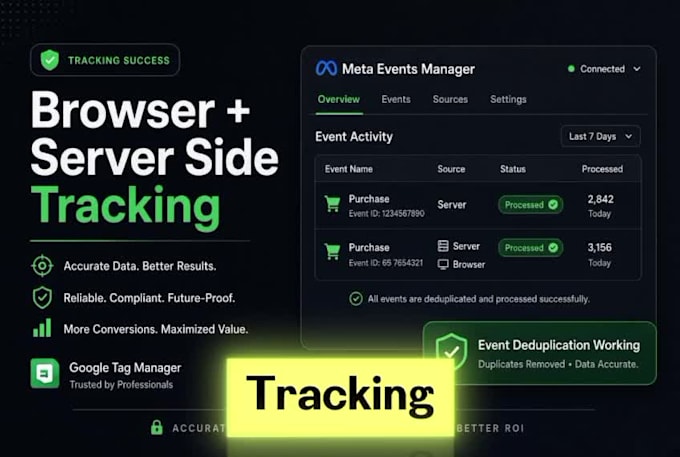
Struggling with inaccurate tracking, missing conversions, or iOS 14+ updates? I build professional server-side tracking infrastructures to ensure you capture every event with precision. As a Web Analytics Specialist, I migrate tracking from browser to server, bypassing ad-blockers and enhancing data accuracy.
What I offer:
Why Choose Me?
Let's build a solid analytics foundation for smarter decision-making!
Please message me before ordering to discuss you
What is Server-Side Tracking and why do I need it?
Traditional tracking happens in the browser (Client-side), which is often blocked by ad-blockers or restricted by iOS 14+ updates. Server-side tracking moves this process to a private server (via Stape.io). This allows you to bypass ad-blockers, improve data accuracy, and increase your website's loa
What is Facebook Conversion API (CAPI) and how does it help?
Facebook CAPI sends events (like purchases or leads) directly from your server to Facebook, instead of relying only on the browser pixel. This ensures that even if a user has a tracker-blocker or is on iOS 14+, the event is still recorded. This leads to better ad optimization and a higher ROAS.
What access do I need to provide to get started?
To set everything up correctly, I will need: Admin access to your Google Tag Manager (GTM). Admin access to Google Analytics 4 (GA4). Admin access to Facebook Business Manager. Access to your Website Admin (WordPress, etc.) and DNS provider (e.g., Cloudflare, Namecheap).
Will server-side tracking slow down my website?
Quite the opposite! Because we move the heavy tracking scripts from the browser to the server, your website has less work to do. This actually reduces page load time and improves the overall user experience (UX), which can also help your SEO.
Can you set up tracking for a site that is not on WordPress?
Yes, I can! While I specialize in WordPress, server-side tracking via GTM is platform-independent. As long as you can add a GTM container code to your site, I can set up advanced tracking regardless of the platform you are using.
Can you fix my existing broken tracking?
Yes, I can audit and fix existing GTM, GA4, Facebook Pixel, or CAPI setups. Just let me know the issues you’re facing.
Will you test everything after setup?
Yes, I thoroughly test all tracking using GTM Preview mode, GA4 DebugView, and Facebook Test Events to make sure everything is working correctly before delivery.