Browse categories
Explore
Fiverr Pro
English
$
USD
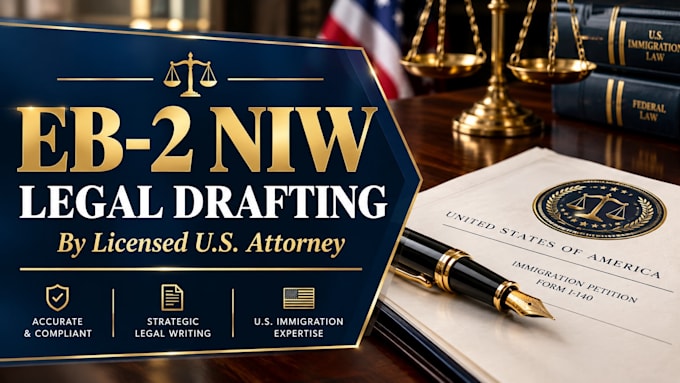
Licensed US Attorney Expert EB2 NW Narratives Legal Strategy
Even the most brilliant proposed endeavors can result in a Request for Evidence (RFE) or denial if they are poorly articulated, disjointed, or riddled with grammatical errors.
As a licensed U.S. Attorney (Bar #193779), I provide elite legal editing services to refine, polish, and elevate your DIY EB-2 NIW proposed endeavor statement. I do not just check for spelling; I evaluate your draft through the lens of an immigration professional. I ensure your writing strikes the right balance of technical accuracy and accessible language for a USCIS adjudicator.
My editing process focuses on:
Don't let language barriers or poor formatting jeopardize your Green Card. Send me your current draft via Fiverr, and I will transform it into a premium legal document.
Field of law:
Civil rights
Target country:
United States
Please note that there is no screening process for this service. We recommend that you message the freelancer and check all necessary details before placing your order. Pro freelancers in this category have gone through a vetting process. You can find more details here.
Do I need to have a finished draft before ordering?
You should have a complete or near-complete draft. If you only have bullet points, please purchase my "Write your statement" gig instead.
Will you tell me if my endeavor is too weak?
Yes. If I notice during the editing process that your endeavor lacks clear national importance, I will provide strategic feedback on how to strengthen it.
What file format should I send?
Please provide your document in Microsoft Word (.doc or .docx) so I can use the "Track Changes" feature.
