 September 29, 2026
 15 minute reading
Small business bookkeeping is the ongoing work of recording, categorizing, and reconciling every transaction your company makes. Most owners handle it themselves at the start, then reach a point where the spreadsheet stops keeping up with the business. Knowing when that point arrives, and how to hand the work to a remote specialist, is what separates a clean set of books from a stressful January. Businesses that want help sooner can work with bookkeeping professionals on Fiverr who already operate inside the cloud software they use.
This guide covers the signals that DIY tracking has run out of road, how to scope and hire the right professional, how to set up cloud accounting software together, and what a monthly close saves you at tax time.
At a glance: outsourcing small business bookkeeping
- Bookkeeping records and reconciles your transactions. Accounting interprets them, files your returns, and advises on strategy. Growing companies usually need both.
- The clearest signals to outsource are books more than a month behind, a profit and loss statement that only appears at tax time, and decisions made on numbers you do not trust.
- Cloud accounting platforms such as QuickBooks Online, Xero, and Wave let a remote professional work in your books through their own login, with no password sharing.
- A monthly close costs less than an annual cleanup, because catch-up work is billed as a separate project and slows down tax preparation.
- On Fiverr, businesses can scope a one-time cleanup, ongoing monthly support, or full financial management depending on what the company actually needs.
- Note: Fiverr marketplace figures in this guide are based on completed projects and active listings over the trailing 12 months (September 2025 - August 2026).
What small business bookkeeping actually covers
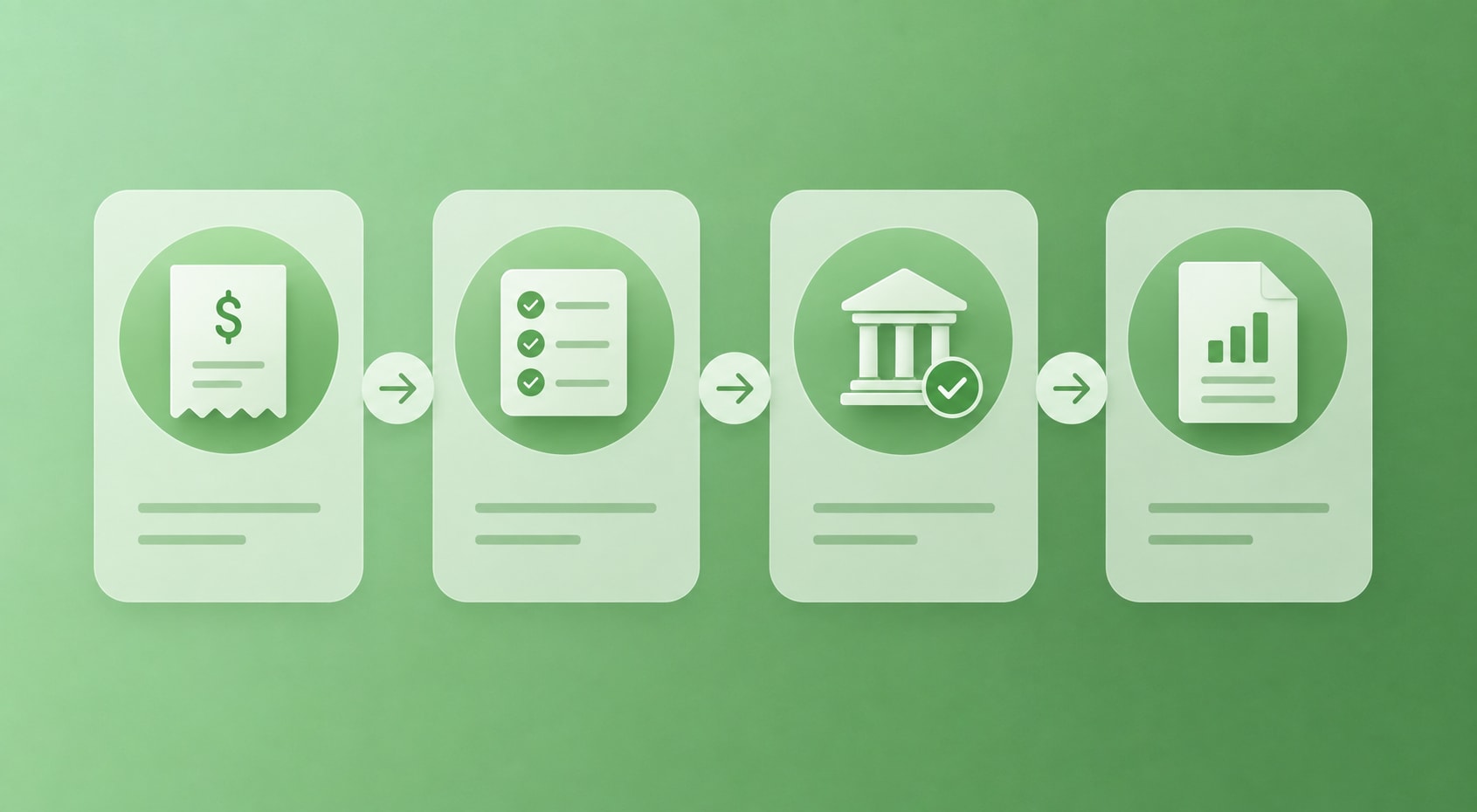
Small business bookkeeping covers the day-to-day maintenance of your financial records, not the analysis built on top of them. A tax return, a loan application, and a pricing decision all draw on the same underlying data.
A standard monthly scope covers:
- Categorizing income and expenses in the general ledger
- Reconciling bank, credit card, loan, and payment processor accounts against internal records
- Tracking invoices, bills, and outstanding payments
- Maintaining receipts and other supporting documentation
- Recording payroll and contractor payments
- Producing a profit and loss statement, balance sheet, and cash flow summary
When your records are current, you can see more than your bank balance. You can tell whether revenue is actually growing, which services carry the best margin, and where expenses are quietly putting pressure on cash.
Bookkeeping vs. accounting: where the line sits
A bookkeeper keeps the record accurate. An accountant uses that record to prepare returns, plan for tax obligations, and advise on structure and growth. The sequence matters: an accountant working from disorganized books spends billable hours on cleanup before any strategic work begins.
Some professionals handle both, particularly for smaller companies. If you already work with a CPA, the question is whether they are spending time on data entry a dedicated bookkeeper could handle instead.
Five signs your business has outgrown DIY spreadsheets
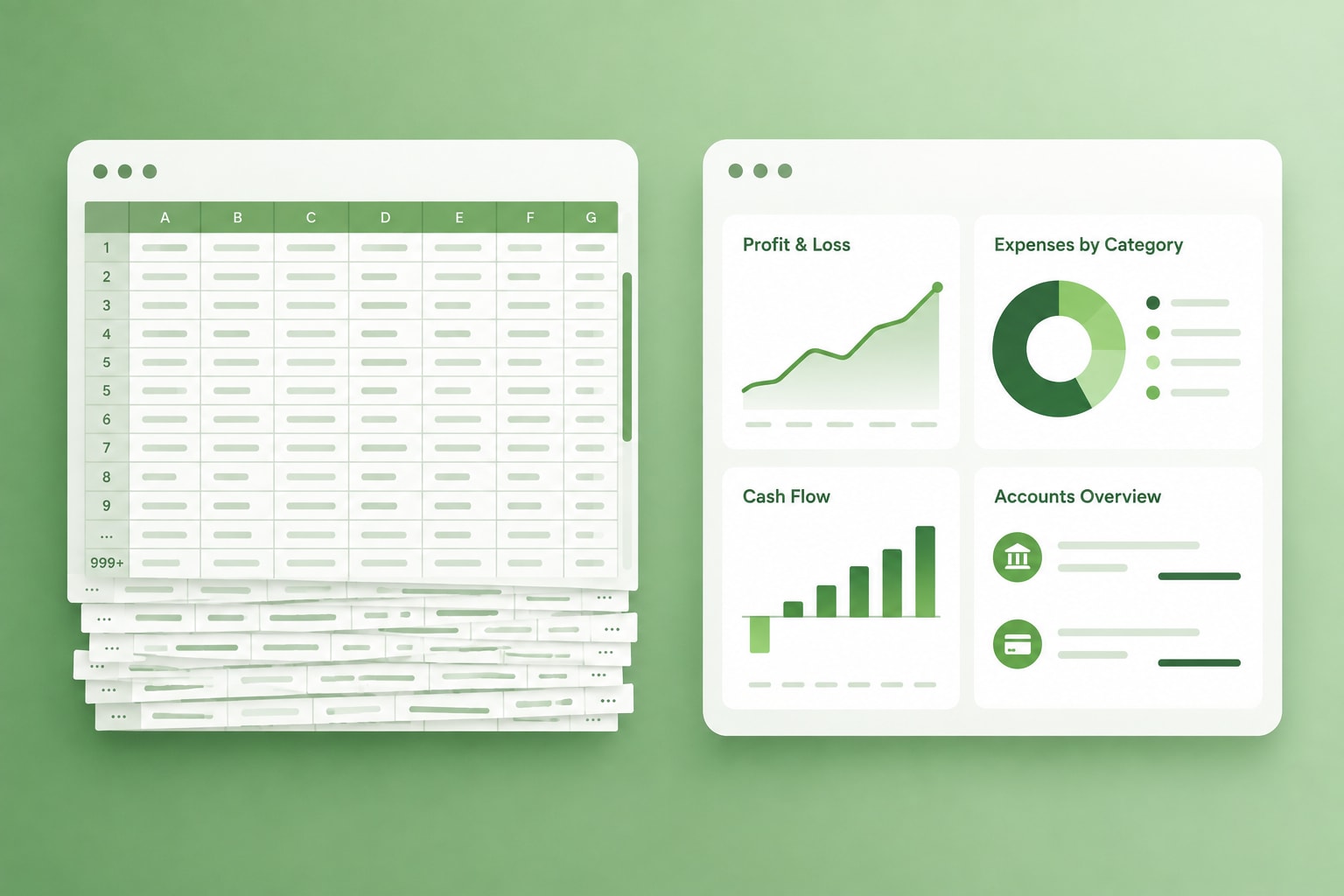
Spreadsheets are a reasonable place to learn your own numbers. They stop being practical once you are spending real time maintaining them or can no longer rely on what they contain. Most owners do not decide to outsource so much as reach the point where the cost of not outsourcing becomes visible. These five signals show up most often:
1. Your books are more than a month behind
Reconciliation that slips by a few weeks tends to keep slipping. Once records are a month or more out of date, your reports describe a version of the business that no longer exists, which makes them useless for decisions you need to make this quarter.
Delay also compounds the work. Missing receipts, duplicate transactions, uncategorized payments, and unreconciled accounts are quick to resolve in the week they occur and slow to untangle six months later, when nobody remembers what the charge was for.
2. Your profit and loss statement only exists at tax time
If the only time you see a full P&L is when someone else builds it in March, you are running the business on bank balance alone. A bank balance tells you what cleared, not what is owed, what is committed, or whether the last three months were profitable.
An incomplete P&L also leaves the questions that matter unanswered. Are your prices high enough to cover delivery? Is one client or one service line generating most of your profit? Did last quarter's software investment improve anything, or is it now a recurring expense nobody has reviewed?
3. Cash flow is a feeling rather than a forecast
Profit and cash are not the same thing. A business can post strong revenue on paper while waiting sixty days for clients to pay, and it can hold a healthy bank balance while payroll, quarterly taxes, and supplier bills sit outside the plan.
Wondering whether you can absorb a new contractor, a piece of equipment, or a slow month is a reporting problem before it is a money problem. Companies with current books answer that question in minutes.
4. Transaction volume has passed what manual entry can absorb
New sales channels, payroll, subscriptions, and contractor payments multiply line items quickly. Xero's hiring guidance points to a workable threshold: more than five to ten hours a week on financial tasks, or more than 50 transactions a month, is where professional support starts paying for itself.
5. You are making decisions on numbers you do not trust
If you hesitate before quoting a margin or committing to a hire because you are not sure the figure is right, the record has stopped doing its job. Accurate books do not make the decision for you, but they replace assumption with evidence.
What types of businesses outsource their financials?
Companies with recurring transaction volume and no in-house finance function outsource earliest, and what they outsource first is almost always the recurring work rather than the analysis. That group includes ecommerce and direct-to-consumer stores managing multiple payment processors, agencies handling retainers and contractor payouts, consultancies with project-based invoicing, and solopreneurs whose revenue has outgrown a spreadsheet.
The common thread is complexity rather than company size. Multiple revenue streams, multiple payment methods, or a mix of employees and contractors will each push a business past DIY territory well before headcount does.
What to look for in an outsourced bookkeeping professional
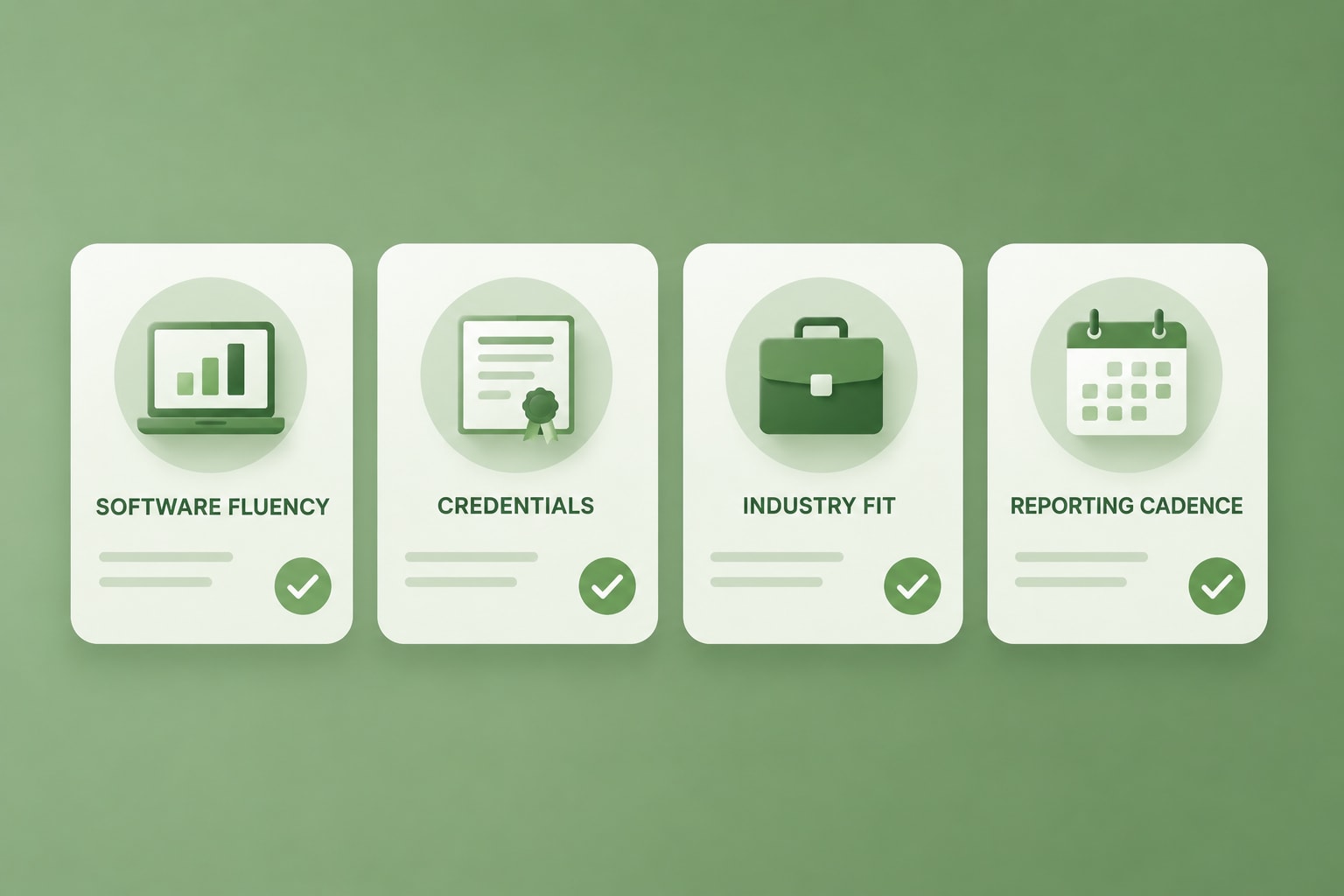
Evaluate candidates in the order that predicts outcomes: relevant experience first, then software fluency, then communication, with price considered last. A professional who has closed the books for a dozen ecommerce stores costs less in explanation time than a generalist at any rate.
Five things worth checking before you commit:
- Platform depth. Daily fluency in your specific software, not general familiarity with accounting tools.
- Credentials you have verified. Ask for documentation of any certification listed, such as CPA licensure or QuickBooks ProAdvisor status. Fiverr's guidance for finance services recommends requesting this directly before work begins.
- Industry experience. Revenue recognition for an agency looks nothing like inventory accounting for a product business.
- Reporting cadence. Confirm in writing what you receive each month, and when.
- Security practices. Two-factor authentication, no shared credentials, and a clear process for documents containing personal data.
Reviews, ratings, and level are useful filters, but read the reviews left by businesses that resemble yours. A solopreneur with one bank account needs a different workflow from an agency running retainers, subcontractor payouts, and project-based revenue.
Bookkeeping rewards continuity in a way most outsourced work does not. A professional several months into working with your business knows your vendors, your categorization rules, and your own seasonal patterns, which is why many companies move from a one-time cleanup into ongoing monthly work.
Fiverr’s marketplace data supports that. Among businesses hiring bookkeeping support on Fiverr, about 11.5% work with the same professional across three or more separate months, and that group places a median of five orders and accounts for roughly a third of the category's total value. The same measure for financial reporting is 2.9%, which tells you something useful about the two services: bookkeeping is built for an ongoing relationship, while reporting work tends to be project-shaped.
How to outsource your bookkeeping effectively
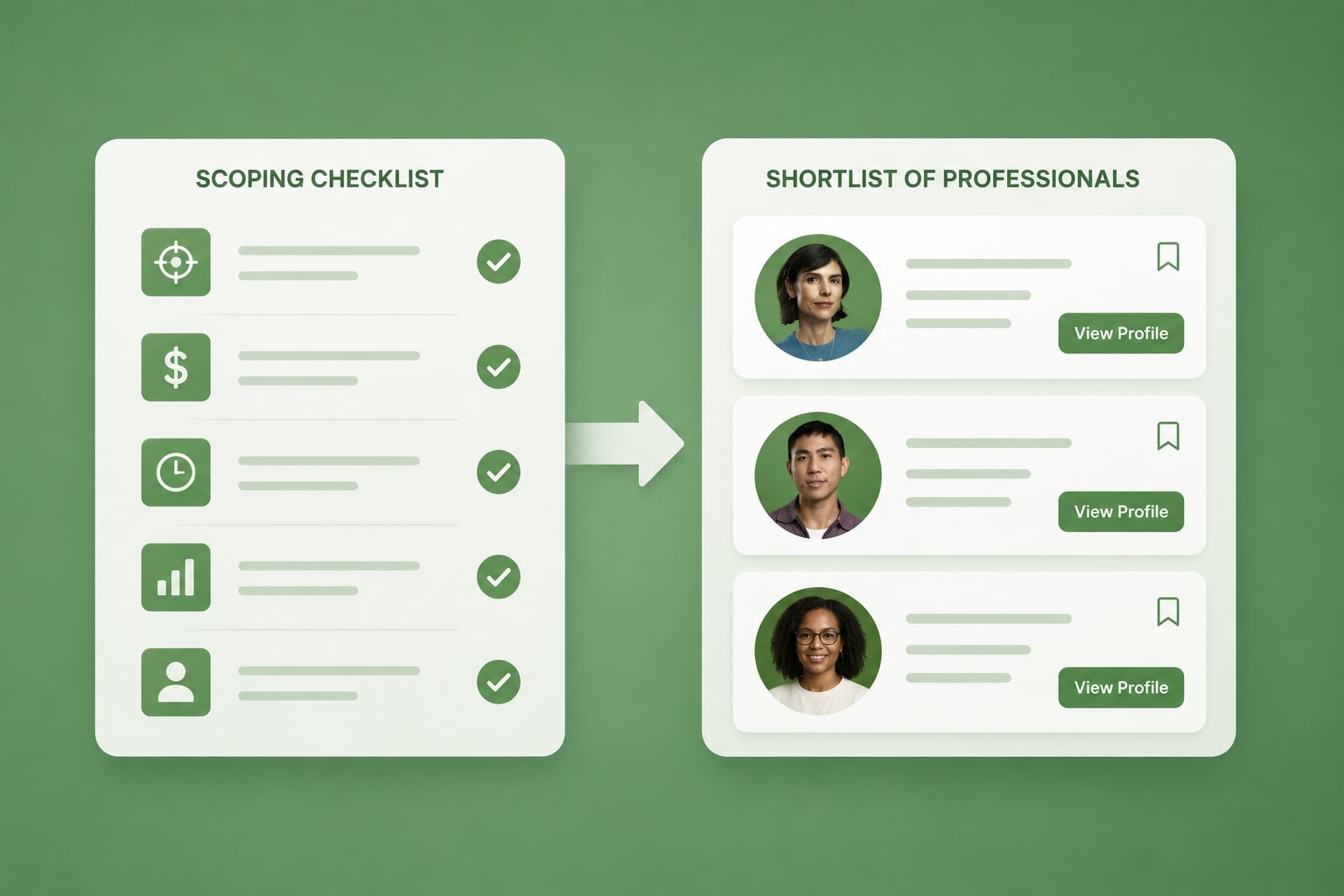
Outsourcing works best when you define the need precisely before you start comparing people. A vague brief produces quotes you cannot compare and a scope that expands after work begins.
Decide what support you need
Start with the condition of your records and the type of help that follows from it. The four common scopes are a one-time cleanup, catch-up work covering a defined historical period, recurring monthly bookkeeping, or broader small business accounting support that includes reporting and review.
Before contacting anyone, gather the basics about your business:
- The accounting software you use, if any
- The number of bank, credit card, and payment processor accounts involved
- Approximate monthly transaction volume
- Whether you have employees, contractors, or both
- How far behind the books currently are
- The reports you want to receive, and how often
This turns a vague request into a scoped project. It also gives you a consistent basis for comparing proposals, since every professional is quoting against the same facts.
Ask the right questions before you hire
Ask about process, not just experience. The answers tell you how the engagement will actually run:
- Which tasks are included each month, and which are billed separately?
- Which reports will I receive, and in what format?
- How do you handle missing documents or transactions you cannot identify?
- What access and permissions will you need, and to which systems?
- When in the month will the close be completed?
- How quickly do you typically respond to questions during the month?
Fiverr gives businesses a straightforward way to browse a global pool of accounting and bookkeeping professionals, compare services, and discuss scope in writing before committing. Depending on the project, you can structure the work as a fixed-price engagement, hourly support, or an ongoing monthly arrangement.
Put the working arrangement in writing
Define the monthly deliverables, the deadlines, the communication channel, the access required, the revision process, and the responsibilities on both sides. Split responsibility explicitly: the business uploads receipts and answers queries by an agreed date, and the professional completes reconciliations and delivers reports by another.
Build in a short monthly review as part of the arrangement. Fifteen minutes on unusual expenses, overdue invoices, margin shifts, and upcoming cash needs catches problems while they are still small.
How to set up cloud accounting software with a remote professional
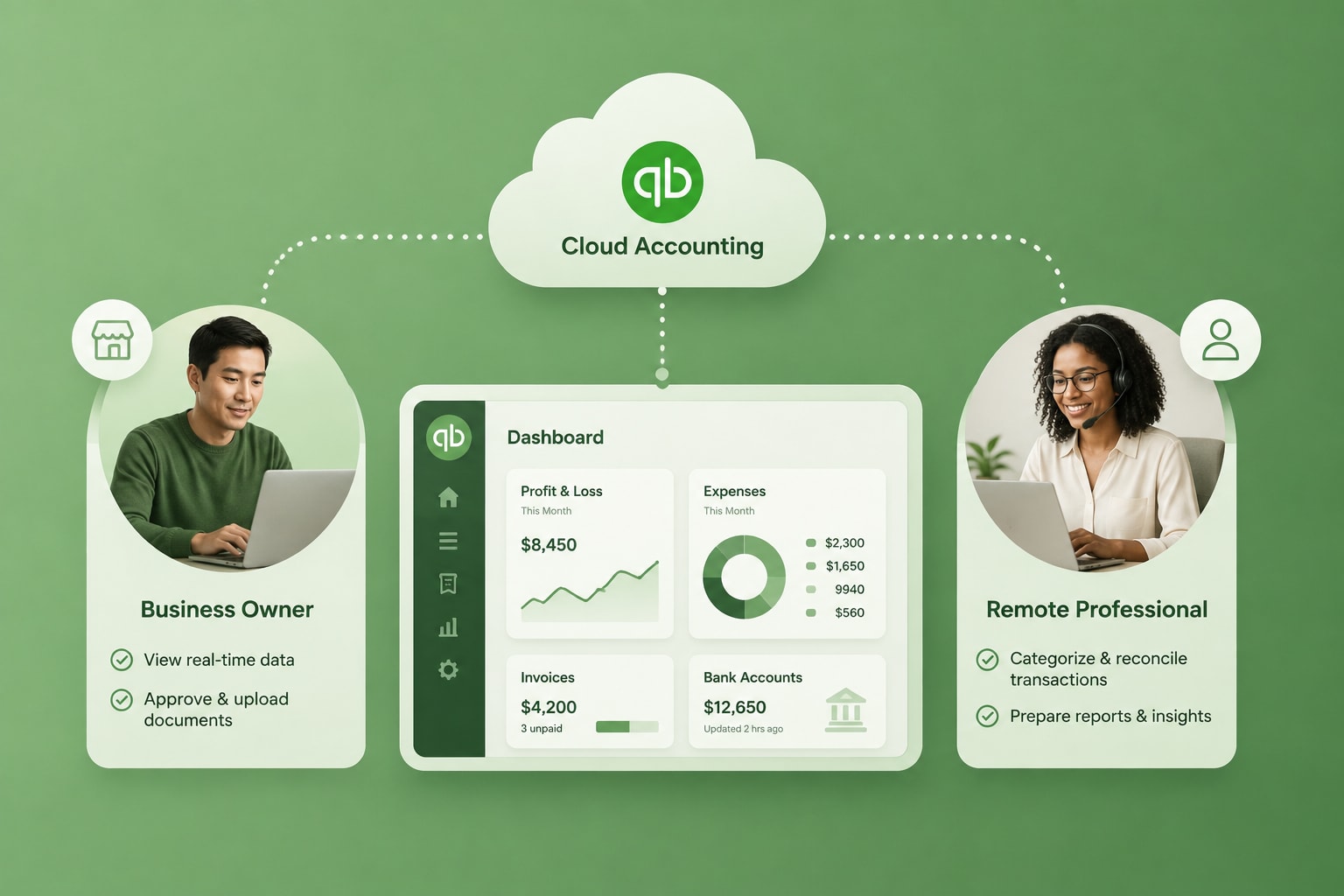
Setting up cloud accounting software with a remote professional takes an afternoon, and doing it in the right order prevents most of the problems that surface later. Work through these six steps before any transactions get categorized at volume.
Step 1: Pick the platform before you pick the person
QuickBooks Online and Xero are the platforms most remote bookkeeping professionals work in day to day, with Wave, FreshBooks, and Zoho Books appearing in narrower use cases.
Choose based on what your bank, payment processor, and ecommerce platform integrate with cleanly, then hire someone who works in that platform daily rather than learns it on your account.
There is no single correct answer here. Weigh your required integrations, reporting needs, payroll workflow, ease of collaboration, and the software your professional already supports.
Step 2: Invite them with accountant or advisor access
Never share your login. Both major platforms have a dedicated role for external professionals: in QuickBooks Online, open the gear icon, go to Manage Users, select the Accountants tab, and send an invitation. Xero uses an Advisor role in its user settings. The professional signs in with their own credentials, and you can revoke access instantly without changing any of your own passwords.
This role also unlocks the tools that make the work efficient, including bulk reclassification and clean reconciliation reversals. Adding someone as a standard user gives them the wrong permissions and creates friction in month one.
Step 3: Connect bank feeds and fix the chart of accounts
Link every business bank account, credit card, loan, payroll system, and payment processor so transactions flow in automatically. Then ask your professional to review the chart of accounts before anything is categorized at volume. A default or improvised chart of accounts is the most common source of reports that do not add up.
This is the point where a remote professional earns their setup fee. Typical setup work includes:
- Creating or restructuring the chart of accounts around how you actually report
- Connecting bank, card, payroll, and commerce integrations
- Importing opening balances and historical transactions
- Building rules for recurring transactions
- Establishing invoice and bill approval workflows
- Configuring user permissions and approval steps
- Reviewing the first reconciliation and the first set of reports with you
Step 4: Agree on a monthly close calendar
Set a fixed date each month by which the previous month is reconciled and reported. Write down what you will receive: a P&L, a balance sheet, a cash flow summary, and a short list of anything needing your input. A close calendar turns bookkeeping into a defined deliverable you can hold to a standard.
Step 5: Set access boundaries and review them quarterly
Give each person the narrowest access their work requires. Your bookkeeper needs the ledger, not necessarily payroll records containing personal data. Both QuickBooks Online and Xero keep a full audit trail of every action and who took it, so review access alongside your quarterly reports.
Step 6: Review the first month of automated categorization
Automation reduces repetitive data entry. It does not remove the need for judgment. Transfers between your own accounts, reimbursements, refunds, owner draws, loan repayments, and one-off purchases are the transactions rules get wrong, and a rule applied incorrectly repeats its mistake every month until someone notices.
Have your professional walk you through the first month of categorized transactions before the rules run unsupervised. Fifteen minutes of review in month one prevents a cleanup in month nine.
A simple monthly bookkeeping workflow
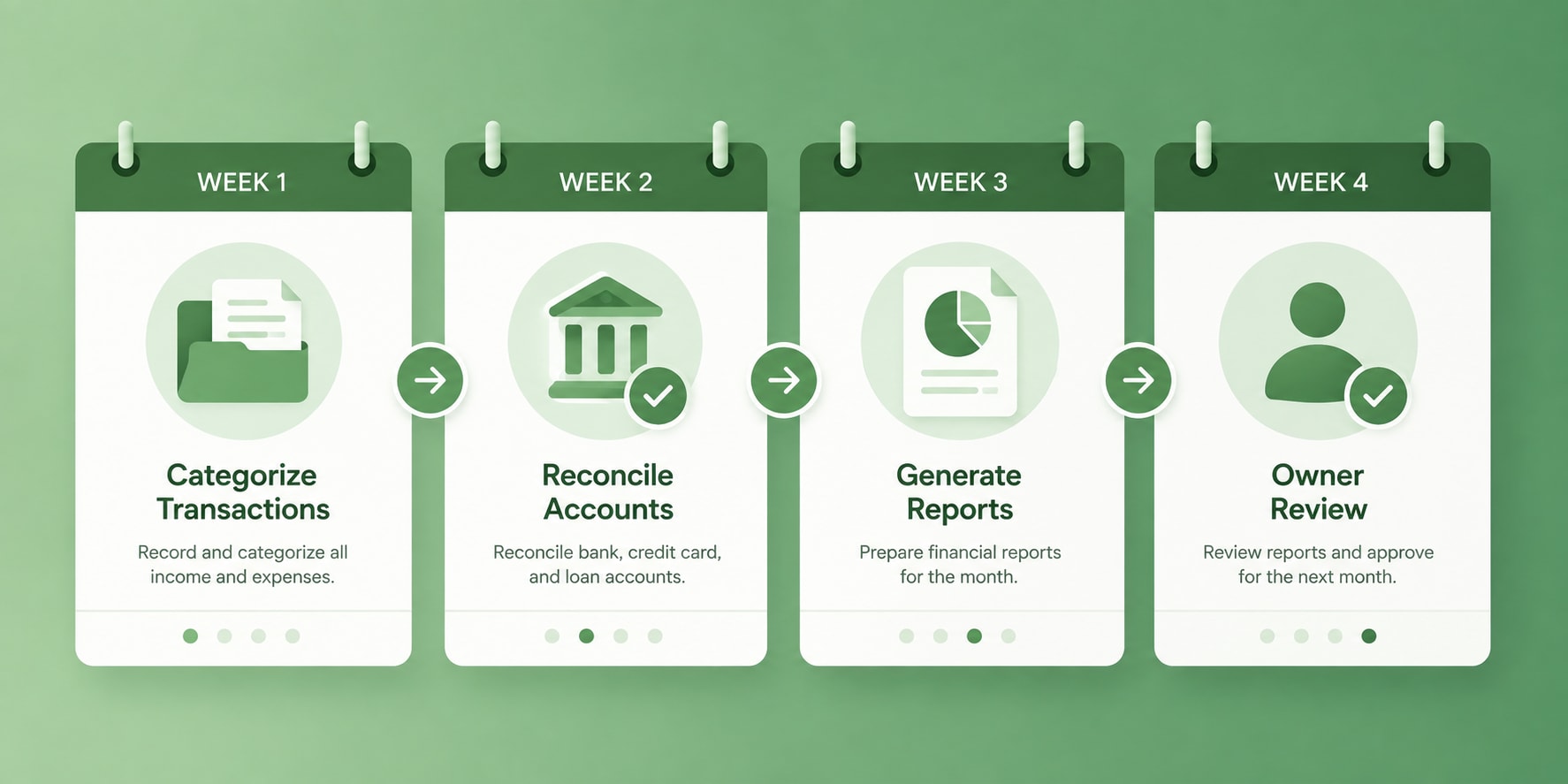
Once setup is done, most small businesses can run on a predictable four-week cycle. Adapt the pacing to your transaction volume, but keep the sequence.
- Week 1: Capture. Import and categorize transactions, chase missing receipts, and review open invoices and bills.
- Week 2: Reconcile. Match bank accounts, credit cards, payment processors, and loans against the ledger.
- Week 3: Report. Review the profit and loss statement, balance sheet, accounts receivable, and current cash position.
- Week 4: Discuss. Talk through unusual activity, upcoming obligations, overdue payments, and any decisions the numbers should inform.
A growing agency, online store, or consulting firm managing several revenue channels may need weekly reconciliation rather than monthly, particularly during a period of rapid change in spending.
The principle holds either way: capture, reconcile, report, then decide.
How monthly financial cleanup saves money at tax season
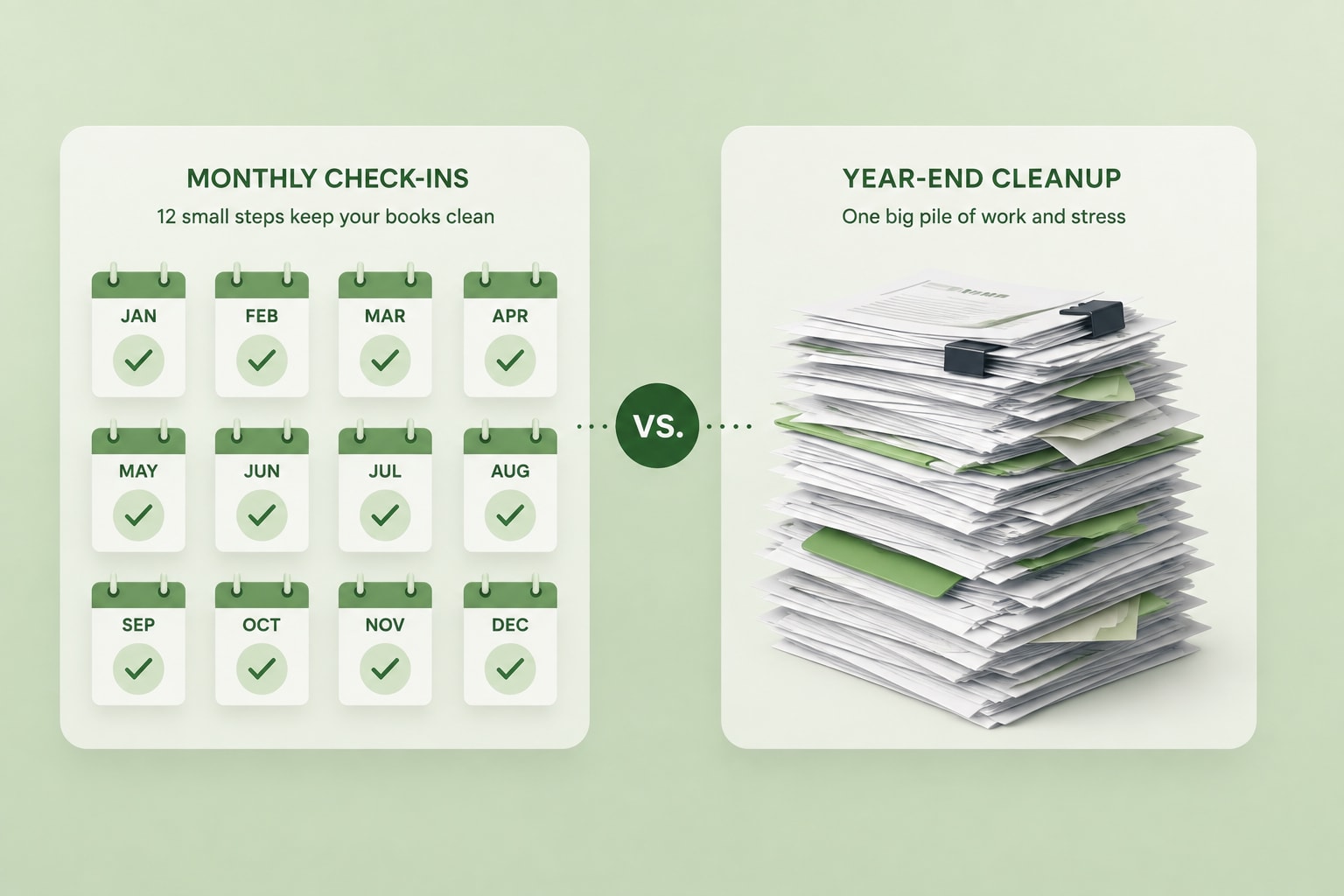
Monthly bookkeeping reduces tax season cost because catch-up work is priced as a separate project and delays everything downstream. A tax professional cannot start a return until the data is clean, so disorganized books mean paying a strategic hourly rate for work a bookkeeper would have handled in a routine monthly close.
The savings show up in four places:
- Cleanup fees avoided. Reconstructing a year of uncategorized transactions is its own engagement, separate from the return itself.
- Deductions captured. Expenses categorized in the month they occur are far more likely to be claimed than expenses reconstructed eleven months later.
- Estimated payments calibrated. Quarterly estimates based on current numbers reduce underpayment penalties and the cash drag of overpaying.
- Filing deadlines met without extensions. An extension delays the return, not the payment, which is a common and expensive misunderstanding.
Clean records also make it far easier to separate legitimate business expenses from personal spending. Keeping business and personal accounts distinct from the start is the simplest thing an owner can do for their own books, and it gives whoever prepares the return better information to work from.
It is worth being clear about where the line sits. A bookkeeper organizes and maintains the financial record. A qualified tax professional advises on tax treatment and prepares or reviews filings. The value of monthly cleanup is that the second person starts with a complete, reliable set of records instead of a reconstruction project.
There is a common assumption that bookkeeping demand spikes before filing deadlines. Fiverr's marketplace data points somewhere else. Tax consulting work does spike, running roughly three times higher at its March and April peak than at its summer trough, and it does so predictably every year. Bookkeeping moves on a different cycle: demand peaks in January, when owners resolve to start the year with clean books, then drifts down to its low point in late summer. The swing is real, but it is far shallower than the tax cycle and it lands two months before filing season rather than during it.
That distinction matters for how you plan. The pressure point for bookkeeping is January, not April, so waiting until tax season to deal with your records means arriving after the busiest month has already passed. There is no filing-deadline rush window to beat, and no reason to postpone a cleanup until the year-end scramble makes it urgent. The constraint on your books is your own start date, not the market's, and every month you wait adds another month of records someone will eventually have to reconstruct.
Find the right bookkeeping support for your business
Fiverr connects businesses with accounting and bookkeeping professionals across every major cloud platform, whether you need a one-time cleanup before filing, a recurring monthly close, or full financial management as the company grows. Engagements are scoped and priced upfront, so you can start with a single cleanup project and expand into ongoing support once the working relationship proves itself.
Compare professionals by relevant experience, certifications, software knowledge, reviews, and service scope, then open with a clear description of your records, your goals, and the support you need. The clearer the brief, the closer the first proposal will be to what you actually want.
Ready to hand off your books?
Find a bookkeeper who works in your cloud software.

FAQs
Outsourced bookkeeping is the practice of hiring an external professional to maintain some or all of a business's financial records. The scope usually includes transaction categorization, account reconciliation, invoice and bill tracking, monthly reporting, and periodic cleanup. The work is done remotely inside your own cloud accounting software rather than on a file you send back and forth.
Related Guides




About the author
Sagi HaimDirector of Business Economics
Sagi is the Economics Director within Fiverr's business department, where he connects top-down corporate strategy to bottom-up execution across the company's strategic plans. He owns success signal definition, learnings quality standards, and corporate KR tracking for initiatives spanning demand generation, fulfillment, and operational excellence, bringing deep expertise in causal inference and applied economics to Fiverr's biggest strategic questions.
